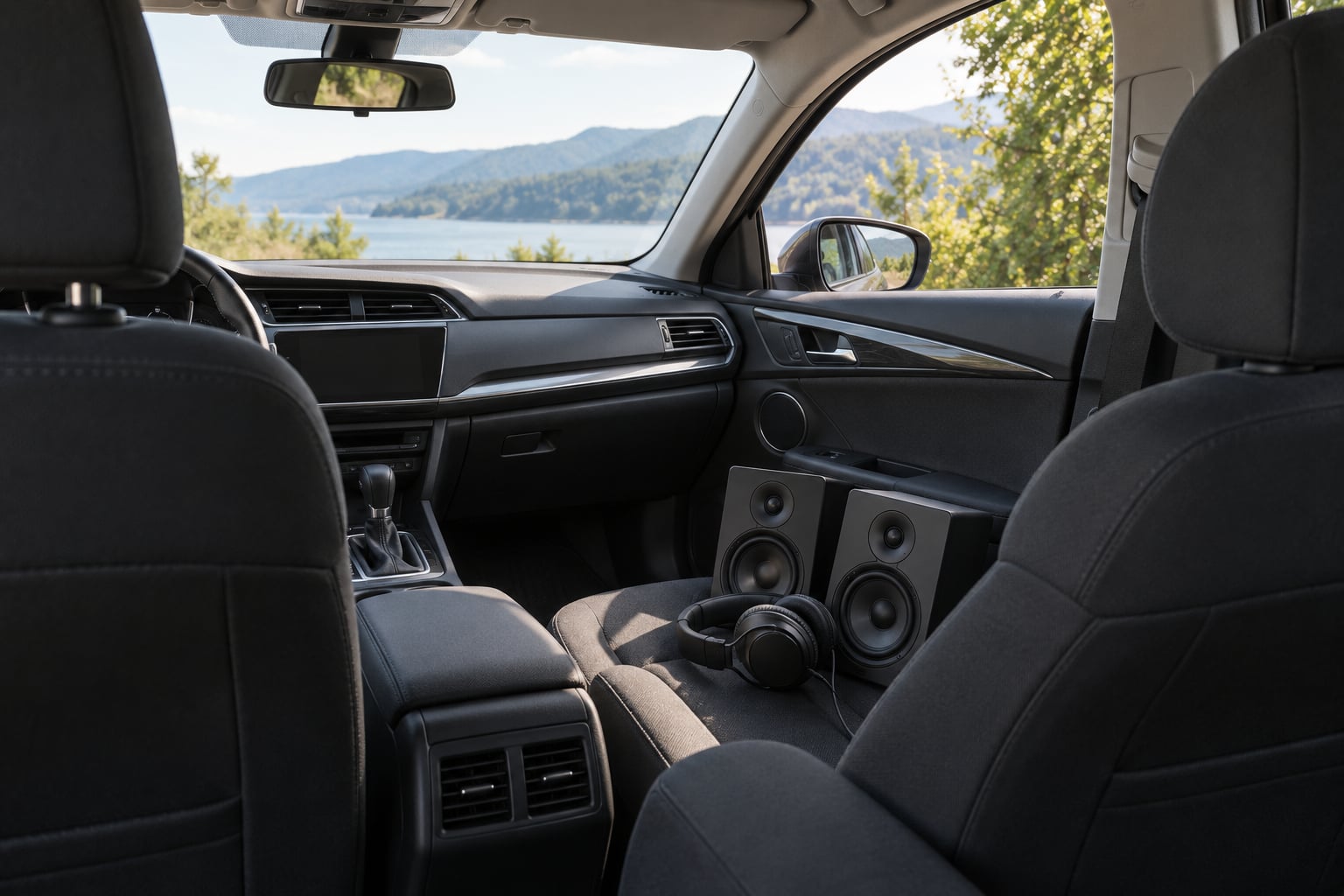
If you have ever wondered why does my mix sound bad in the car, the honest answer is short: a car is a small, hard, reflective box with an off-centre listener and a factory EQ bolted onto the end of the signal chain. That combination exaggerates low-end buildup, midrange harshness and anything that depends on stereo width or inter-channel phase, while a treated studio room or a pair of headphones quietly absorbs all three problems. The car is not a precise reference, but it is the reference most of your listeners actually own.
So when a mix falls apart on the road, that is usually not a failure of taste. It is a translation failure, and translation has a physics side you can diagnose. Everything below is ordered the way I would actually work through it: what the car does to your mix, which symptoms map to which cause, and what is worth changing before you send the file anywhere.
Table of Contents
- Why Does My Mix Sound Bad in the Car?
- How Car Listening Differs from Studio and Headphones
- What Problems Make a Mix Sound Worse in the Car?
- Why Does the Bass Sound Boomy or Muddy?
- How to Fix Vocals That Sound Harsh or Buried
- Why Does the Mix Lack Clarity and Impact?
- How Loudness and Playback Levels Change the Mix
- How to Test a Mix in the Car Without Fooling Yourself
- Which Mix Problems Should You Actually Change?
- Frequently Asked Questions
- Conclusion
Why Does My Mix Sound Bad in the Car?
A car exaggerates whatever your monitoring environment was hiding. The cabin reinforces low frequencies, returns early reflections off glass and seat surfaces, and puts your head off the centre line, so a mix balanced at your desk arrives at your ears in the car with a boomy bottom, forward mids and a lopsided image.
Six causes account for nearly every complaint I have seen on car checks:
- Cabin buildup. The small sealed volume reinforces low frequencies, and most factory systems add their own lift in roughly the 30 to 110 Hz band. Bass that felt controlled on monitors arrives fat and undefined.
- Factory EQ, not your mix. Head units are tuned to sound loud and clear against road noise, usually with a mid and high lift. Your neutral low-mids then get pushed under a bright, forward system.
- Off-centre listening. The driver sits well to one side, so stereo width collapses unevenly, panning skews and elements can seem to vanish or jump sides between tracks.
- Mono collapse and phase cancellation. If the car plays a track partly in mono, or a Bluetooth codec sums channels badly, anything relying on inter-channel phase or low-end width loses weight and sometimes inverts.
- A lossy signal path. Bluetooth encoding, an MP3 or streaming transcode, and loudness normalisation all dull transients and flatten dynamics before the sound ever reaches a speaker.
- Level bias. At driving volume, hearing flattens: deep bass and upper harmonics disappear while 1 to 4 kHz sticks out. The mix sounds worse partly because you are listening louder than you mix.
Long-time contributors on the Gearspace mastering forum describe exactly this: long-standing engineers car test every mix, catch sibilance and low-end problems their rooms smoothed over, then confirm the finding the next morning in the control room. That is the useful part of the car. It is a second opinion, not an oracle.
How Car Listening Differs from Studio and Headphones
Treating a car like a mixing room is the mistake that wastes weeks. The far more productive comparison is what each playback system reveals and what it politely hides.
| Playback system | What it reveals | What it hides |
|---|---|---|
| Car stereo (factory) | Low-end balance, mono compatibility, sibilance, level differences | Fine detail, real low-frequency extension, accurate stereo placement |
| Studio monitors, treated room | Tonal balance, dynamics, imaging, most mix errors | How the mix survives a small driver and a noisy environment |
| Headphones | Detail, isolation, low-frequency detail on good pairs | Room interactions, level-dependent ear bias, how small speakers cope |
| Phone speaker | Balance and vocal presence, nothing else | Every frequency below roughly 200 Hz |
| Earbuds | Balance, sibilance, imaging, low-end weight | Room interaction and true dynamics |
| Bluetooth speaker | Midrange clarity and mono compatibility | Anything below about 120 Hz |
Headphones are the mirror-image trap. They reveal detail and low frequency that no car system can reproduce, which is exactly how a mix ends up sounding thin and shrill everywhere except on the cans. In r/audioengineering the recurring beginner story is the same: consumer monitors such as the KRK Rokit 5 pairs, an untreated room, compensating with too much sub-bass and top end, and a result that fails on every system except the ones in the room.
One thing worth naming plainly: mixing on headphones is workable. Mixing on headphones in a room you have never measured, with no cross-check, is how translation problems survive all the way to release day.
What Problems Make a Mix Sound Worse in the Car?
Symptoms are easier to read once you know which part of the signal chain is bending them. Most car failures land in one of a handful of bands, so a quick frequency cheat sheet saves a lot of guessing.
| Band | What it does in a cabin | Common mix error |
|---|---|---|
| 20 to 60 Hz | Boundary loading amplifies what is there; tiny speakers reproduce almost none of it | Sub-bass notes placed only in the fundamental, so they disappear on small systems |
| 60 to 120 Hz | Typical factory bump sits around 30 to 110 Hz and blooms with closed windows | Overlapping kick and bass, plus extra low end added to compensate for an untreated room |
| 200 to 500 Hz | Seat, door and windscreen reflections add warmth and boxiness | Low-mid buildup, thick vocal chord mixes, congested guitars |
| 2 to 5 kHz | Head units lift mids and highs to cut through road noise | Over-compressed vocals, harsh guitars, aggressive presence EQ |
| 5 to 9 kHz | Coaxial drivers roll off, so the top end goes dull; sibilance peaks still stand out | Cymbals and air buried, vocal sibilance left untreated |
Beyond tonal problems, listeners report weak transients, smeared instruments that lose their attack on the move, and mixes that sound quieter or louder than commercial tracks with no obvious reason. Each of those has a different cause, so the next sections take them one at a time.
Why Does the Bass Sound Boomy or Muddy?
Boomy bass in a car is almost never a single fault. It is usually three things stacked: the cabin bumps, your mix is already heavy down there, and the small speaker cannot reproduce the part you thought was carrying the weight.
Start with buildup. Below roughly 200 Hz, a small sealed cabin behaves like a volume gain, and factory systems commonly add a lift in the 30 to 110 Hz region. If you also high-passed nothing, or pushed sub-bass up because your room felt dead, the two compound. Close the windows and listen again, because a closed cabin usually gets fatter, not tighter.
Next, check the sub-bass fundamental. A 40 Hz note played by a 6.5 inch door speaker is largely a feeling, not a pitch, so a mix that depends on that fundamental can read as thin or confusing on the road. Producers on forums point out that a subwoofer can resonate at that fundamental and again an octave up, which is why a B1 note sometimes seems to vanish or boom unpredictably. Adding controlled harmonic content with saturation gives those notes something the small driver can actually reproduce.
Then look at relationships and phase. Kick and bass fighting in the same few hertz reads as mud in every system and worse in a car, so high-pass your bass guitar and any mic bleed, then decide which of the two owns the low end. Try a polarity flip on one element and listen for more low-end clarity rather than more level. Finally, check mono: if the bass and kick lose weight when you sum to mono, something in the low band is cancelling, and the car may sum more aggressively than your monitors do.
How to Fix Vocals That Sound Harsh or Buried
A vocal that is balanced on monitors and abrasive in the car is usually sitting in the 2 to 5 kHz band the head unit is already boosting. The mix itself is often fine, but any excess there has nowhere to hide.
Work through it in this order:
- Find the buildup. Solo the vocal, put a spectrum analyser on it and look around 2 to 4 kHz for a narrow spike that the rest of the mix does not have. A notched dynamic EQ, gated to that band, fixes it without touching the rest of the range.
- Look at compression. Heavy compression on a bright vocal lifts average level into the harshness region and adds sibilance. Pulling ratio and release back often needs no EQ at all.
- Check your de-esser. Too much high-frequency reduction dulls the consonants and makes the singer sound lispy in the car. Use the lightest setting that controls the peaks, and automate it for held notes.
- Check the source. If sibilance is smeared into the recording, no amount of carving will make it translate. That is a take problem, not a mix problem.
For a buried lead, the fix is usually not volume. Automation that keeps the vocal in front during the loud sections, or carving a slot for it inside the guitars, survives translation better than pushing the fader and letting compression take over.
Why Does the Mix Lack Clarity and Impact?
Impact comes from contrast, not from brightness. When a mix sounds vague everywhere except in one frequency band, the problem is usually masking rather than EQ.
Masking happens when two instruments want the same space, and it gets worse on small speakers because those systems cannot separate parts by direction, only by frequency. The usual culprits are a guitar and a vocal fighting around 1 to 3 kHz, or a pad sitting on top of the lead. Carving space with sidechain ducking or dynamic EQ notches usually reads better on a phone speaker than any broadband boost.
Next, look at the arrangement. Dense instrumental layers that separate on near-field monitors often collapse into one block once the sub-bass goes. Cutting an instrument in half a bar, or removing one layer entirely in the chorus, restores more clarity than any EQ move.
Reverb is the other common culprit. A long tail across the whole low-mid range smears everything it touches, and a car with reflections makes that worse. Shortening the decay or high-passing the reverb return below roughly 300 Hz restores separation instantly. Finally, check transient contrast. Compression applied across the master bus glues the mix together; letting the kick and snare keep their attack makes the track punch through road noise and tyre roar.
How Loudness and Playback Levels Change the Mix
Part of the car problem is that you are listening much louder than you mixed. At high levels, hearing shifts: low frequencies and upper harmonics seem to recede, and the 1 to 4 kHz range dominates. Mixes judged at that level get harsh and thin, which is why a car check should never be done at full volume.
The other half is loudness normalisation. Streaming services and some Bluetooth receivers level tracks toward a target loudness, so a quiet master can be pushed up until it distorts, while a loud master gets pulled down. Either way you are judging a version of your mix that nobody will hear. Compare loudness against a reference track instead of chasing a number on a meter, and mix with headroom so the master bus is not doing level recovery for you.
What never works is raising the master bus to make a mix feel more powerful. That only hides the balance problem until the limiter starts pumping. On the Gearspace forums the pumping complaints almost always trace back to one element being too loud relative to the rest, which drags the whole mix down when the limiter clamps.
How to Test a Mix in the Car Without Fooling Yourself
Use the same routine every time, so you compare facts rather than moods.
- Level-match against a reference track. Put on a commercial track you trust in the same genre and match its loudness to yours. Judging an unleveled A and B tells you about levels, not about balance.
- Do a mono check. Sum the full mix to mono, then check the low band on its own. If weight disappears or the centre hollows out, you have a phase problem to fix.
- Play it quiet. At roughly half your normal volume, the balance should still make sense. That is the level most people on phones and earbuds use.
- Play it loud once. Turn it up to driving level for one pass only, listening for harshness and lost impact rather than making notes.
- Cut, do not cut-and-boost. Fix problems with dynamic EQ notches on the offending band. Boosts add level, and level is what the cabin is already inflating.
- Sweep more than the car. Check the phone speaker, laptop, earbuds and a Bluetooth speaker. In practice the phone is the second most revealing system after the car.
One extra test worth doing: record about 30 seconds of road rumble with a handheld recorder and blend it under the mix at a realistic level. It is a quick imitation of the noise floor your listener actually fights, and it exposes vocal and instrument masking that a quiet room never will. Do it as a passenger, obviously.
Use a wired connection where you can. A 3.5 mm cable or USB beats Bluetooth for judging a mix, because you remove the codec from the equation.
Which Mix Problems Should You Actually Change?
Not everything you hear in the car is a mistake. The cabin colours the signal no matter what you do, and a mix written to fight that colour will fall apart on headphones and decent speakers.
Change the mix when the fault is measurable or repeatable: a genuine balance problem where a vocal sits under the guitars, low-end buildup your level-matched reference comparison confirms, a mono check that collapses, sibilance that is clearly worse in the car than on monitors, or loudness that differs from commercial tracks at matched levels. Long-time engineers treat the car as excellent at catching sibilance, artefacts and low-end problems, which is why it is worth the drive.
Leave the mix alone when the problem only appears on one modified or heavily boosted system. A boutique car install with scooped subwoofers and aggressive DSP is not a reference, and clients with a bass-boost toggle left on will ask for revisions that damage the mix. This is the cleanest rule I know: the car is valid for mix balance decisions and useless for mastering decisions, because the cabin shape and reflections mask exactly the things mastering changes.
Why does my mix sound bad in the car but sound fine on my monitors?
Usually one of three things. The cabin is boosting the band where your mix is already loose, the factory head unit is adding mid and high lift your mix never had, or your monitoring level and room were flattering the balance in ways the car cannot reproduce. Rule out the hardware and the signal path first, then judge the mix against a level-matched reference rather than against your memory of how it sounded at your desk.
If the car is quiet, thin or dull on specific tracks rather than all of them, stop blaming the mix and check the car. A loose connector, a popped tweeter, a failed door speaker or an EQ preset left on the head unit will do exactly that. So will a blown fuse taking one channel, which makes panning feel broken.
Frequently Asked Questions
Should I equalize my mix for a specific car?
No. You would be tuning one mix to one acoustic problem, and it would fail on every other system including headphones and phone speakers. Fix the underlying fault instead: low-end buildup around 30 to 110 Hz, harshness between 2 and 5 kHz, or a masking problem between instruments. Those fixes are correct everywhere. If your music is aimed at one specific audience and one specific car platform, a light check is still useful, but treat it as a listening test rather than a mix decision.
Why does my mix sound better on headphones but bad in the car?
Headphones give you detail and isolation the cabin cannot, and they hide how a mix behaves on a single small driver in a noisy room. The usual culprits are a sub-bass note that only exists in its fundamental, vocals sitting too far forward in the 2 to 5 kHz range, and transients softened by bus compression. Check the mix in mono, at half volume, and on a phone speaker before you change anything.
Does road noise mean my mix is bad?
Not necessarily. Road noise acts as a masking noise floor that covers roughly the low mids and lows, so a mix relying entirely on energy in that range can be hard to follow simply because of where you are sitting. That is a listening condition rather than a mix error. The useful move is to test it: record 30 seconds of road rumble with a handheld recorder and blend it under the mix, then judge whether the lead and the key elements still cut through.
Should I remove bass from a mix that sounds better in a car?
Usually you want to tighten it, not delete it. What reads as better in a car is often a mix with less overlap between kick and bass, correct polarity and no buildup below 200 Hz. Removing all the low end solves one playback and ruins a club system, an earbud check and the low end on a decent pair of monitors. High-pass stray mic bleed, give each element its own space, and add harmonic content so small speakers can reproduce the notes.
How loud should I export a mix for playing in a car?
Leave enough headroom that no limiter is doing level recovery, and judge loudness against a reference track you trust in the same genre rather than against a meter target. Streams and some Bluetooth receivers normalise playback level, so an unleveled A and B comparison is meaningless. Export with peak headroom, then compare your mix and the reference at matched loudness on the same system before you decide anything needs changing.
Conclusion
Most of the reason why does my mix sound bad in the car comes down to one habit: compare the same track at matched loudness on headphones, monitors, a phone speaker and the car, then change the first thing that is measurably wrong. Level-match a reference track, run the mono check, sweep the devices, and fix buildup and masking with notches rather than broad boosts. Ignore the cabin colour itself, ignore boosted or modified systems, and keep the car out of your mastering decisions entirely.