A stem is a grouped audio file, and labeling stems correctly comes down to one formula: a two-digit track number, a plain-language instrument name, an optional variant or version suffix, and the same extension. Get that right and an engineer can import your folder, sort by name, and know what every file is without opening a single one.
Everything here is about audio stems in music production, the grouped files you export from a session, not plant stems, grammar stems or bicycle handlebars.
I have watched enough sessions get delivered as Audio 1.wav, Audio 1_2.wav and bv copy FINAL_v3.wav to know what that costs. Engineers rename the whole set before they touch a fader, and that is billable time. Get the names right and the handoff is instant.
Below is the full workflow: the formula, the prefix taxonomy, the character rules nobody bothers to explain, folder structure, per-DAW export steps, and a pre-send checklist. You need about 15 minutes per song once the system is in place.
Table of Contents
- What You Need to Label Stems Correctly
- Step-by-Step
- Step 1: Choose a Simple Naming Formula
- Step 2: Name Each Stem by Its Actual Part
- Step 3: Add Version and Revision Details
- Step 4: Use Consistent Formatting and Separators
- Step 5: Organize the Export Folder
- Step 6: Check the Stems Before Delivery
- Common Mistakes
- How to Label Stems Correctly for Collaboration
- Frequently Asked Questions
- Conclusion
What You Need to Label Stems Correctly
Naming is a small job, but it depends on decisions you have to make once and write down. Gather these before you export anything.
- Session details: song title, artist, version tag, BPM, key signature, sample rate, bit depth, file format, and the exact bar or timecode the stems start from.
- A written naming formula: one line on paper or in a text file inside the project folder, identical for every song you deliver.
- Track numbers: decide the order once (drums, bass, music, lead vocal, backing vocals, FX) and reuse it forever.
- A naming tool: a spreadsheet for planning, or your DAW’s name field. Some people use a bulk rename utility for the final pass.
- A text editor: for the README file that goes in the delivery folder.
- A clean export folder: one folder per song, created before the render, not after.
One more thing to settle early: whether stems are printed wet, dry, or both. Producers in r/mixingmastering generally send dry, un-panned sources so the mixer can place everything, but tuned and sound-designed parts are often better printed with effects. Decide per part and label the choice so the engineer knows you did it on purpose.
Step-by-Step
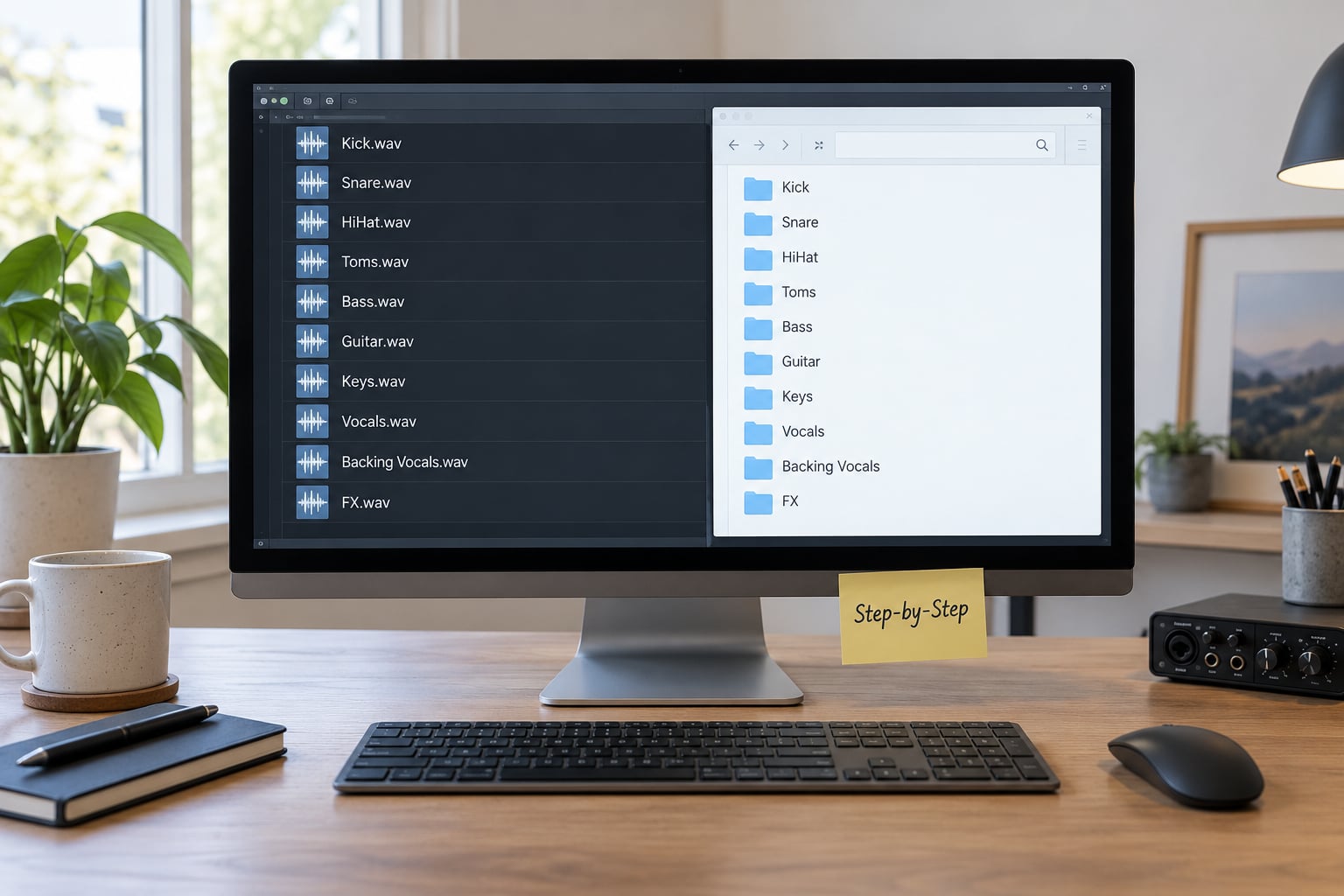
Step 1: Choose a Simple Naming Formula
Use the same field order every time: number, instrument, variant, take, version. Something like [NN_]SongTitle_Instrument[_variant][_takeX][_vN].wav. The order must stay stable, because engineers sort by name and learn your system after the first delivery.
Here is a complete, copy-pasteable set from a fictional song called Slow Static:
SlowStatic_120BPM_Am_48k24/
01_Kick.wav
02_Snare.wav
03_Hats_Perc.wav
04_DrumBus_Group.wav
10_Bass_Group.wav
20_GuitarRhythm.wav
21_SynthPad.wav
22_Keys_Group.wav
30_LeadVox_Dry.wav
31_LeadVox_Tuned.wav
40_BackingVox_Stack.wav
50_ReverbReturn.wav
60_Click.wav
ReferenceMix_SlowStatic_120BPM_Am.wav
README.txt
Numbering is the part people get wrong. Use zero-padded two-digit numbers so 01_Snare sorts ahead of 10_Bass instead of alphabetically scrambling your track order. Leave gaps in the ranges (01-04, then 10, then 20) so you can add a stem later without renaming the whole set.
Step 2: Name Each Stem by Its Actual Part
A stem is a group, not a track. Before you name anything, be honest about what each file contains, because a vocalist who exports individual tracks and calls them stems will confuse the engineer who receives them.
| File | What it contains | Best used for |
|---|---|---|
| Stem | A stereo or grouped submix, such as all drums or all backing vocals, usually with its own mix decisions printed in | Remixing, sync, live sets, general mix handoff |
| Multitrack | One file per source, dry and unprocessed where possible | Full rebuilds, detailed mix work |
| Final mix | The finished stereo master with everything summed | Reference, mastering, QC against your stems |
Now map number ranges to instrument families. Fixing the ranges once is the fastest way to make a delivery look professional.
| Range | Instrument family | Example |
|---|---|---|
| 00-09 | Drums and percussion | 01_Kick.wav, 03_Hats_Perc.wav |
| 10-19 | Bass | 10_Bass_Group.wav, 11_Bass_SC_Dry.wav |
| 20-29 | Music: guitars, keys, pads, strings | 21_SynthPad.wav, 22_Keys_Group.wav |
| 30-39 | Lead vocal | 30_LeadVox_Dry.wav, 31_LeadVox_Tuned.wav |
| 40-49 | Backing vocals and harmonies | 40_BackingVox_Stack.wav |
| 50-59 | FX and returns | 50_ReverbReturn.wav |
| 60+ | Prints, aux, click, reference | 60_Click.wav |
Test every name with one question: could a stranger understand it without opening the session? If a name only makes sense to you, it needs rewriting.
Step 3: Add Version and Revision Details
Versions go at the end, after the instrument name, and they increment rather than compete: _v1, _v2, _v3_REVISED. Never FINAL, FINAL_final or mix-new, which are the three names that show up most often in horror stories from r/audioengineering and r/WeAreTheMusicMakers.
Dry, wet and sidechain variants need their own suffix so nobody has to guess which file is the keeper.
| Suffix | What is in the file | When to send it |
|---|---|---|
| _Dry | No effects, no sends, no print | Default choice for bass and lead vocal |
| _Wet | Effects and automation printed, bus processing included | Tuned or heavily designed parts the engineer should not rebuild |
| _FX | Only the return or effect tail, stem without its source | When the engineer must keep the sound but move it |
| _SC_Dry | No sidechain keying applied | EDM and pop, paired with the sidechained version |
| _SC_ | Sidechain compression printed, audible ducking | Pump that must survive the mix |
For multiple takes, use _takeA and _takeB, and state the keeper in the README rather than renaming the file _takeB_KEEPER. A sentence beats a filename here.
Keep every version in its own folder, not in one folder with mixed suffixes. SlowStatic_v1/ and SlowStatic_v2/ can never be confused; LeadVox_v1.wav sitting next to LeadVox_v2.wav absolutely can.
Step 4: Use Consistent Formatting and Separators
Formatting is where most deliveries fail. Underscores instead of spaces, lowercase or title case but never both, and characters that survive every operating system and every DAW on the receiving end.
| Character or format | Verdict | What happens |
|---|---|---|
| Spaces | Avoid | Break in shell commands, FTP transfers and some DAW import dialogs |
| Slashes / | Never | Treated as folder separators; the file vanishes from the delivery |
| Brackets, commas, colons, semicolons | Avoid | Stripped or rejected by ZIP extraction, FTP servers and ADM pipelines |
| Accented or non-Latin characters | Avoid | Garbled on Windows systems with a legacy code page |
| Trailing periods | Never | Silently removed on Windows, so the name no longer matches the README |
| Emoji | Never | Breaks ZIP, FTP and some broadcast QC tools |
| Underscores, hyphens, two-digit numbers | Safe | Sort predictably everywhere |
Two conventions compete in the wild, and mixing them is worse than picking either one. Choose a side and stay there.
| Convention | Example | Strength | Weakness |
|---|---|---|---|
| Numbered underscore prefix | 30_LeadVox_Dry.wav | Sorts into exact mix order; fastest for an engineer importing into a session | Song identity lives in the folder, not the file |
| Song, BPM, key, instrument | SlowStatic_120BPM_Am_LeadVox.wav | Self-describing if files get separated or emailed one at a time | Sorts alphabetically, so track order is lost |
My rule: numbered prefixes for delivery to an engineer, the descriptive style for anything that might get separated from its folder. If you want both, put the numbered set inside the named folder and stop there.
Here is the before and after, drawn from names producers actually send.
| What arrives | What it should be | Why it matters |
|---|---|---|
| Audio 1.wav | 01_Kick.wav | Tells the engineer nothing about the part or its place |
| Audio 1_2.wav | 02_Snare.wav | Automatic export naming, never edited |
| bv copy FINAL_v3.wav | 40_BackingVox_Stack_v3.wav | Backing vocal, version 3, no duplicate left behind |
| Untitled 3.wav | 31_LeadVox_Tuned.wav | The single most frustrating filename engineers describe |
| new mix(2).wav | SlowStatic_v2/ReferenceMix.wav | Version, project and file role all readable |
Where should the name actually live? Three places exist, and engineers read the filename first. Track and clip names inside your DAW matter for your own sanity, and embedded BWF metadata matters for broadcast and film pipelines that ignore filenames entirely. Set the filename properly regardless, since it is the one every receiving tool reads.
Step 5: Organize the Export Folder
One folder per song, named so the technical details are visible before anything is opened.
SlowStatic_120BPM_Am_48k24_v1/
  Stems/
    01_Kick.wav
    02_Snare.wav
    03_Hats_Perc.wav
    04_DrumBus_Group.wav
    10_Bass_Group.wav
    20_GuitarRhythm.wav
    21_SynthPad.wav
    22_Keys_Group.wav
    30_LeadVox_Dry.wav
    31_LeadVox_Tuned.wav
    40_BackingVox_Stack.wav
    50_ReverbReturn.wav
  Reference/
    ReferenceMix_SlowStatic_120BPM_Am.wav
  Guides/
    Click_120BPM.wav
    TempoMap_120BPM.mid
  Docs/
    README.txt
    Lyrics.txt
  Stems_SlowStatic_v1.zip
Advice in r/mixing threads is to push the sample rate, bit depth, BPM and stem count into the folder name itself, which is what the top line does. A mastering engineer can reject or accept the package before opening a single file.
The README is where the naming system earns its keep. Paste this template and fill it in:
SONG:      Slow Static
ARTIST:    [name]
VERSION:   v1
BPM:       120
KEY:       A minor
FORMAT:    WAV 24-bit, 48 kHz, no dither
START:     bar 1 (0:00.000), all stems identical length
HEADROOM:  peaks between -3 and -6 dBFS, no normalization
STEMS:     12 files, numbered 01-50, no limiter or glue printed
VARIANTS:  30 is dry lead, 31 is tuned and printed wet
TAKES:     takeA of the bridge vocal is the keeper
CONTACT:   [email]
NOTES:     tempo lifts 2 BPM in the final chorus
Now the export itself. Menu names shift between versions, so check your own build, but the logic is identical.
- Ableton Live: name the audio tracks or groups first, then File > Export Audio. Choose Selected Tracks or All Tracks, set the naming pattern so it reads track name plus index, and export to a new dedicated folder.
- Logic Pro: name the track stacks, then File > Bounce > Multiple Bounce. Add each stack to the bounce list, choose WAV 24-bit, and set Files to create subfolders per track stack so nothing overwrites.
- FL Studio: set up the mixer track names first, then File > Export > Render to File. Select the tracks, choose WAV 24-bit, and use the filename pattern field to append the track name rather than a counter.
- Pro Tools: build a stems playlist from the session, then File > Bounce to Disk with the QuickBounce Mix window, checking that Clip Name is included in the filename.
- GarageBand: name the tracks, use Share > Export Song to Disk with Individual Tracks selected, and rename the exported folder before zipping, because GarageBand numbers files for you.
ZIP the package rather than mailing loose files. One stem per email, or a transfer link that expires before the engineer opens it, are the two delivery habits that create the most confusion.
Step 6: Check the Stems Before Delivery
Run the unison sum test. Create a blank session, import every stem starting at 0:00, set all faders to unity, and play against your reference mix. If the sum does not match, the problem is a printed effect, a bus feeding a bus, or automation that did not export.
Then run this checklist:
- Every stem starts at the same sample and ends at the same sample as the reference mix.
- Sample rate and bit depth match across the whole set, and match what the engineer asked for.
- Lossless WAV or AIFF throughout, never MP3 or AAC as a mix source.
- Peaks sit below 0 dBFS with headroom, and nothing was normalized.
- No master bus limiting or glue compression printed onto every stem.
- Track numbers run in mix order and match the README.
- Every filename describes what is actually inside the file.
- Dry, wet and sidechain variants are labeled, and the keeper is stated.
- Version suffix is present and the previous version sits in its own folder.
- Folder name carries song, BPM, key, sample rate and stem count.
- README, tempo map, click and reference mix are all present.
- You opened the ZIP in a fresh folder on another machine before sending it.
Common Mistakes
- Vague names. Fix: describe the part, not your workflow. 30_LeadVox_Dry.wav beats Audio 3.wav.
- Inconsistent capitalization. Fix: pick lowercase or title case and never mix them in one folder. Sorting breaks when it flips.
- No version number. Fix: append _v1 and increment. An engineer cannot tell which of five deliveries is current.
- Duplicate files. Fix: delete bv copy and (1) leftovers before zipping. They will be loaded twice.
- Misleading instrument labels. Fix: a file called Drums that also contains bass is a stem, not a drum track. Name it what it is.
- Stems trimmed to the active region only. Fix: render from bar 1 with the full arrangement so the engineer can drop them into any timeline position.
- Master bus processing printed in. Fix: bypass limiter and glue, then re-check the unison sum.
- Session files instead of audio. Fix: a project from another DAW arrives with missing plugins and no presets. Send audio.
How to Label Stems Correctly for Collaboration
The formula stays the same, the emphasis changes.
- Mixing engineers: numbered prefixes, both dry and wet where the choice matters, reference mix included, README with BPM, key, sample rate and bit depth.
- Mastering engineers: premasters only, labeled as premasters, never as stems. Include the sample rate and bit depth in the filename itself.
- Remote musicians: add a project reference and a date, such as PRJ-014_SlowStatic_Gtr_2026-10-03_takeB.wav, so two takes three weeks apart never collide.
- Remixers: the descriptive convention wins, because remix stems get separated from their folder. Include BPM, key, and the bar count at the end.
- Sync, film and OTT: follow the delivery spec exactly, not your own system. Streamer conventions use programme ID, version, stem type, format and reel, with stem types labeled DX, FX, MX and M&E. Automated QC rejects deviations before a human ever sees the files.
- DJ and live sets: four to six stems that line up perfectly, named for the rig, for example 01_Drums_124.wav through 06_FX_124.wav, with the tempo in every filename.
- Remix packs and stem marketplaces: keep the ISRC and rights details in a separate metadata document rather than the filenames, and never use AI stem separation on material you do not own.
Producers have mixed feelings about stem separators, mostly because the vocal edges sound watery and cymbal bleed smears transients, and there is a copyright question on top of it. If you do use one, label the result honestly, because nobody can hear the difference between a separated stem and a real one.
Frequently Asked Questions
What are stems in audio production?
A stem is a grouped audio file that gathers related tracks into one usable part, usually stereo and usually with its own mix decisions printed in. Typical groups are drums, bass, music, lead vocal and backing vocals. A stem is not the same as a multitrack, which is one dry file per source, and not the same as a final mix, which is everything summed together.
Should stems be WAV or MP3?
WAV, always, and AIFF is fine too. MP3 is lossy, so the engineer is mixing artifacts they did not create, and low bit rates can dull cymbals and smear vocal transients. Use lossless PCM WAV at 24-bit, and match the sample rate the engineer requested, usually 48 kHz for video work and 44.1 kHz for music-only releases. Never dither stems.
How should music files be named?
Number them, describe the part, and keep the order identical every time. A working pattern is two digits, then the instrument, then any variant or version: 01_Kick.wav, 30_LeadVox_Dry.wav, 31_LeadVox_Tuned_v2.wav. Use underscores instead of spaces, zero-pad the numbers so files sort in order, and never use slashes, brackets, commas or accented characters.
Should I put BPM and key in stem filenames?
Put them in the folder name and the README rather than in every filename. Filenames get long fast, and the number that matters most is the track number. A folder called SlowStatic_120BPM_Am_48k24_v1 tells an engineer the tempo, key, sample rate and version before opening anything, which is enough to decide whether the package is usable.
Why do mixing engineers rename my stems?
Because unlabeled files force guesswork that they would normally charge for. Names like Audio 1.wav, Untitled 3.wav or bv copy FINAL_v3.wav do not identify a part, a version or a variant, so the engineer rebuilds the whole set before starting. Consistent numbered names, a clean folder and a README eliminate that step and let the mixing begin immediately.
Conclusion
Do three things before the next delivery. Write your naming formula on one line and put it in the project folder, so every song uses the same field order. Label while you export, not after, when the track numbers are still obvious. Then open the finished ZIP in a fresh folder on another machine and play it against your reference mix.
Number the stems, name the part, mark the variant, version the folder. That is the whole job, and it is the difference between an engineer starting work and an engineer starting a renaming job.