Loudness normalization is how streaming services adjust a track’s overall level with a single gain change, up or down, so every song plays at roughly the same perceived loudness. Most music services aim for a target near -14 LUFS, measured on a K-weighted, gated scale designed to mimic human hearing.
You have probably noticed the effect without knowing its name. A track that felt huge in your DAW comes out of the speakers at a noticeably lower level, then the next song in the playlist jumps back up. That is the platform doing exactly what it promises.
It is a leveling tool, not a quality tool. Understanding what it does and, just as importantly, what it does not do is the difference between mastering for a streaming audience and fighting a system that no longer rewards raw volume.
Table of Contents
- How Does Loudness Normalization on Streaming Work?
- Why Do Streaming Platforms Normalize Music?
- Does Loudness Normalization Ruin a Song’s Dynamic Range?
- How Does Normalization Differ Between Spotify, Apple Music, YouTube, and Tidal?
- Should Artists Master for Loudness Normalization?
- How to Check Your Release’s Loudness and Playback
- Frequently Asked Questions
- Conclusion: Start with a Consistent, Controlled Master
How Does Loudness Normalization on Streaming Work?
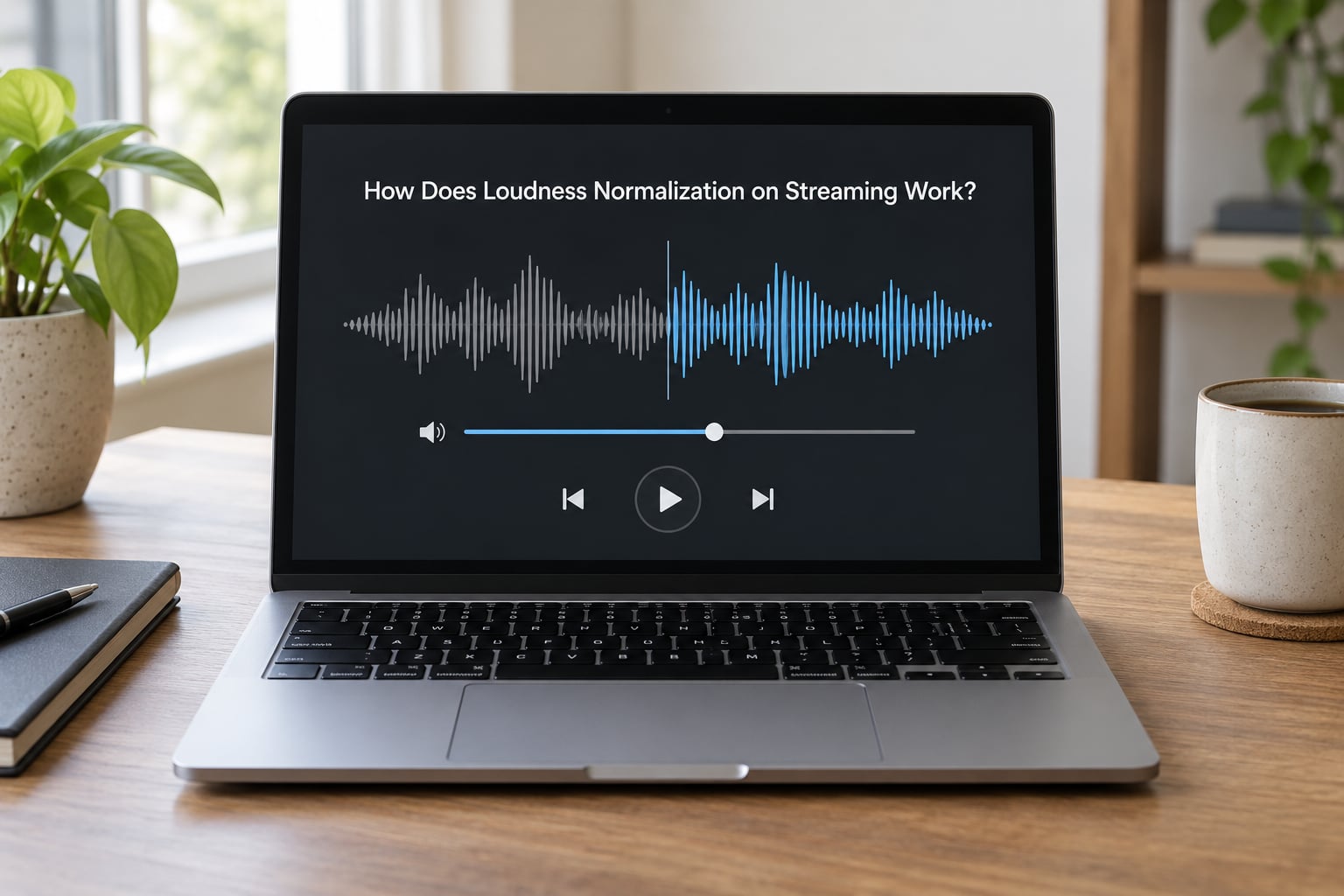
The process is simpler than the terminology suggests, and it is worth understanding because most confusion about normalization comes from imagining it does more than it does.
- Measure. The platform analyses the delivered audio and computes its integrated loudness, reported in LUFS. The measurement follows the ITU-R BS.1770 method, which K-weights the signal so high and low frequencies are weighted the way human hearing weights them.
- Compare. That reading is measured against the service’s own target. For most music streaming, the reference is around -14 LUFS integrated.
- Apply one gain offset. The whole file is scaled by a single number. Nothing is compressed, equalized or re-balanced; every sample moves by the same amount of decibels.
- Check headroom. A quieter master can be raised only so far before peaks risk clipping on the listener’s side, so there is a ceiling on how much any platform will turn a track up.
- Encode. The adjusted audio is transcoded, usually to AAC or Opus, and served at the new level.
Because the offset is uniform, your mix decisions survive intact. A vocal that sits forward still sits forward, and a snare that hits hard still hits hard. The volume changes; the music does not get processed.
A quick test tells you whether a problem is level-related. If the track sounds right in a car, a club and on earbuds at the same knob position, normalization is not your problem. If it sounds thin in one place and harsh in another, no amount of gain adjustment will fix it.
Why Do Streaming Platforms Normalize Music?
They normalize because listeners are inconsistent, and one badly loud album ruins a playlist.
The listener case is straightforward. Without normalization, a heavily limited modern master can be several decibels hotter than a well-mastered jazz record, and the volume control becomes a workout on any long session. Normalization means the listener sets volume once.
The catalog case is worse. Streaming services hold decades of masters made under different rules, and older records were often mixed deliberately quiet to leave headroom on vinyl. Played at face value, a 1970s album and a 2019 trap record cannot share a playlist at a reasonable volume.
Then there is the platform business case. Ad-supported tiers play music alongside advertising, and predictable levels reduce the risk of a listener reaching for the volume control during a spot. Support tickets about relative loudness cost time, and normalization removes a whole category of complaint.
All of this is why the feature is usually a setting rather than a rule. Spotify exposes it as Normalize volumes under Playback in its settings, Apple Music calls its version Sound Check, and several Android and Samsung devices have their own separate toggle at the OS level. On r/deezer, users who switched a setting on noticed their levels finally matched Spotify, which is good evidence that the per-app control is doing the work rather than any property of the track itself.
What normalization will not do is raise a quiet recording into a competitive one. The ceiling on how far a track can be turned up is real, which is why genuinely quiet masters often stay quiet.
What Is LUFS, and How Does It Relate to Streaming?
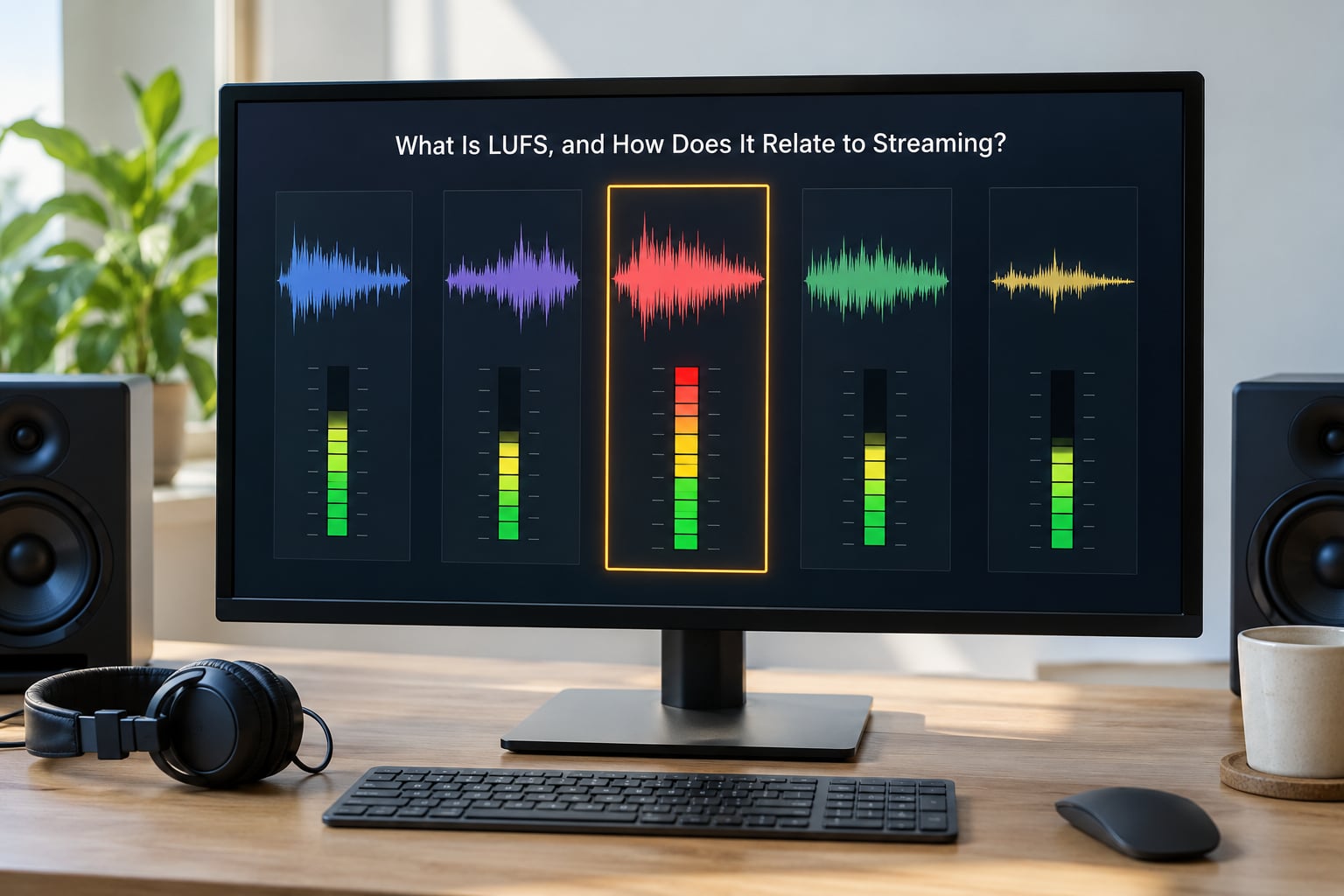
LUFS stands for Loudness Units Full Scale, and it is a measure of perceived loudness rather than raw signal level. The same acronym is often written LKFS, and the two are numerically equivalent.
The difference from dBFS matters. A dBFS meter shows the highest instantaneous sample value in the file, which says nothing useful about how loud a track feels. A 1 kHz sine wave at 0 dBFS, the digital maximum, measures about -3.01 LKFS under BS.1770. A dense modern master can sit at the same peak and read many LUFS higher because it holds far more sustained energy.
That is the whole point. Two tracks can both peak near 0 dBFS and still differ by eight decibels of perceived loudness, and only the LUFS reading tells you which one is which.
Three readings show up in most meters:
- Integrated loudness covers the entire programme and is the number platforms use for the target.
- Short-term loudness reads a rolling three-second window and shows how consistent a mix is moment to moment.
- Momentary loudness reads a 400 ms window and behaves like a fast meter.
The reference level comes from broadcast. EBU R 128 established a target of -23 LUFS with a permitted deviation of plus or minus 0.5 LU, later tightened, and streaming borrowed the measurement while landing on a louder practical target of roughly -14 LUFS for music. Podcast delivery runs quieter still, around -16 LUFS, which is one reason spoken-word and music in the same app do not sit at the same level.
For a working range, most producers treat -14 LUFS as the ceiling and -9 LUFS as the floor for commercial music. Dense, heavily mixed genres live nearer the loud end, acoustic and jazz material nearer the quiet end.
Does Loudness Normalization Ruin a Song’s Dynamic Range?
No. Normalization is a level change, not a mastering processor, and it does not compress, limit or smooth anything.
The consensus on r/audioengineering is blunt and correct: normalization is a volume adjustment, it is not reducing quality and it is not affecting your dynamics. A quiet passage stays quiet relative to a loud one. A transient keeps its shape, because every sample is scaled by an identical offset.
Turn it up, not down, and the perception can shift. Raising a quiet master by a few decibels also raises the noise floor with it, so a noisy mix will sound noisier. On a phone speaker with no low end, a boosted track can seem harsher simply because more high-mid energy arrives at a driver that cannot handle it. That is a translation problem, not a normalization problem.
There is a separate real effect called the loudness penalty, where heavy limiting forces loudness meters to read low and the ear has to work harder for the same result. You cannot measure that away, and no platform setting will undo it. It is an argument for mastering with restraint rather than against normalization.
And normalization cannot fix anything that was wrong before delivery: a buried vocal, a chorus that does not lift, a clipped source recording or a true-peak overs that clips during transcoding. Those need a mix and a mastering pass, not a toggle.
How Does Normalization Differ Between Spotify, Apple Music, YouTube, and Tidal?
Every major service normalizes, and none of them publish a fixed number you can treat as permanent, so check the current documentation before you chase a specific figure.
Spotify is the case with the clearest history. A Sound On Sound forum thread from March 2022 documents the move from peak-based measurement to LUFS, and the removal of the limiter the service had used to raise quiet tracks. That change is the source of a lot of older advice being wrong now. The listener control is the Normalize volumes setting in Playback options.
Apple Music exposes its equivalent as Sound Check, and its target sits close to Spotify’s. It is also the service most often reported as sounding louder or quieter than the other, and the honest answer is that it depends on which settings are active on each app. r/deezer users found matching levels once they enabled the setting, which points at configuration rather than catalog difference.
YouTube’s behaviour varies with content type, since a music upload and a spoken video can be treated to different references. The same applies to TikTok, Instagram Reels and Shorts, where short-form video is normalized for speech and music, and the target is typically lower than a music service’s.
Tidal, Deezer and Amazon Music all normalize too, and the forum consensus is that their targets sit in the same neighbourhood. The practical differences that keep coming up are behavioural rather than numerical. Listeners on r/TIdaL report that downloaded files play noticeably louder than the same songs streamed on the same phone, because a download bypasses the platform’s processing entirely. Users on r/FL_Studio report that normalization can be applied across a whole album, which means one quiet track inside an album stays quieter relative to its neighbours. And on r/edmproduction, producers describe a delay of a day or two after upload before the service settles on a reading.
None of that is a conspiracy. It is a level-matching system doing its job with a little lag and a little inconsistency.
Should Artists Master for Loudness Normalization?
Master to the platform, not to the meter. Your job is a master that survives the gain change, not one that competes with it.
Judge your mix at a natural, honest level. If it only sounds right when the faders are cranked, the loudness is doing work the mix should be doing. The standard advice stands: deliver a master that measures roughly -14 LUFS integrated with true peak at or below -1 dBTP, which leaves enough headroom for the platform to raise it slightly without introducing clipping.
Check the finished release on several services rather than optimizing for one. Platforms update their behaviour, and a master that flatters one target can sit oddly on another. If your genre genuinely needs more than -14 LUFS, keep more dynamics rather than more volume, and accept that normalization will pull it back.
For older catalogs, the question is usually whether a re-master is worth the cost. A master made during the loudness wars is already limited, and normalization will simply turn it down, so nothing is gained by re-mastering just to hit a number. Worthwhile re-masters address the damage itself.
How to Check Your Release’s Loudness and Playback
Checking takes about ten minutes once you know what to look at, and almost any metering tool will do it.
First, measure the file you are actually delivering, exported and bounced, not the mix still open in your session. Look at the integrated reading, then scan the short-term readings across the track. If every short-term value sits within about 1 dB of the integrated number, the mix is over-limited and no gain offset will bring the dynamics back.
Second, check the true peak. A sample-peak meter reading -0.1 dBFS is not the same as a true peak reading, because the reconstructed waveform between samples can overshoot. You want headroom here, because the platform applies its own gain and then transcodes.
Third, audition it in context. Play your track between two commercial references from the same genre, then listen to the whole album in order to catch any track that sits oddly next to its neighbours. Turn the normalization setting on and off in the app and listen both ways. If the track only works with the setting off, you have heard a mixing problem, not a platform problem.
Fourth, listen on a phone speaker and on earbuds before you upload. Translation failures there show up long before they show up on studio monitors.
Finally, re-measure the version you uploaded after a couple of days, so you are checking what the service is actually serving rather than what you sent it.
Frequently Asked Questions
Should loudness normalization be on or off?
Leave it on. Normalization is what keeps a playlist at a consistent level, and it is the setting most listeners assume is active. Turning it off tells you more about mastering anyway, because the raw differences between tracks become obvious. Switch it off deliberately to A/B a mix, not to browse.
Does Spotify do loudness normalization?
Yes. Spotify normalizes using LUFS measurement, a change from peak-based normalization documented in a March 2022 Sound On Sound forum thread. At the same time it stopped applying a limiter to raise very quiet tracks, so some catalogue now plays more quietly than it used to. The listener control sits under Playback settings.
Why is my music quieter on Apple Music than on Spotify?
Usually settings rather than mastering. Apple Music applies Sound Check and Spotify applies its own Normalize volumes option, and each may be in a different state on your device. Check both toggles before you touch the master. If the levels still differ, it is worth comparing the integrated LUFS reading of the file you delivered.
What should my LUFS be for streaming?
Around -14 LUFS integrated for most commercial music, with a practical range of -9 to -14 depending on genre. Keep true peak at or below -1 dBTP so the platform can raise the track without clipping. Podcast delivery is quieter, near -16 LUFS. Targets shift over time, so treat these as working references rather than rules.
Does loudness normalization ruin audio quality?
No, because it applies one uniform gain offset and does no processing. Dynamics, transients and the balance of the mix all survive. Quality problems that appear after normalization usually come from raising a noisy or bright mix, or from a master that was already over-limited before delivery.
Conclusion: Start with a Consistent, Controlled Master
Loudness normalization is a translation tool, not a weapon and not a quality score. The platform turns your track up or down so a listener hears a consistent level, and the mix itself is left alone.
Do three things before you upload. Listen at a natural volume on more than one device, check the delivered file for around -14 LUFS integrated and no more than -1 dBTP, then compare the finished release on two or three services. If it holds up in all three, loudness normalization on streaming is working with your master rather than against it.