If you have Googled what is a release radar and how to use it, you probably found two very different answers: one for artists trying to get a track onto it, one for listeners trying to find new music. Both are describing the same thing. Spotify’s Release Radar is a free algorithmic playlist that refreshes every Friday and fills with new music from artists you follow, plus picks Spotify thinks you will like. Every listener gets a different version of the list, which is why two people can open it on the same morning and see completely different tracks.
I spend a lot of Fridays checking what landed on mine. The habit is worth about twenty minutes a week once you set it up properly, and most of the value comes from the setup, not the scrolling. Here is how I would build one from scratch, whether you are a listener building a discovery habit or an artist trying to work the same surface from the other side.
What Is a Release Radar? What You Need
A release radar is a personalised, automatically updated playlist that surfaces new music from artists a listener follows, refreshed weekly so the newest releases show up on their day. On Spotify that means Release Radar, which builds a separate version for every listener from their follows, saves and listening history, rather than one shared public list.
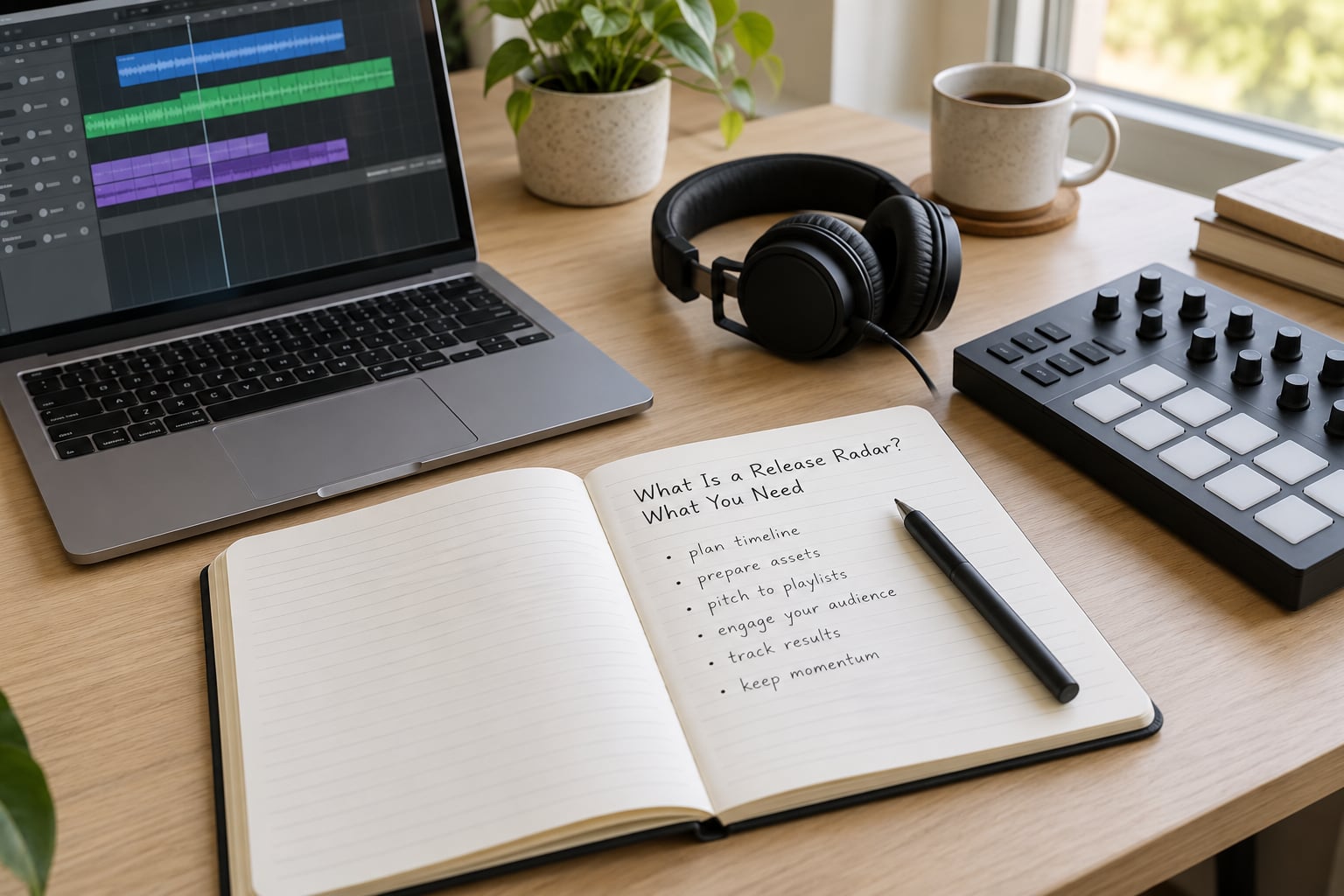
Four ingredients make a radar work, and you need all four before the results get good.
A clear music focus. “Hip-hop” is too broad to be useful. “UK grime and US drill, released in the last 30 days, mostly under 100k monthly listeners” is a filter you can actually run.
Sources you trust. A mix of editorial playlists, direct artist channels and a couple of independent curators beats any single feed. Sources vary wildly in how much they actually surface new music.
Filters. Date, genre, region and release format. These are what stop the list turning into noise.
A routine. Friday, twenty minutes, before you do anything else. The refresh is weekly, so checking on a Wednesday mostly wastes your time.
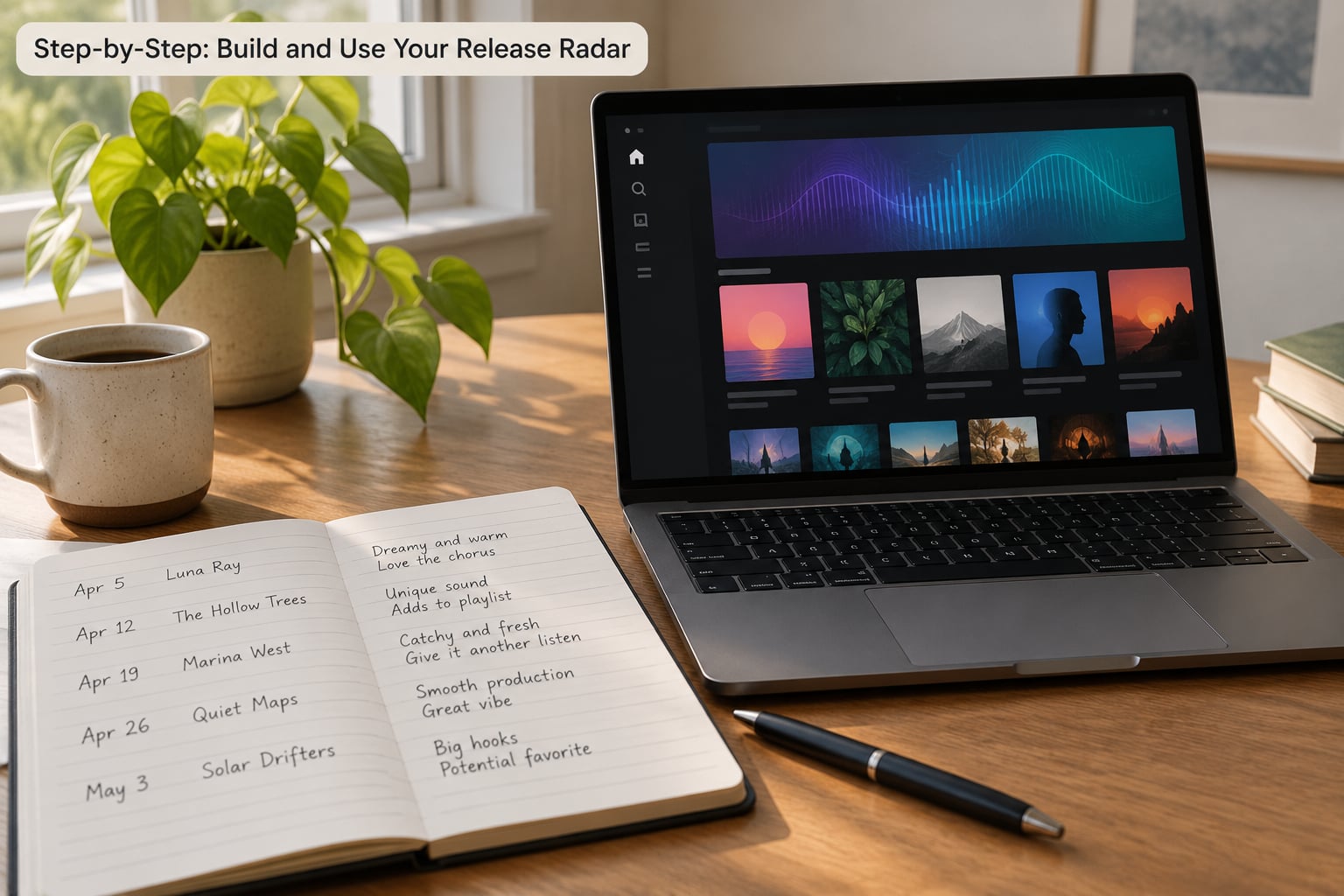
Step-by-Step: Build and Use Your Release Radar
Step 1: Define What You Want to Hear
Write down your criteria before you open a single app. Useful axes are genre, subgenre, region, release format (single, EP, album), mood and how established the artist is.
My example for hip-hop: underground UK rap and US trap-adjacent grime, artist under 100k monthly listeners, any format, released in the last 30 days. Specificity is the whole point. Broad criteria give you the same list Spotify gives everyone, which is exactly what you are trying to avoid.
Step 2: Choose Reliable Release Sources
Combine at least four kinds of source so no single one’s blind spot runs your week.
- Editorial playlists run by a named curator. These take the longest to land but carry the most trust signal.
- Artist channels and direct follows. Following an artist on Spotify puts their new release on your radar automatically, which is the mechanism behind the whole thing.
- Platform recommendation surfaces such as Spotify’s own algorithmic mixes. Good for serendipity, weaker on freshness.
- Newsletters and community sources from curators and writers. Cheap, fast, and often the earliest signal.
- Independent curators and submission platforms. Useful if you are an artist pitching to them directly.
Not every source deserves the same weight. Editorial lists are chosen by people. Recommendation feeds are chosen by a model that already knows what you play, which makes them good at confirming your taste and poor at stretching it.
There is one rule worth knowing before you pitch anything. Spotify states that a track has to be delivered at least seven days before release, and that the artist has to be credited as main or featured artist. Various Artists releases and re-releases of music you put out before are not eligible, and alternative versions like an acoustic or live cut do not qualify. Remix rules are less tidy and change, so check Spotify’s own support page before you rely on one.
Step 3: Set Alerts and Useful Filters
Narrow by date window first, because that is the filter that actually improves results. Then layer genre, location and release type on top. This is the step most people skip, and it decides whether what is a release radar and how to use it ends up useful or just noisy. The app will not hold your filters for you, so keep them somewhere you actually maintain.
Watch for over-filtering. The most common mistake is stacking six conditions until new discoveries cannot get through, then wondering why the list feels empty. Two or three filters plus a strong follow list beats a spreadsheet of exclusions every time.
One detail that catches people: if you play a track before the Friday refresh, it can drop out of the radar update that week. Artists who pre-save and immediately stream their own song sometimes lose the very placement they were counting on. You can read about this behaviour in the r/musicians and Spotify Community threads that show up in search results for these questions.
Step 4: Review and Save New Releases
Keep the routine short and repeatable. On Friday morning, open the radar, work top to bottom, and take no more than twenty minutes. For anything worth a second listen, write one line: why it caught you, who it would suit, and what to play next.
That third field is the one people skip and the one that compounds. Chaining one release to a similar artist or a similar beat is how a weekly habit turns into actual discovery instead of a recycling bin.
Step 5: Turn Discoveries into Action
Listeners build a playlist or follow the artist. If a track lands well, save it before the week ends; saves and repeat listens feed back into what surfaces next time.
Artists treat radar as the top of the funnel, not the campaign. Followers gained here carry into the next release, and the source-of-streams breakdown in Spotify for Artists tells you whether Release Radar, algorithmic mixes or editorial playlists are actually moving. If the track shows up on radar and nothing else happens, that is usually a follower-quality problem, not a placement problem.
Producers and collaborators should check their credit roles before the release date. A producer-only listing or a feature on someone else’s track behaves very differently from main artist credit, and it is documented poorly almost everywhere.
Common Mistakes and How to Fix Them
Your feed is far too broad. If everything in it is a genre label rather than a specific scene, you are reading a mood board. Fix: pick one subgenre and one region and commit for a month.
You trust outdated recommendations. A 2019 playlist of “best new hip-hop” is a historical document now. Fix: check the last update date before you save anything, and weight current sources higher.
You read popularity as quality. A large play count on a radar placement often means a big, mostly inactive follow list. Fix: look at listeners per stream and saves, not raw streams, in Spotify for Artists.
You ignore release context. A one-off single and a nine-track album land very differently, since only one song per listener appears per week. If you drop an EP, expect one track to surface and do not treat the other seven as failures.
You never revisit what you saved. This is the quietly expensive one. Build a short-list each Friday and actually return to it; three weeks later, the releases worth following are almost never the ones that felt biggest on day one.
One more worth flagging: never pay anyone who promises Release Radar placement. Guaranteed-placement services and artificial stream sellers break Spotify’s terms, and the penalty lands on your royalty statements and your catalogue, not theirs. Piling those streams on a release week is the fastest way to wreck the data you were trying to read.
Frequently Asked Questions
What is the Release Radar playlist on Spotify?
Release Radar is a free algorithmic playlist that updates every Friday with new music. It pulls in new releases from artists you follow, then adds picks Spotify thinks you will like based on your saves and listening history. It is personalised, so your version will not match anyone else’s. It lives on Spotify’s Home screen and in search under the name Release Radar.
How does Release Radar work on Spotify?
Spotify builds each listener’s Release Radar from the artists they follow, what they save and replay, and what sounds similar to music they already play. New releases are added on their release day, usually a Friday, and an eligible track can keep surfacing for up to four weeks. That four-week window is why a song can turn up in someone’s radar well after release week.
Do I have to pitch a song to get on Release Radar?
Pitching is not strictly required. Spotify Community staff have said you do not have to pitch to reach followers’ Release Radar, and plenty of artists report landing on it without submitting a form. Pitching is still worth doing because it tells Spotify which track to use and it feeds editorial playlist consideration at the same time. Treat it as the cheapest signal you can send.
How do I pitch an unreleased song to Spotify playlists?
Open Spotify for Artists, go to Music, then Upcoming, and find the unreleased track your distributor has delivered. Start the pitch, fill in the genre, mood and instrument fields accurately, and write the story in your own words. Submit it at least seven days before release. One song per release can be pitched, so pick the one with the strongest story.
Why did my song not show up on Release Radar?
Work through the usual causes in order. The track may have been delivered fewer than seven days before release, or never appeared in your Upcoming tab. You may have lost main or featured artist credit, or it might be a re-release, a Various Artists title, or an alternative version such as an acoustic cut. Streaming the track yourself before the Friday refresh can also stop it appearing that week.
Why is my Release Radar list short or not updating?
A short radar is normal and not evidence of a bug. List length depends entirely on how many artists you follow and how active they are, so someone following hundreds of new artists each week will see a long list while a casual user sees a handful. New tracks land on release day, so if nothing changed on your particular Friday, check that the artists actually released something.
Conclusion: Start With One Focused Release Radar
Pick one genre and one region, follow twenty artists inside it, and check the radar on Friday for four weeks without changing anything. Add one editorial playlist and one newsletter to your sources, and if you are releasing music, deliver the track early and submit the pitch at least seven days out. Then look at listeners per stream rather than raw numbers. That single habit tells you more about your audience than any follower count will.
Stripped down, what is a release radar and how to use it comes down to three things: narrow taste, sources you trust, and a fixed Friday review you actually keep.