DJing your own music is mostly software discipline, not talent: you load two tracks, match their tempo, swap the EQ at the right phrase, and repeat until a 20-minute set sounds like one continuous song. Most beginners get a usable 20-minute mix out of a laptop and a mouse in an afternoon, then sharpen it over a few weeks of practice. This is the workflow I wish someone had handed me before my first house party. If you have never mixed before, learning how to DJ your own music comes down to that repeatable loop rather than a room full of gear.
The order matters more than the gear. Get the library right, learn the controls until your hands find them without looking, match tempo by ear as well as by grid, and only then start reaching for effects. Skip ahead and you end up with a set that sounds like one long stumble.
What You Need
A laptop and DJ software are enough to start today. Everything else makes it easier, none of it is required for a first mix.
The laptop. Any machine from the last few years will do the job. Eight gigabytes of memory and a solid-state drive matter more than processor speed, because DJ software reads ahead of the playhead and stutters when it cannot keep up. Close your browser tabs before a set; twenty open tabs will do more damage than an old controller.
Software. rekordbox and Engine DJ come from Pioneer DJ and lean heavily on beat-grid analysis, which is the easiest path for beginners mixing their own records. Serato DJ Lite is the free entry point into Serato’s ecosystem. Virtual DJ and Engine DJ both have paid tiers that unlock controller support. Mixxx and djay Pro are the fully free options, and djay Pro is what most people use on an iPad.
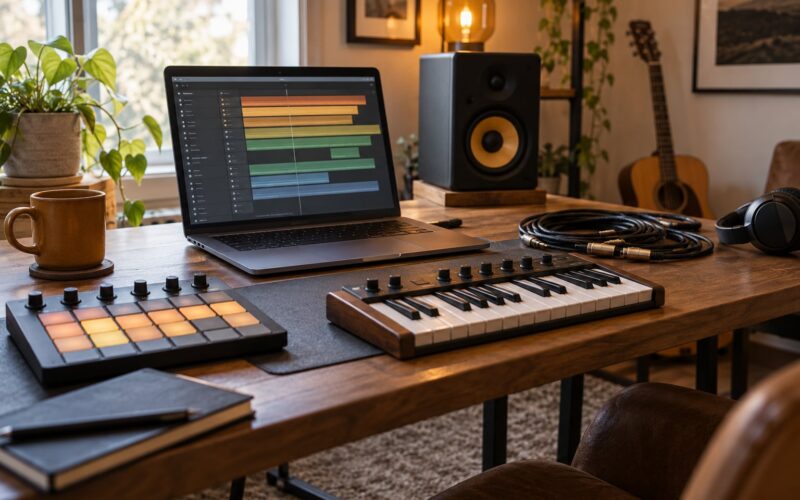
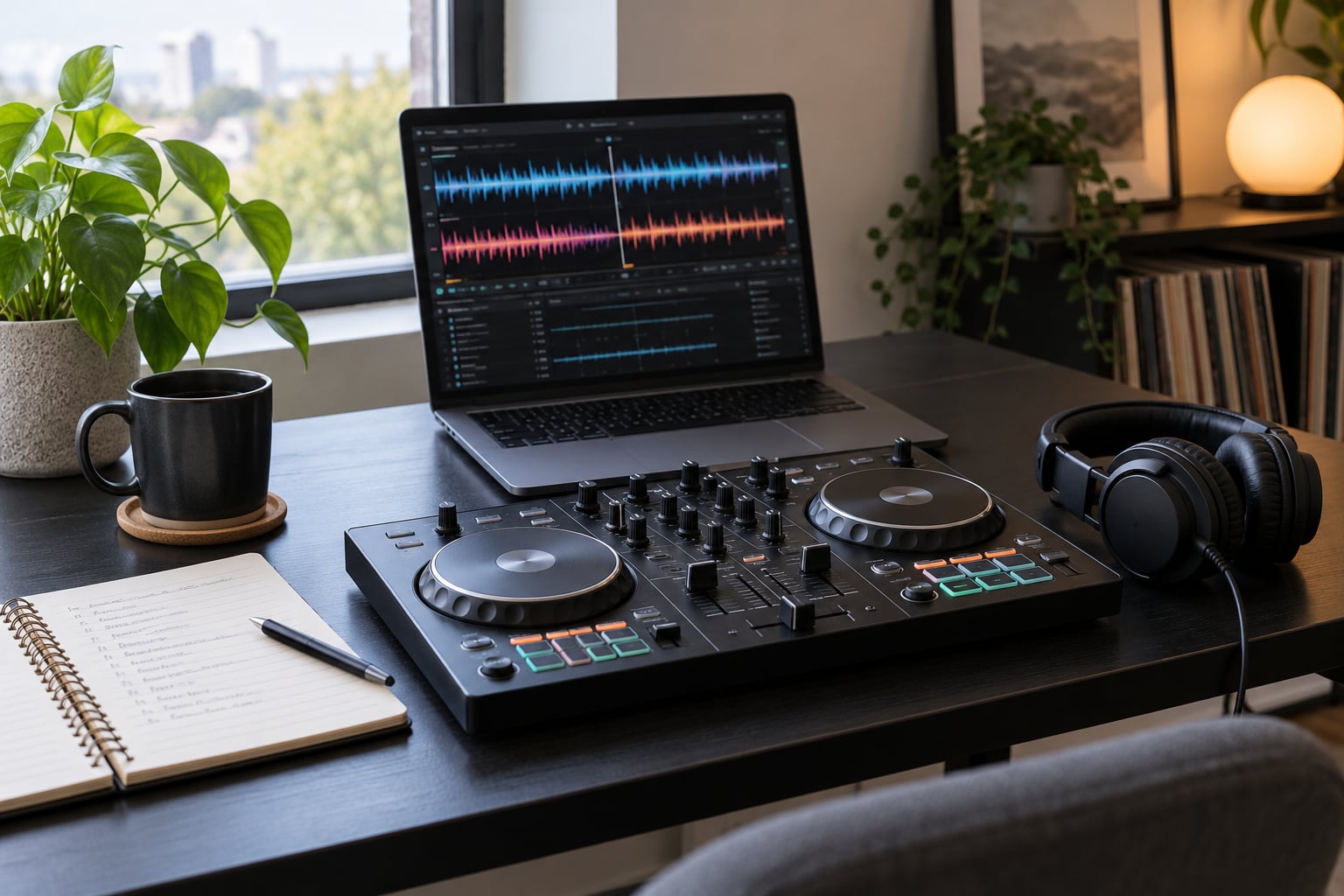
A controller (optional). You can mix entirely with a mouse: one deck is the left half of the keyboard controls, the other the right. A two-channel controller with jog wheels just makes the mouse work physical. People on r/Beatmatch repeat the same advice constantly, that cheap controllers are fine and a first one is not worth saving months for.
Headphones (essential). Closed-back headphones that swivel to one ear. You use them to cue the incoming track in one ear while the outgoing track keeps playing out loud. Without them you are guessing, and guessing is the single biggest reason beginner mixes sound rough.
Speakers. Powered tops beat passive speakers every time for a home set. Buyers on r/Beatmatch call passive speakers the most common beginner mistake, and they are right, because you need real headroom to play two decks at once without either one cracking.
Music files. Buy 320 kbps files or lossless if you can. Radio edits cut the intro and outro, which removes the exact parts you need to blend with, so look for extended mixes or full-length versions. And play your own files or properly licensed ones. A consumer streaming subscription is a listening license, not a performing license, which is the question almost every beginner gets stuck on.
Step-by-Step
1. Organize and export your music for DJing
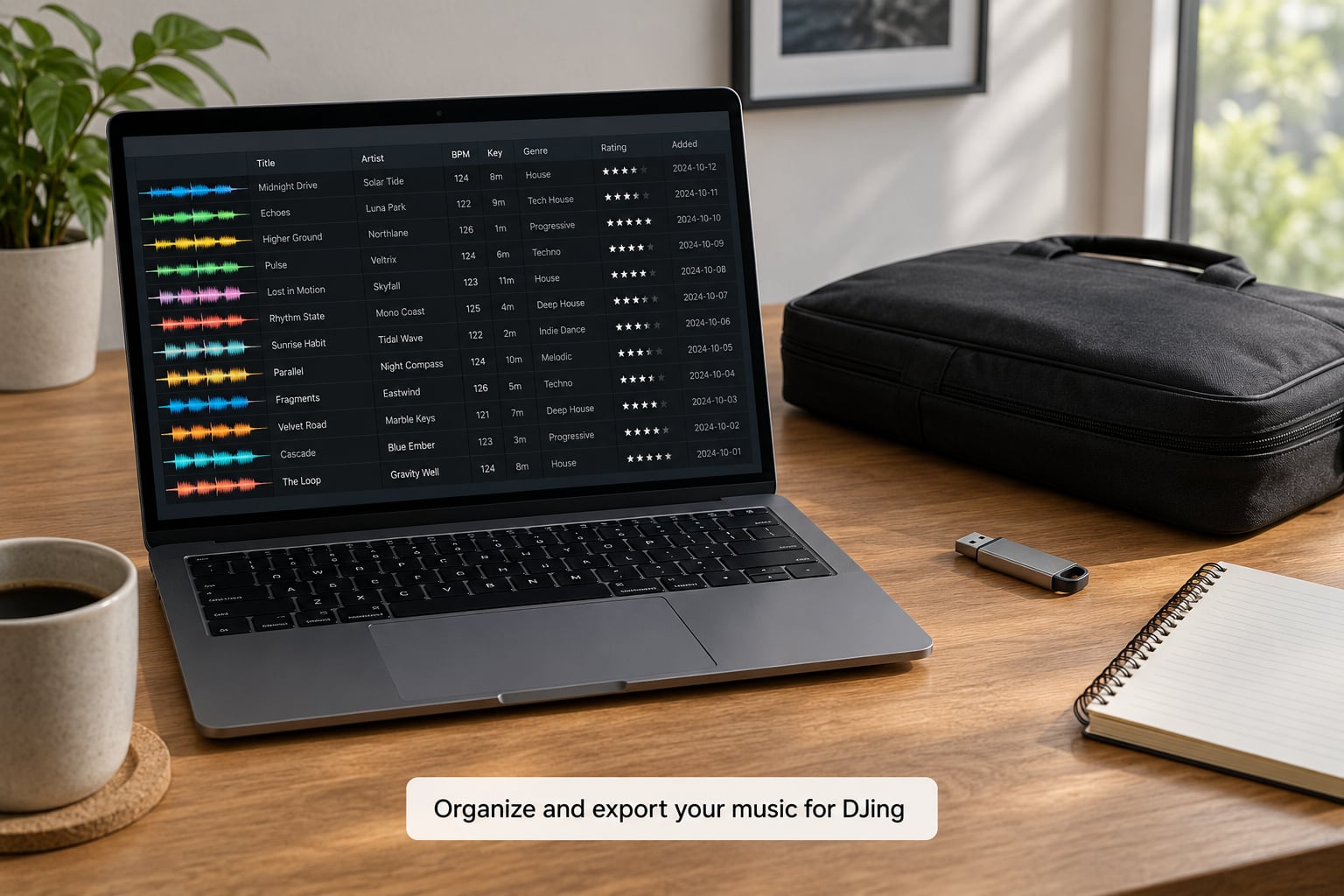
Start by making one folder for your own releases and one per genre or mood. Inside DJ software, use crates, which are just playlists, to hold sets rather than one giant pile. Naming does the work later: a file called Artist – Track – 124 BPM – 8A tells you everything before you even load it.
Run the software’s analysis pass over the whole library once. It detects BPM, key, and beat position, and it takes a few hours on a large collection. When you come back, the grid data is ready and you can search by tempo or key instead of scrolling.
Add cue points while you listen. One cue on the first downbeat of the intro is enough to start from the right place instantly, and a second on the drop saves you hunting when a room needs more energy right now. How it worked for me: I tagged every track the night after a session, before I was tired, and never caught up again.
2. Learn the controls before your first transition
Do not mix while learning. Spend 20 minutes with no music playing and find each control by name.
- Play and pause starts and stops a deck.
- Pitch fader changes tempo. Zero percent means the track plays at its recorded speed.
- Jog wheel nudges timing forward or back in small increments.
- Cue button jumps to your cue point and, held down, stops playback and listens in headphones.
- Loop buttons repeat a set number of beats or bars.
- Three-band EQ gives you low, mid, and high on each channel.
- Channel fader sets the volume of one deck; the crossfader blends between the two.
Set each channel EQ fully off, then bring the low band up alone. You should hear only the kick and bass. Do the same for the mids to hear the melody and vocal without the drums. Twenty minutes of that tells you more than an hour of reading.
3. Match the tempo and beatgrids
Tempo matching means getting two tracks to run at the same speed. The software tells you both BPMs, so set the pitch fader on one deck until the numbers agree. That is the easy half.
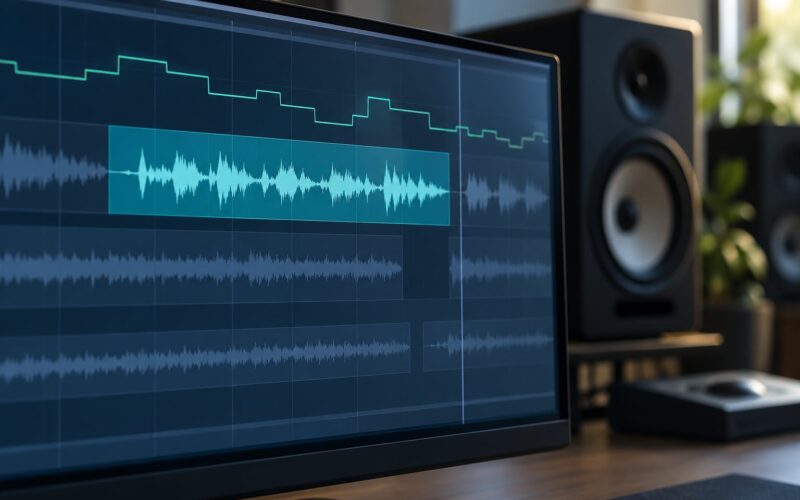
The harder half is alignment. Beatmatching means nudging a track with the jog wheel until the kick drums land on top of each other instead of smearing past. Set one deck’s grid correct by ear, then bring the second in with your headphones on and your ear to the bass. If the beats creep apart over a few seconds, your grid is off, and you fix it by pressing sync to lock the two together and then pressing sync again to reset both to their grids.
On your own tracks you get one advantage: you know exactly where every section sits. Count the bars out loud once and the whole job gets easier. Knowing how to DJ your own music is a little different from playing someone else’s catalogue too, because a bad grid can be corrected in the file rather than lived with.
Turn sync off after a few weeks and practise matching by ear, even if you keep it available. That advice is the most repeated on r/Beatmatch, and it is correct, because sync teaches you nothing while a bent ear teaches you everything.
4. Build a set with a deliberate flow
A set is an arc, not a playlist. Most beginners mix like that, and it sounds flat no matter how clean the transitions are.
Open with something familiar and mid-energy. Give people a reason to stay without asking them to commit. Build in pairs or groups of three or four songs that share a tempo or a key, so the middle of the set has a floor to stand on. Save one obvious peak moment for roughly two-thirds of the way through.
Place your own tracks deliberately rather than all at once. One or 2 is plenty. Leading with your own music to a room that does not know you yet is a hard way to start, and putting four in a row kills the pacing. The cleanest slot is mid-set, right after a track that shares its key, with an unreleased version serving as the payoff at the end.
End with a track you know cold. You want the last thing people hear to be something that worked.
5. Mix with EQ, volume, and simple phrase transitions
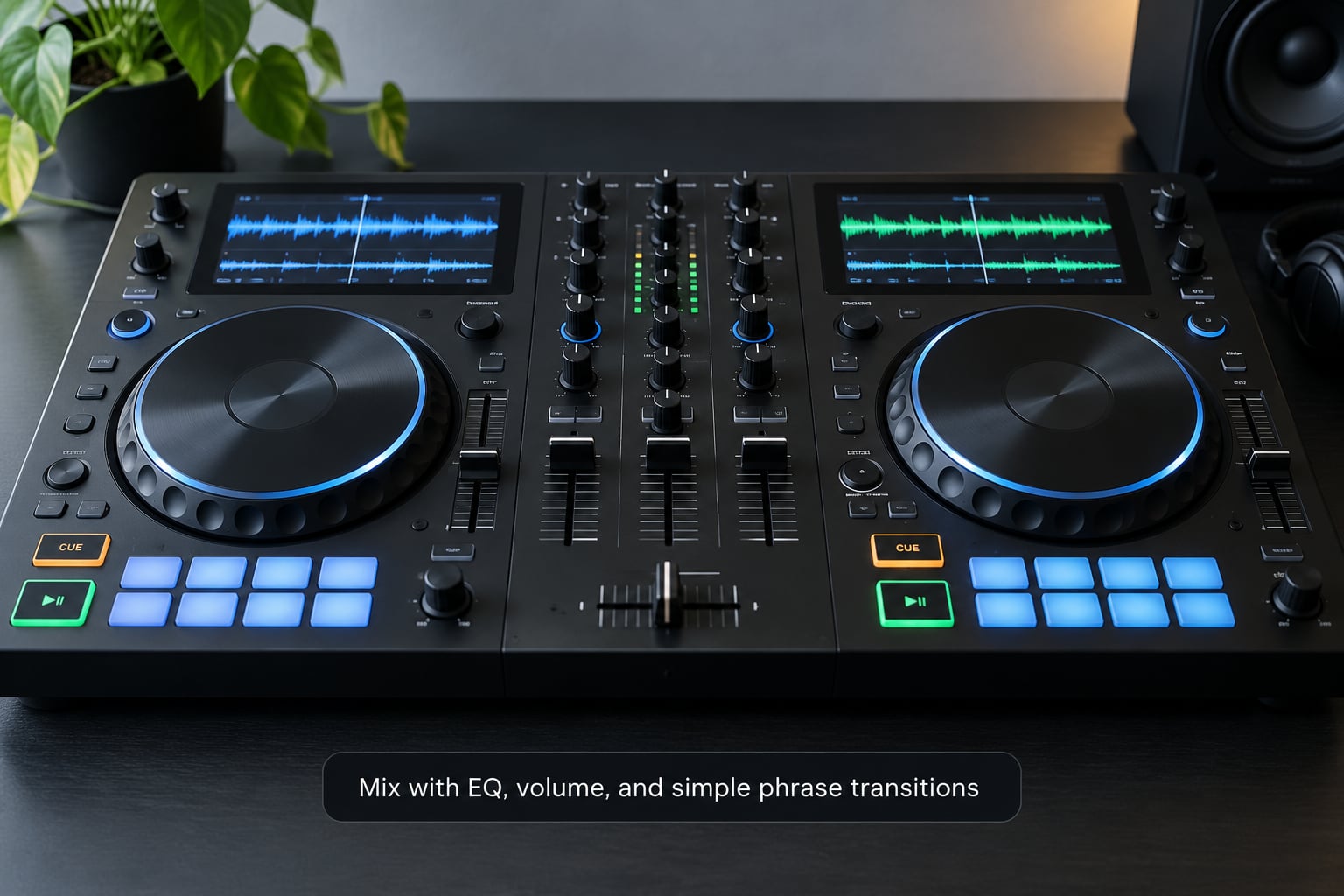
Here is the transition that works nearly every time, and it takes about fifteen seconds.
- Play your outgoing track and let it run. Pick a spot roughly a minute in, ideally in a steady part of the intro.
- Load the incoming track, set its pitch so the BPMs match, and put your headphones on one ear.
- Hold the cue button on the incoming deck to hear its first downbeat, nudge it until it matches the rhythm in your head, and release.
- Start the incoming track with the low EQ band down and the channel fader at zero.
- Bring its channel fader up to matching volume while keeping the bass out.
- Bring both low EQ bands down for a few bars. Two kick drums and two basslines in the same frequency range is exactly what makes a mix sound muddy.
- Count sixteen bars from the phrase start, then bring both low bands back up and start the crossfade.
- Give it eight or sixteen bars, move the crossfader across, and you are done.
Counting bars is what separates a mix that works from one that nearly works. Thirty-two bars is roughly 15 seconds at 124 BPM, and phrases almost always run in blocks of eight, sixteen, or thirty-two. Start your transition on a phrase line, not halfway through a bar.
Set both channel gains so your meters sit around the yellow and never clip into red. Level matching is invisible when it is right and painfully obvious when it is wrong.
6. Use loops, samples, and effects selectively
Loops are the safest thing to layer over a track and the best way to buy yourself thirty seconds when you run out of ideas mid-set. Extend the loop only over a part of the song that already repeats, or you will hear the seam every time it wraps.
Samples are the bigger swing. Producers dropping a vocal chop or a drum break over their own beat is a real technique that r/EDM and r/FL_Studio threads discuss constantly, and it works well when the sample sits in the same key and roughly the same tempo as the track. Loaded too high it just sounds like a mistake.
Filters are the most underrated move. Sweeping the low-pass filter on the outgoing track while the incoming one comes up creates instant motion without touching the beat relationship. Use a filter once every few transitions and it reads as taste; use it on every transition and it reads as filler.
Reach for reverb and echo only on a vocal or a breakdown where the beat has already thinned out. If the drums are still running, delay smears them and you lose clarity.
7. Record, test, and improve your mix
Every DJ software package has a record function that captures the master output directly. Turn it on for every practice set, including the bad ones.
Listen back on headphones, not speakers, and check for four specific things. Timing: do the drums ever smear or drift? Levels: does one track jump louder than the other at the swap? Mud: is there a moment where both kick drums fight? Energy: does the set stay at the same level from track three to the end?
Write down the timestamp of every problem. That list is your practice plan for the next week, and it is far more useful than watching another tutorial. Most beginners skip recording entirely, which is why the same three mistakes follow them around for a year.
Export as a 320 kbps file if you are uploading anywhere. If you post to streaming services, a recorded mix of other people’s music is a grey area that depends on the service’s terms and your local law, so check before you publish. A mix built entirely from your own music is the simplest case and the safest one.
Common Mistakes
Playing radio edits. The intro and outro are what you mix with, and radio edits strip them. Fix: hunt for extended mixes or full-length versions.
Downloading compressed files. Anything at 128 kbps sounds thin the moment two tracks overlap. Fix: buy 320 kbps or better, once, and stop hunting.
Overlapping kick drums. Two bass-heavy tracks at full volume is mud, not energy. Fix: take both low EQ bands down during the transition and bring them back at the phrase line.
Rushing the transition. Starting a mix halfway through a vocal creates an audible seam every time. Fix: mark a phrase start, count sixteen bars, then commit.
Drifting tempo. Pitch changes make a track sound out of tune to everyone except you. Fix: keep the pitch fader within about six percent and use keylock or sync instead of bending it further.
Effect overload. Filters, echo, and loops on every single transition flatten the set. Fix: pick one tool and use it on maybe a third of your mix points.
Skipping headphone cueing. If you cannot hear the incoming track alone, you are blending blind. Fix: one ear covered, cue button held down, fifteen seconds of practice.
Ignoring the room. Playing your full set list regardless of whether anyone is dancing is the fastest way to lose them. Fix: if the floor empties, drop something familiar or slower, not louder.
Never recording. Fix: turn recording on before you press play, every time.
Frequently Asked Questions
Can I DJ my own music without a turntable?
Yes, and most people should. DJ software on a laptop handles beat grids, key detection, looping and recording, so a laptop plus a mouse is enough to build and play a full set. Add a two-channel controller later if you want physical jog wheels, but nothing in the mixing technique above depends on turntables.
What software should a beginner use to mix their own songs?
rekordbox and Engine DJ are the smoothest for beginners because their beat-grid analysis is reliable, which matters when you are mixing your own tracks. Serato DJ Lite and Mixxx are free starting points, and djay Pro covers iPad. Whichever you pick, run the analysis pass on your library first and let it finish before you start mixing.
How do I beatmatch my own tracks in BPM?
Set the pitch fader until both decks show the same BPM, then nudge one track with the jog wheel until the kick drums line up in your headphones. Practise on your own songs because you know exactly where the intro, drop and breakdown sit. Once the match holds for thirty seconds, move on to phrasing and EQ.
Should I make my DJ mixes longer or shorter?
Longer, gradually. Start with 15 to 20 minutes even if the party runs for four hours, because a short set you can play cleanly beats a long set you abandon halfway through. Add five minutes a month until you are comfortable at a full hour, which is roughly 14 to 16 tracks depending on track length and how much you talk over them.
How do I add samples and loops when mixing my own music?
Loops first, because they sit inside a track that already repeats and are nearly impossible to get wrong. Extend a loop only over a section that repeats naturally. For samples, pick one that matches your track’s key and tempo, keep it well under the main vocal, and use it once per track rather than layering several.
Can I publish or perform a DJ mix made from music I own?
A mix built entirely from music you own or have licensed for performance is the easiest case to publish and perform. You hold the rights to the recordings, so you can post it on your own channels and licence it as you like. Playing other people’s music is a different question: streaming subscriptions cover personal listening, not public performance, so check your local rules first.
Start With One Recorded Twenty-Minute Mix
If you take one thing from this guide, make it a 20-minute set you record from start to finish, using only your own tracks plus a handful of tracks you know well. Tag your library, set up your channel gains so the meters sit in the yellow, and run the eight-step transition every single time without exceptions.
That is how to DJ your own music in practice: one preparation routine, one transition routine, and a recording you actually listen to afterwards. Then write down what went wrong. That list becomes next week’s practice, and in a month you will be the person at the party who keeps the room moving instead of the one checking the laptop screen. Updated for 2026, this workflow has not changed much, and neither has the advice to practise manual beatmatching even when sync would do it for you.