How to build an electronic press kit boils down to one link that gives a booker, journalist, DJ or label everything they need to evaluate you in a couple of minutes: your music, your bio, your photos, your proof and your contact details. You can put a good one together in an afternoon, without a website, a designer or a coder. This guide walks through the seven steps that get you from raw files to a kit people actually open.
Table of Contents
- What You Need Before You Build an Electronic Press Kit
- Step-by-Step: How to Build an Electronic Press Kit in Seven Steps
- 1. Define the purpose and audience
- 2. Gather accurate artist and release information
- 3. Select the strongest press materials
- 4. Write a clear artist story and release description
- 5. Design the electronic press kit for easy navigation
- 6. Export and publish the files
- 7. Distribute and maintain the press kit
- Common EPK Mistakes and How to Fix Them
- Frequently Asked Questions
- Conclusion: What to Do First
What You Need Before You Build an Electronic Press Kit
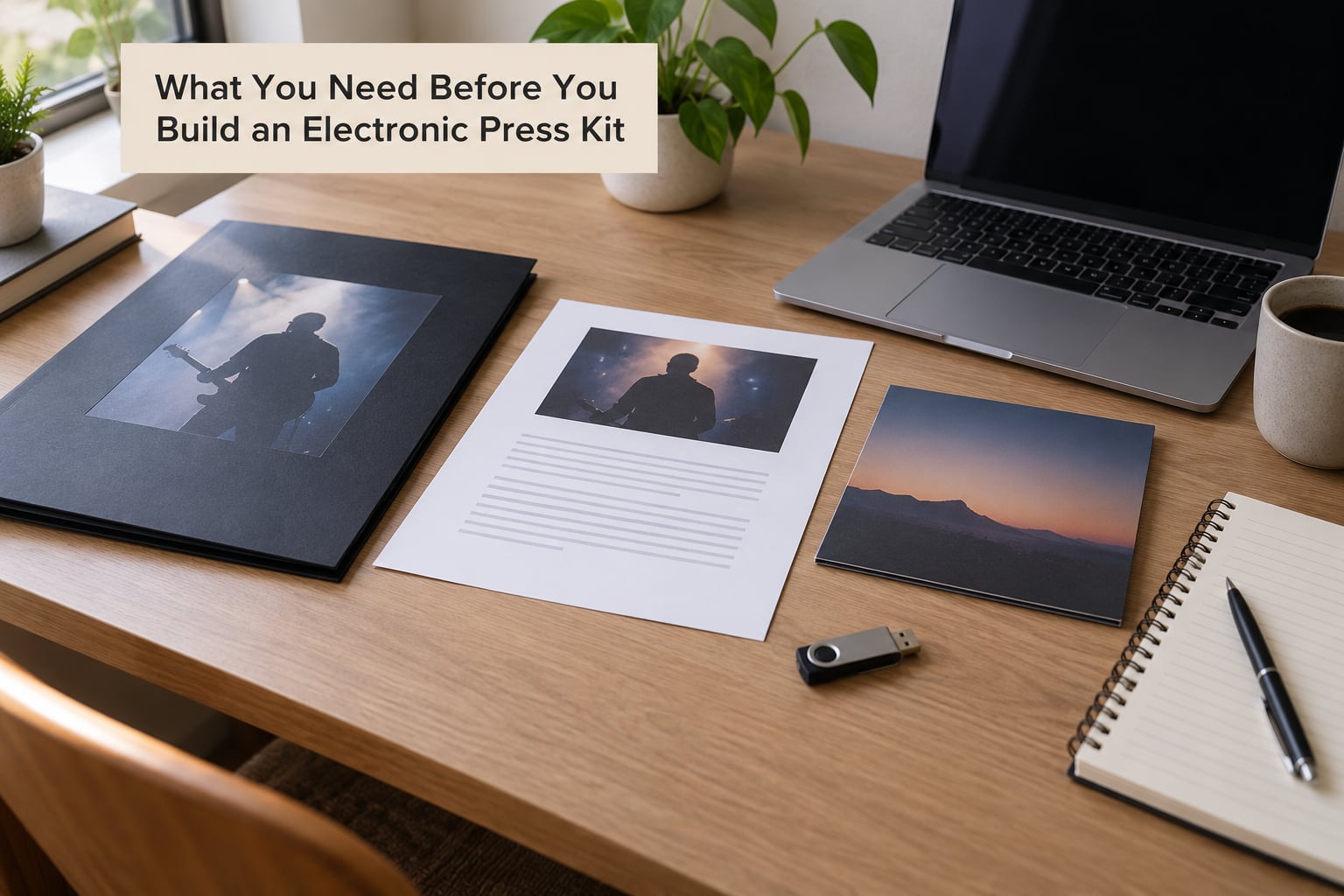
The press kit is only as good as the material you put in it. Before you touch a layout, collect these pieces and check each one for accuracy, because an out-of-date phone number undoes the whole thing.
Two bios. A short one of 50 to 100 words for the top of the page, and a longer one of 150 to 250 words for anyone who wants the fuller story. Write both in the third person, even about yourself.
Music in a shareable form. Three to five tracks, newest release first, with working streaming links. Keep the newest single at the top and your strongest older song somewhere in the list, because a booker needs both the current story and proof you can fill a room.
Press photos. Three to five high-resolution images, exported at roughly 2000 pixels on the long edge, in both colour and black and white if your look supports it. Keep each file under about 500 KB so a booker can download on hotel wifi. Include at least one portrait orientation shot and one landscape shot, because editors crop for both.
Video. One or two links: a live performance clip or a highlight reel beats a static music video every time, since a booker wants to know what the room looks like. Never let the player autoplay.
Proof. Real streaming numbers, follower counts, previous attendance at comparable rooms, playlist adds and third-party press quotes. Reviewers consistently say the difference between a believable kit and a forgettable one is numbers a stranger can verify.
Assets and identity. Your logo files in light and dark versions, album artwork at full resolution, stage plot and technical rider if you play live, and a set of wordmark graphics the press can print.
Contact details. One email address on your own domain rather than a free mailbox, a booking contact if you have one, and a link to a contact form as a fallback. Check every address by actually sending a test message.
Where it will live. Decide this early, because it changes how you build the thing. A single link is the goal: either a page on your own site, a dedicated builder that hosts for you, or a shared cloud folder as a stopgap.
One honest thing to sort out. If you have no website yet, a hosted page from a builder or an unlisted page on a simple site handles it. Forgetting this step is the reason so many good kits die in an inbox.
Step-by-Step: How to Build an Electronic Press Kit in Seven Steps
Seven steps, in this order. Skipping ahead is how kits end up looking finished while missing the one thing the recipient actually needed.
1. Define the purpose and audience
Decide who this version is for before you design anything. A festival booker cares about draw, stage needs and confirmed dates. A music writer cares about the story and the photos they can print. A DJ cares about mixable tracks, BPM range and equipment. A sync supervisor cares about stems, WAVs and clearance.
You can build one master kit and make two or three trimmed versions from it rather than rebuilding from scratch. Decide now how many versions you need and what gets cut in each, and the rest of the process gets much faster.
2. Gather accurate artist and release information
Write down the facts before you write the prose. That means your artist name exactly as it should appear everywhere, your location, the release title, the release date, the label or distributor, the songwriters and producers on each track, collaborators, and any awards, chart positions or notable support slots.
Consistency matters more than polish here. If your social page says one spelling of your name and your streaming profile says another, a booker assumes something is unfinished, and they are right.
Put the collection in one folder with a fixed structure: music, photos, bios, logos, video, documents. Name files the same way every time, for example ArtistName_Photo_Live_01.jpg, so the next person you send it to is not guessing.
3. Select the strongest press materials
Resist the urge to include everything. Three to five tracks, three to five photos, one or two videos. A press kit is a highlight reel of your strongest material, not an archive of your whole discography.
For tracks, put the newest release first and follow it with the one that has performed best live. If two tracks are similar in tempo, swap the second one, because a DJ or booker will often skip after hearing two in the same mood.
For photos, choose sharp, well-lit frames with a clear subject. A moody shot that hides your face can work for an electronic artist with a strong visual identity, but as a general rule, recognisable wins. Never use a photo you do not own the rights to; that is the mistake that ends collaborations.
4. Write a clear artist story and release description
Most weak bios read like a list of facts. A workable bio has four parts in order: a one-line hook that says what you are, two or three sentences of background, your proof, then the current release with its date and where to listen.
Fill-in template:
[Artist name] is a [genre] artist from [city/country]. [One hook sentence: what makes the sound or the story specific.] [Two or three background sentences: how you started, what shaped the music.] [Proof sentence: streams, shows, support slots, awards, press quotes.] Their newest release, [title], came out [date] and is available on [platforms].
The press release follows the same instinct but leads with dates and accomplishment, because writers skim for the news. Two or three paragraphs: headline facts first, the story behind the project second, and a plain description of the sound last.
Headline: [Artist] releases [title], a [genre] single out [date] on [label or independent]. First line of the release: who the artist is, what the record is, when it lands. Second paragraph: why this project, in the artist’s own terms. Third paragraph: how it sounds, what it is for, and where to listen.
Describe the music so it sounds good without inventing anything. “Warm loops over a steady four-on-the-floor pulse” tells a writer more than “an atmospheric journey.”
5. Design the electronic press kit for easy navigation
Order the page the way a busy person reads it: name and hook first, then music, then photos, then bio and press, then proof, then contact. Anyone who scrolls should get useful content before hitting a wall of text.
Keep typography consistent, with two sizes of type at most, and put contrast on the important links so they are obvious on a phone. Every link to a track, photo or video must be clickable, not a wall of typed URLs that a reader has to copy by hand.
Embedding a player with one track per track, or one playlist, keeps people on the page. Set it to not autoplay, start at the first track only, and never stack more than one player on the screen.
Check accessibility basics: alt text on every image, readable contrast, and captions if your video has dialogue. A press kit that works on a phone in a dark venue is worth more than a desktop-perfect one, because that is where it gets read.
Pick your format before you design, and here is how the four common ones compare.
| Format | Setup time | Clickable links | Built-in player | Best for |
|---|---|---|---|---|
| Cloud folder | Under an hour | No | No | A stopgap while you get a page together |
| PDF in Canva, Keynote or Figma | Two to four hours | Yes, if the links survive export | No | Festivals and venues that request a document |
| Website page | A day or so | Yes | Yes | Anything you will keep updating |
| Dedicated EPK builder | Under an hour | Yes | Usually | Artists without a site or a coder |
If you have no site yet, a builder or a simple hosted page is the honest answer. Many independent artists publish a perfectly decent kit as an unlisted page and share the link directly, which is what a booker expects anyway.
Avoid password-protecting the page unless you have a specific reason. A password typed by a half-interested promoter is a password never typed. Hiding the page from search engines is usually the better compromise, since the link still works for anyone who has it.
6. Export and publish the files
Export audio for listening rather than mastering files. A 320 kbps MP3 or a clean streaming link is what a booker or writer will actually play, and a set of WAVs belongs in a separate sync folder rather than in the kit itself.
Compress your photos before uploading. A 12-megapixel phone export at several megabytes will stall on a phone connection, so resize to about 2000 pixels on the long edge and save at a quality setting that keeps the file under 500 KB. Rename every file with the same convention you used in step 2, and export the whole kit once more at the end so the naming matches on every device.
Publish on a dependable address that you control, keep the page unlisted rather than public if you would rather not have it in search, and add basic analytics so you can tell which pages get opened. Then test it yourself on a phone, on a different network, and with a logged-out browser session.
Open every link. Music links, photo downloads, the contact form, the bio email. Broken links are the single most common reason a booker closes a kit in under a minute.
7. Distribute and maintain the press kit
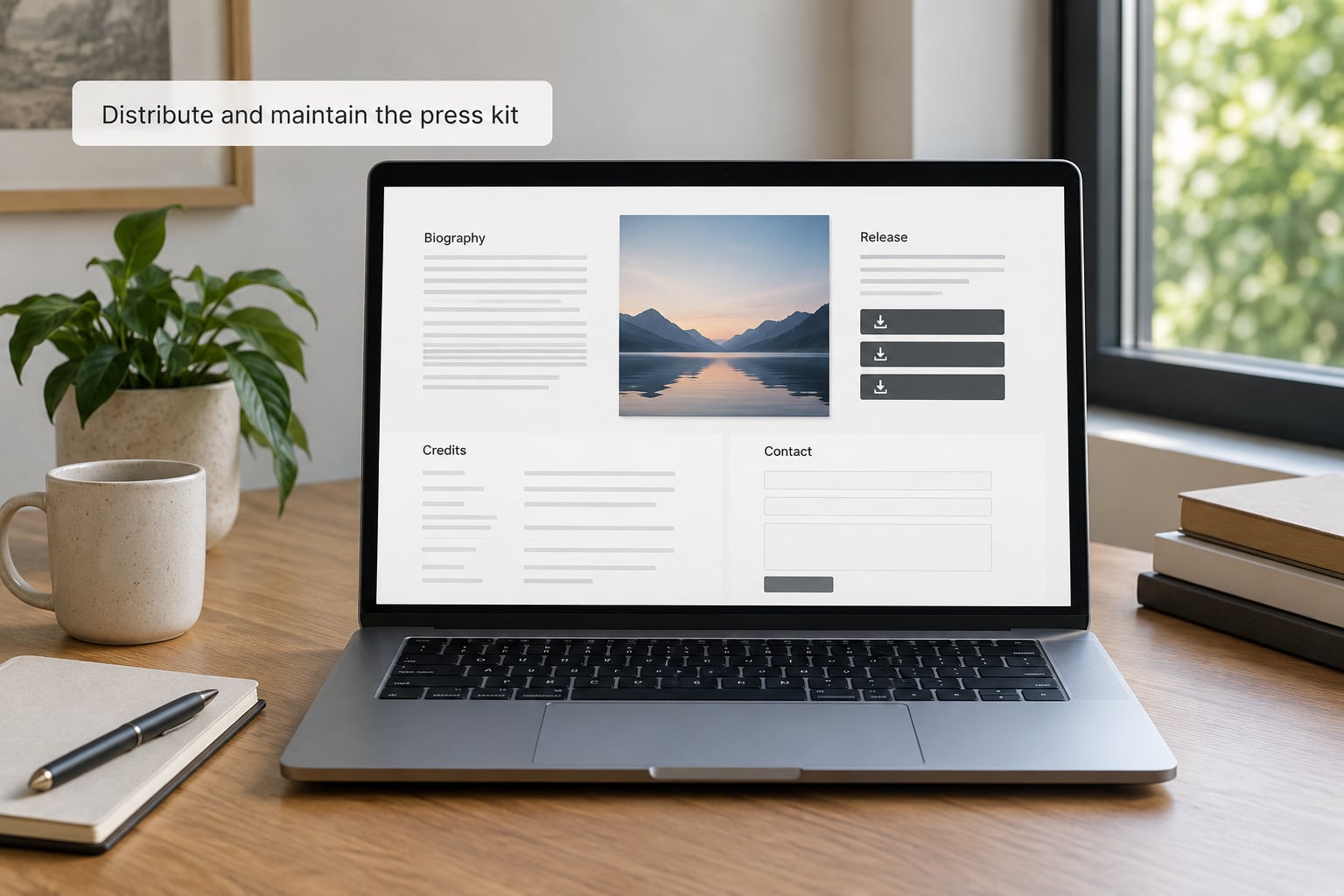
Send the link, never the file. Attachments get filtered, go stale the moment you resend them, and hide your open rates.
Keep the message short. Around eight sentences: who you are in one line, the release or the ask, one line of proof, the link, and a sentence saying you can send anything else they need. Write it as a person, not a template with the blanks showing.
One line for a booker: “We have played three 200-capacity rooms in the last six months and we are booking for spring. Everything is here, including the stage plot.” One line for a writer: “New single out on the 14th, the story behind it is in the press release, and the photos are cleared for print.” One line for a festival: link to the application form first, then the kit as supporting material.
Track what happens after you send. Page views tell you who opened the kit even when they never reply, and a viewed-but-no-response kit usually means the pitch needs a clearer ask, not a bigger document.
Then keep it current. Refresh the kit on every release, and treat the start of 2026 as a scheduled clean-up: new press quotes, updated streaming numbers, current tour dates, fresh photos from the last few months. Stale dates and an old phone number are what make a good kit read as abandoned.
Common EPK Mistakes and How to Fix Them
Most of these come from treating the kit as a personal project rather than a tool someone else has to use in ten seconds.
Outdated contact details. A kit from last year still lists the old manager, a dead email or a booking agent you no longer work with. Fix: send yourself a test message from the address in the kit before every campaign, and set a recurring reminder to re-check it each quarter.
Files that are too big. Huge photos, uncompressed audio and 48-page PDFs are the formats reviewers and bookers complain about most, because they will not open on a phone and there is no way to get to the one track they want. Fix: images under about 500 KB, audio compressed, and one clear link per asset.
A biography that runs on. Four hundred words in the top of the page means the music is below the fold. Fix: 50 to 100 words at the top and the full 150 to 250 word version further down.
Photos you do not own. Borrowed images from a photographer or a stock library used without a licence create legal problems that no booking is worth. Fix: get written permission for every image, or shoot new ones.
Broken or typed-out links. A string of raw URLs forces the reader to work. Fix: one streaming link per track, direct download links for print-ready photos, and a link test before every send.
Inconsistent naming. If the artist name changes mid-kit, recipients assume there are two artists. Fix: pick one spelling and one stylisation, and use it in the page title, the file names and the email subject.
Sending the wrong version. Forwarding a general kit to a festival that asked for a specific application makes you look disorganised. Fix: keep a folder of trimmed versions and check the request before you hit send.
All hype, no proof. Words like “huge” and “explosive” carry no weight. Fix: replace every adjective with a number, a date or a third-party quote.
Two small habits cover most of the rest. Keep the kit to one screen height of navigation, and make the contact block the easiest thing on the page to find.
Frequently Asked Questions
What does EPK stand for?
EPK stands for Electronic Press Kit. It is a single shareable page or document that bundles everything a promoter, venue booker, journalist or record label needs to evaluate an artist: playable music links, a short and long bio, a press release, high-resolution photos, video, achievements, tour history and contact details. The point is one link that works on a phone, rather than a bundle of attachments.
What should an EPK include?
At minimum: three to five tracks with working streaming links, a 50 to 100 word short bio, a 150 to 250 word long bio, a press release, three to five high-resolution photos under about 500 KB, one or two video links, verified proof such as streaming numbers and press quotes, your social links, and a working contact email or form. Bands add a stage plot and technical rider.
Should my EPK be a PDF or a website page?
A website page wins for anything you will keep updating, because links stay clickable and it loads fast on a phone. A PDF is fine for festivals and venues that specifically request a document, provided links survive export. A cloud folder works as a short-term stopgap. If you have no website, use a hosted page or an EPK builder rather than sending a folder link.
Should I password-protect my EPK?
Usually no. A password is a small hurdle that a half-interested booker will not clear, and it breaks the open tracking you would use to see who actually looked. Hiding the page from search engines while sharing the link directly gives you most of the control without the friction. Protect it only when unreleased material is on the page.
How long should an artist bio be in an EPK?
Two lengths are standard. The short bio runs 50 to 100 words and sits at the top of the page or the top of the PDF, where a booker will actually read it. The long bio runs 150 to 250 words and covers the fuller story, key achievements and the current release. Write both in the third person and lead with one line that says what you sound like.
How do I share my EPK with promoters and bookers?
Send a short email with a link, never an attachment. Keep it to about eight sentences: who you are, the ask or the release, one line of proof, the link, and a line offering anything else they need. Personalise the first line, send it to a named booker where you can, and track page views so you know who opened it.
Conclusion: What to Do First
Pick one current release and build around it. Gather three to five tracks, one short bio and one long bio, three to five photos under 500 KB, and one video clip, then assemble them into a mobile-friendly page you can reach through a single link. Test every link on a phone before it goes out, send it as a link to a handful of named bookers and writers, and update it the moment the next record lands.