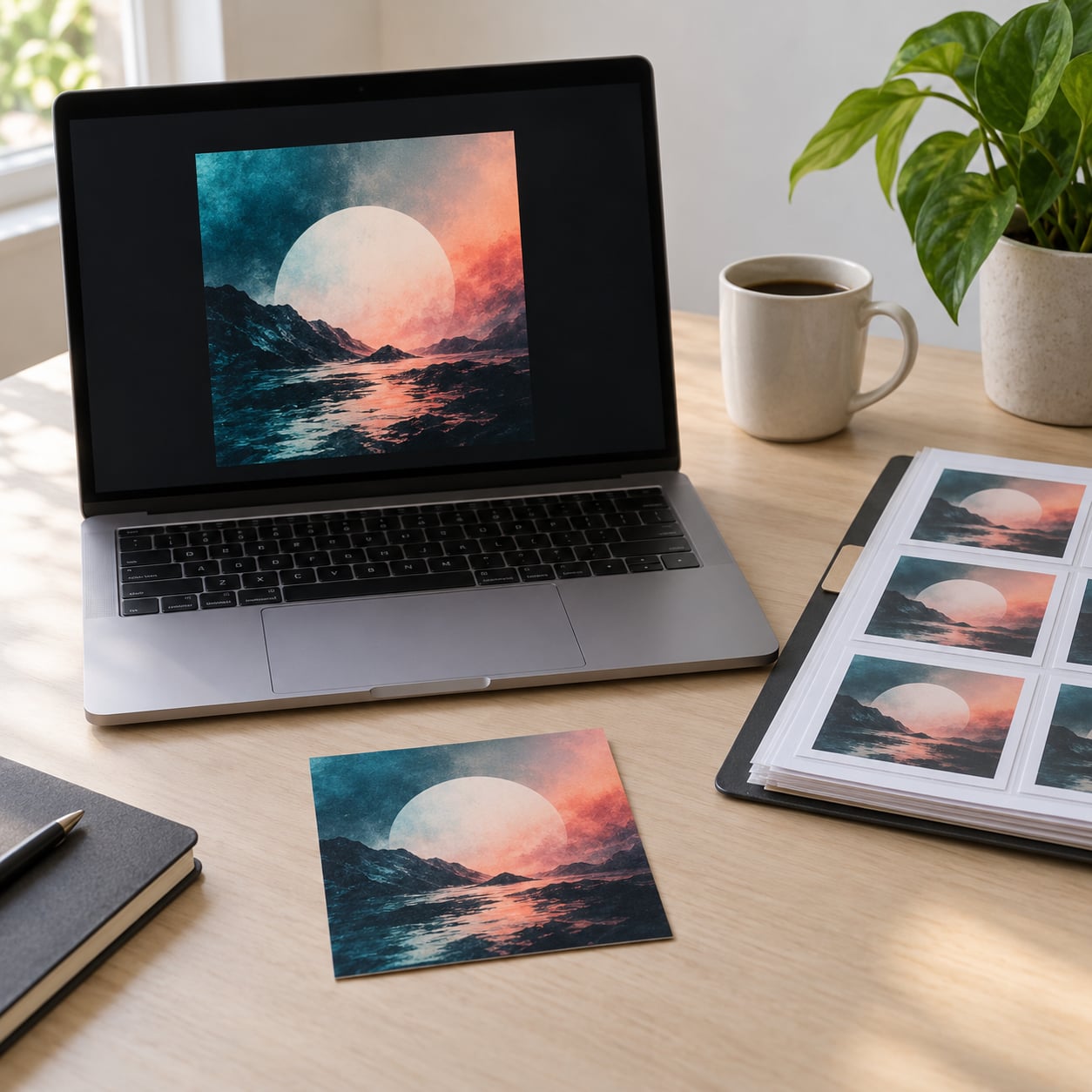
What size should album art be? The standard answer is a square image at 3000 x 3000 pixels in a 1:1 aspect ratio, saved as a JPG or PNG in RGB color mode. Build one master file that size and it clears the minimums on Spotify, Apple Music, Amazon Music, Tidal, Deezer and every major distributor at once. Updated for October 2026.
Table of Contents
- What Size Should Album Art Be? Quick Guide
- The Short Answer for Digital Music Releases
- What Size Should Album Art Be for Spotify?
- Album Art Dimensions for Apple Music and Other Streaming Platforms
- What Resolution and Aspect Ratio Should Album Art Use?
- Which File Format Should Album Art Use?
- How Should You Prepare and Export the Cover File?
- Do You Need Different Album Art Sizes for Other Uses?
- Common Album Art Size Mistakes
- Frequently Asked Questions
- Conclusion
What Size Should Album Art Be? Quick Guide
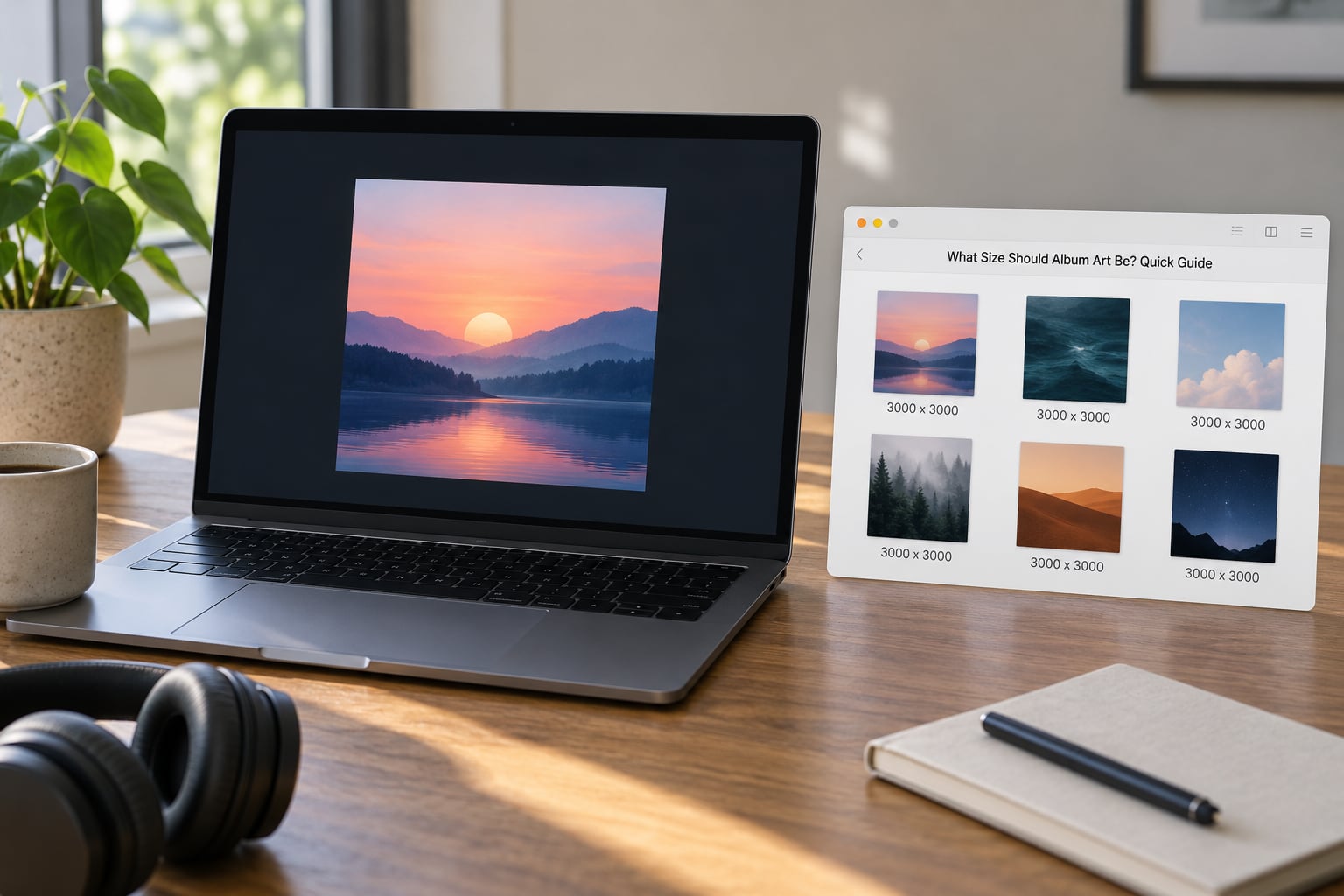
Here is the short version before the detail: 3000 x 3000 pixels, square, JPG or PNG, RGB, sRGB profile, and keep the file comfortably under your distributor’s size cap. That one file works for a single, an EP or a full album, on every digital store.
The table below maps that master file to where it actually gets used. Note the split between digital delivery and physical products, because the two are not the same deliverable and confusing them is a common source of wasted revisions.
| Use | Recommended size | Aspect ratio | Format | Color mode | Notes |
|---|---|---|---|---|---|
| Streaming release | 3000 x 3000 px | 1:1 | JPG or PNG | RGB, sRGB profile | Distributor upload. Meets every major platform minimum. |
| Digital downloads sold direct | 3000 x 3000 px | 1:1 | JPG | RGB | Offer a larger file on your own store page if you want one. |
| CD artwork | 3000 x 3000 px master, laid out at 300 dpi | 1:1 design | PDF or TIFF for print | CMYK for the printed piece | Add bleed beyond the trim line, usually 0.125 inch. |
| Vinyl sleeve | 12.375 x 12.375 inch with bleed | 1:1 design | Print-ready PDF or TIFF | CMYK | The finished sleeve is 12 x 12 inch; the file is larger. |
| Social post | 1080 x 1080 px | 1:1 | JPG or PNG | sRGB | Crop from the master, keeping type away from edges. |
| Story or vertical reel | 1080 x 1920 px | 9:16 | JPG | sRGB | Build separately; never stretch the square. |
The Short Answer for Digital Music Releases
3000 x 3000 pixels, square, JPEG, sRGB, exported at high quality and kept under your distributor’s file-size limit. That is the default that covers almost every digital release you will make this year or any year after it.
Why 3000 when the minimums you keep reading about are 640, 1400 and even 4000? Because those numbers answer different questions. A minimum tells you the smallest file a service will accept. A recommendation tells you what looks good. Your master should sit comfortably above every minimum and below every hard maximum, and 3000 x 3000 lands in that band for all of them.
A larger source image also pays off later. Stores scale artwork down for phone thumbnails and up for TV and desktop views, and the same master gets reused for playlists, editorial features and press placements. Starting at 3000 keeps a file sharp across that whole range, while a 1400 px cover has to be enlarged before it can fill a large screen, and enlargement is where blur shows up.
What Size Should Album Art Be for Spotify?
For almost every release, Spotify receives your artwork from a distributor rather than from you directly. That matters because the spec you upload against is your distributor’s, and Spotify’s own display rules sit downstream of it.
The number most people recognise as Spotify’s own minimum is 640 x 640 px. Spotify’s own uploader guidance goes further, advising that width plus height should total at least 1000 pixels, which a 500 x 500 image fails even though it is square and technically above the bare minimum.
Nobody should design to 640 x 640. It is a floor, not a target. Build at 3000 x 3000 px in a 1:1 ratio, save as JPG or PNG in RGB, and the Spotify display size stops being a concern entirely.
What is the 1000 rule on Spotify?
The 1000 rule is a shortcut Spotify’s uploader uses to judge whether an image has enough data to look sharp: add the width to the height and the total should be at least 1000 pixels. So a 500 x 500 square sums to 1000 and passes, a 700 x 700 square sums to 1400 and passes comfortably, and a wide 300 x 200 image sums to 500 and gets flagged. It catches oddly small or oddly shaped files, and it is one reason a square cover built at 1000 x 1000 or better sails through.
Album Art Dimensions for Apple Music and Other Streaming Platforms
Every major store wants a square image and every one of them publishes its own minimum. Distributors typically accept the strictest requirement on your behalf and then transcode down, so you rarely have to satisfy each service separately. Check your distributor’s current help page before every release, since these numbers do change.
| Platform | Minimum pixels | Recommended pixels | Format | Color mode | Notes |
|---|---|---|---|---|---|
| Spotify (delivered) | 640 x 640 | 3000 x 3000 | JPG or PNG | RGB | Reached through your distributor, not a direct artist upload. |
| Apple Music (delivered) | 1400 x 1400 | 3000 x 3000 | JPG or PNG | RGB | Supplied via Apple Music for Artists or a distributor. |
| Amazon Music | 1000 x 1000 | 3000 x 3000 | JPG | RGB | Square required; delivered through a distributor. |
| Tidal | 1600 x 1600 | 3000 x 3000 | JPG | RGB | One of the higher minimums, still well under 3000. |
| Deezer | 1000 x 1000 | 3000 x 3000 | JPG or PNG | RGB | Delivered through a distributor. |
| Bandcamp | 700 x 700 | 1400 x 1400 or larger | JPG, PNG or GIF | RGB | You upload here directly, with no distributor in between. |
| YouTube Music | 640 x 640 | 3000 x 3000 | JPG | RGB | Thumbnails are cropped from the centre, so keep key elements centred. |
| Distributor ceilings | Varies | 3000 x 3000 | JPG, PNG or TIFF | RGB | Some cap around 5000 x 5000 px and roughly 36 MB per file. |
Read the table once and the conflicting minimums stop being a problem. 3000 x 3000 is above the 700 that Bandcamp accepts, above the 640 that Spotify tolerates, above the 1000 that Amazon and Deezer want, above the 1400 Apple Music and most distributors require, and above the 1600 Tidal asks for. Upload 3000 x 3000 and you satisfy every major platform with room to spare.
What Resolution and Aspect Ratio Should Album Art Use?
Two different things get called resolution, and mixing them up causes most of the confusion. Pixel dimensions are the actual width and height of the image file: 3000 x 3000 means 3000 pixels across and 3000 down. Aspect ratio is the relationship between those two numbers: 1:1 means they are identical, which is why a square canvas produces a square cover.
Aspect ratio is the one you cannot fudge. If you deliver a 3000 x 2000 image, the service will either crop it, letterbox it with bars, or stretch it, and all three look like a mistake. Deliver 1:1 and it displays correctly on every surface by default.
| Common size | Aspect ratio | Where it fits | Verdict |
|---|---|---|---|
| 1400 x 1400 px | 1:1 | Passes Apple Music and most distributor minimums | Acceptable floor, not a comfortable margin. |
| 2000 x 2000 px | 1:1 | Clears every streaming minimum listed above | Fine for streaming, thin for print or TV. |
| 2400 x 2400 px | 1:1 | Common starting size for 12 inch print at 200 dpi | Workable, but below the print standard. |
| 3000 x 3000 px | 1:1 | Every major streaming minimum plus a solid print master | The number to design to. |
| 5000 x 5000 px | 1:1 | Large-format print and some distributor ceilings | Overkill digitally and often rejected for size. |
DPI gets thrown into the same conversation, but for digital delivery it barely matters. DPI describes how many dots a printer places in an inch. Streaming stores do not print anything, they scale pixels to fit a display, so a 72 dpi setting is completely fine for a digital master. The 300 dpi figure you keep seeing is a print convention, and it matters only when you send artwork to a CD or vinyl plant. Set your document to 300 dpi if you want one setting that serves both, then resize the pixel dimensions for the digital file.
Which File Format Should Album Art Use?
JPEG is the format to deliver. It is accepted by every distributor and every store, it handles photographic and heavily textured artwork well, and a 3000 x 3000 image saved at high quality lands in the low single-digit megabyte range rather than tripping a size cap.
PNG earns its place in a few specific situations: flat vector-style artwork with sharp edges, artwork with transparency, or a file that will be re-edited later. PNG is lossless, so it also avoids compression artefacts on flat colour, and it produces a larger file. Keep the master as a layered PSD or AI file and export a PNG only when the design needs it.
TIFF is the print production format and rarely the right delivery format for streaming. Skip animated GIFs and video files as cover art, because stores expect a still image. A few other things to avoid: transparency in a JPEG, which flattens to an unexpected background colour, and colour profiles left in Adobe RGB, which shifts colours between a design app and a listener’s screen. Convert to sRGB before you export.
For the colour question artists argue about most: RGB is correct for anything going to a streaming platform. CMYK is correct only for the printed component of a physical release. If you are sending one file to a distributor, send RGB.
How Should You Prepare and Export the Cover File?
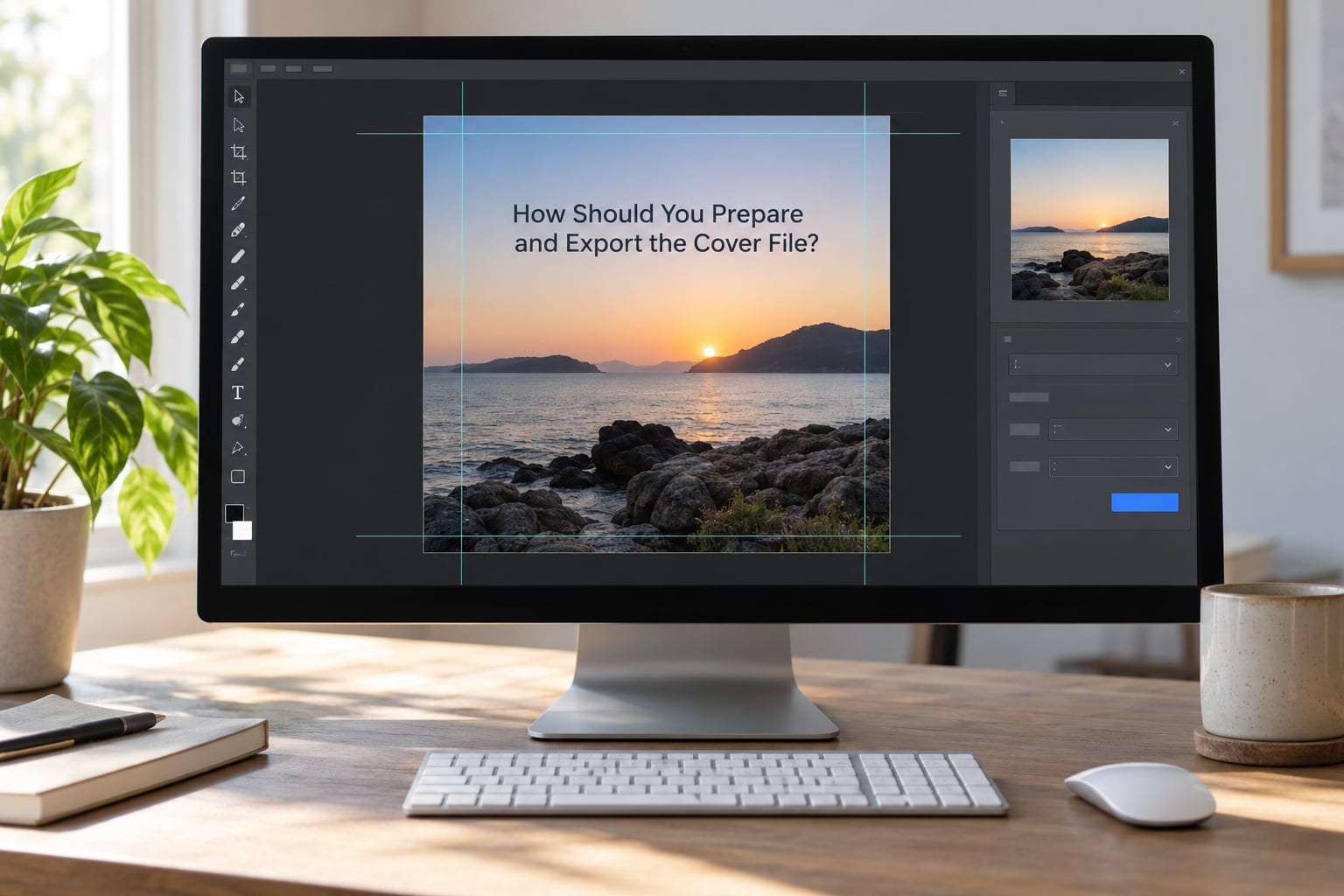
The export step is where most spec problems are actually created, and it takes about two minutes once you know the settings. In every app the sequence is the same: confirm the document is square, check that nothing important sits near the edge, resize the canvas to 3000 x 3000 pixels, convert the profile to sRGB, export as a JPEG at high quality, and open the result at 100% before uploading.
In Photoshop: choose Image, then Image Size, set both width and height to 3000 pixels, leave the chain link on so the aspect ratio stays locked, confirm the resolution reads 72 pixels per inch for a digital master, and uncheck Constrain Proportions only if you are deliberately changing shape, which you are not. Then File, Export, Export As, choose JPEG, set quality between 80 and 100, and check Convert to sRGB in the export dialog.
In Illustrator: keep the artboard square, use Object, then Artboard, then Artboard Options to set both artboard dimensions to 3000 pixels, place or embed your raster image to fill it, then File, Export, Export As, choose JPEG with quality set to Maximum and check the sRGB option.
In Canva: create a custom size of 3000 x 3000 pixels from the Create a design menu, or upload your finished artwork as a design rather than a photo so the full square exports. Download as JPG, which gives you a flat sRGB file at full resolution.
Before you upload, run this short check:
- The file is exactly square, with no white or black bars added in your editor.
- Width and height read 3000 x 3000 pixels in the file properties, not just in the app.
- The profile is sRGB and the mode is RGB.
- Your title, artist name and any logo sit well inside the edges, since some players crop slightly and most social crops are aggressive.
- No URLs, social handles, prices, release dates, phone numbers, email addresses, track listings or platform logos appear anywhere on the cover.
- The file size sits under your distributor’s cap.
- You have looked at the cover as a thumbnail and as a full-screen image, on both a phone and a desktop.
That last prohibition list matters as much as the pixel count. Distributors reject artwork with promotional text, store logos, pricing or contact details, and a rejection means re-delivering the whole release rather than just re-uploading an image.
Do You Need Different Album Art Sizes for Other Uses?
The square master stays your single source of truth, and everything else is a derivative you build from it. YouTube thumbnails, Spotify Canvas loops, Instagram posts, press kit pages, streaming profiles and merch mockups all want a different shape, and none of them replace the master.
Physical releases are the real split in the road. A vinyl record sleeve is 12 x 12 inches, so a printed cover exists in the physical world at a size measured in inches rather than pixels. The artwork file for a vinyl sleeve is larger than 12 x 12 inches once you add the standard 0.125 inch bleed on every side and account for the die cut, and it is prepared in CMYK at 300 dpi. A CD digipak or jewel case is a different trim size again, roughly 5.6 x 4.2 inches, and needs its own layout.
So the practical answer for anyone releasing both ways: keep your 3000 x 3000 sRGB RGB master for digital, and build print-ready files separately through your plant or designer. Trying to stretch a digital master into a print-ready PDF gives you soft edges and shifted colours.
If your release includes anything animated, the same split applies. A Spotify Canvas is a separate short looping vertical video uploaded after the release goes live, not a substitute for static cover art. Treat it as an extra deliverable with its own specs.
Common Album Art Size Mistakes
The cover is not square. A 3000 x 2000 image gets cropped, letterboxed or stretched depending on the store. Fix it before export by locking the aspect ratio in your resize dialog.
The source image came from a phone photo. A modern phone takes plenty of resolution, but a screenshot or a photo scaled up from a social download often lands around 1000 px. Fix: locate the original file rather than the compressed copy.
The file was stretched to fit. Dragging a square image into a rectangular box distorts faces and logos. Fix: crop instead of stretch.
Text and logos sit too close to the edge. Streaming players, social crops and physical die cuts all trim near the border, and the difference between a clean crop and a chopped-off word is about an inch of safe area. Fix: keep every essential element inside the inner 80 percent of the square.
The file is CMYK. A print-ready CMYK JPEG can be refused outright by digital distributors, and where it is accepted the colors shift. Fix: convert to sRGB RGB and re-export.
The file is too big. Some distributors cap around 36 MB, and a PNG exported without thought can sail past it. Fix: export JPEG at quality 80 to 90 and check the size in your file manager.
A blurry preview was mistaken for a low-resolution original. Platforms generate several cached sizes of your cover, and a soft thumbnail is usually just a thumbnail. Fix: open the full-size view, then inspect your own exported file at 100%.
Old artwork had to be upscaled. If your existing cover is only 1500 x 1500 px, it still clears every streaming minimum in the table above, so upload it as it is. Modern upscaling tools such as Photoshop’s Generative Expand, Topaz Gigapixel or the upscaler built into most modern photo apps can push a file to 3000 x 3000 with modest improvement, and they work best on artwork that was already clean and sharp. They cannot invent detail that was never there, so for a graphic design with fine type, rebuilding at full size usually looks better than upscaling.
Frequently Asked Questions
What is the ideal size for album art?
3000 x 3000 pixels in a 1:1 square ratio is the ideal master size for digital release. It sits above the minimum required by Spotify, Apple Music, Amazon Music, Tidal, Deezer and major distributors, stays below common file size caps, and keeps enough detail for both small thumbnails and large screen views. Export it as a JPG or PNG in sRGB RGB color mode.
What is the recommended pixel size for a Spotify album cover?
Prepare a 3000 x 3000 px square image, then let your distributor handle delivery. Spotify does not accept most artist uploads directly, so the distributor’s specification governs what you send. Spotify’s own floor is 640 x 640 px and its uploader guidance asks for width plus height of at least 1000 pixels, but designing to 3000 x 3000 removes the guesswork entirely.
What are the dimensions for album cover art on Apple Music?
Apple Music expects square artwork with a minimum around 1400 x 1400 pixels, and 3000 x 3000 px is the recommended delivery size. Files are uploaded as JPG or PNG in RGB color mode. Most artists supply the image through a distributor or through Apple Music for Artists rather than uploading a different file for Apple alone, so one master at 3000 x 3000 covers it.
What is the minimum album image size required by DistroKid?
Distributor help pages generally set the practical floor at 1400 x 1400 pixels for a square cover and recommend 3000 x 3000. Uploads also need a JPG, PNG or TIFF in RGB, no more than roughly 36 MB, and no promotional text, URLs, prices or platform logos on the artwork. Distributors revise their specs, so confirm the current numbers in your account before each release.
What is the 1000 rule on Spotify?
The 1000 rule comes from Spotify’s uploader guidance: add the image width to the image height and the total should be at least 1000 pixels. A 500 x 500 square passes exactly, while a small or oddly shaped image falls below the threshold and looks soft. It is a sanity check rather than a real quality standard, which is why designing at 3000 x 3000 clears it easily.
Are album covers 12×12?
A vinyl record sleeve is 12 x 12 inches, so album covers are physically 12 by 12 in that format. That is an inch measurement for print, entirely separate from the pixel dimensions used for digital releases. The printed artwork file is larger than 12 x 12 inches because it needs bleed around the edges for the die cut, and it is prepared in CMYK at 300 dpi rather than RGB.
Conclusion
Start with one file: a square 3000 x 3000 pixel cover, exported as a high-quality JPEG in sRGB RGB, with your key elements kept away from the edges. Confirm your distributor’s current requirements before you upload, since platform specs shift, and check the finished cover on a phone and a desktop before it goes live. Build derivative assets and print-ready files separately from that master.