Muddy low end is almost always a build-up of energy in the 120-250 Hz low mids, not simply too much bass. When the kick drum, bass guitar, guitars, and vocals all pile into the same range at the same time, their energy sums and masks each other, so your ear hears one thick undefined blob instead of separate parts. It is a balance and arrangement problem long before it is an EQ problem.
That distinction matters because the reflex fix, cutting bass, usually makes the mix worse. You lose weight, the kick stops reading, and the mud comes right back on the next playback system. Producers on r/mixingmastering describe the same loop endlessly: cut, listen, miss the bottom, add it back, get mud again.
This guide walks through what muddy low end actually sounds like, the six causes behind it, a repeatable diagnostic routine you can run in a few minutes, and seven fixes ordered so you solve the real problem first. You do not need plugins you do not own. Every DAW shipped since 2015 has the filters and dynamics tools this takes.
Table of Contents
- Why Do My Low Ends Sound Muddy?
- What Does Muddy Low End Sound Like?
- What Causes Muddy Bass in a Mix?
- How Can I Tell Exactly Where the Mud Is Coming From?
- How Do You Fix Muddy Low Ends Without Losing Energy?
- 1. Give the kick and bass different jobs
- 2. High-pass the parts that do not need low end
- 3. Carve the low mids with narrow, musical cuts
- 4. Set levels before you set plugins
- 5. Manage dynamics so low-mid energy stays transient
- 6. Correct phase and polarity
- 7. Use saturation deliberately and check the room
- How Do You Fix Muddy Low Ends in Logic Pro, Ableton Live, and Pro Tools?
- How Do You Keep the Low End Clear on Headphones, Speakers, and Cars?
- Frequently Asked Questions
- Should I high-pass every instrument except the kick and bass?
- Why do my kick and bass sound better separately but muddy together?
- Is muddy low end usually caused by too much compression?
- How low should I set the high-pass filter on vocals and guitars?
- Why does my mix sound muddy on headphones but clear on studio monitors?
- Can a bad room be the reason my low end sounds muddy?
- Fix the First Problem Before Reaching for More EQ
Why Do My Low Ends Sound Muddy?
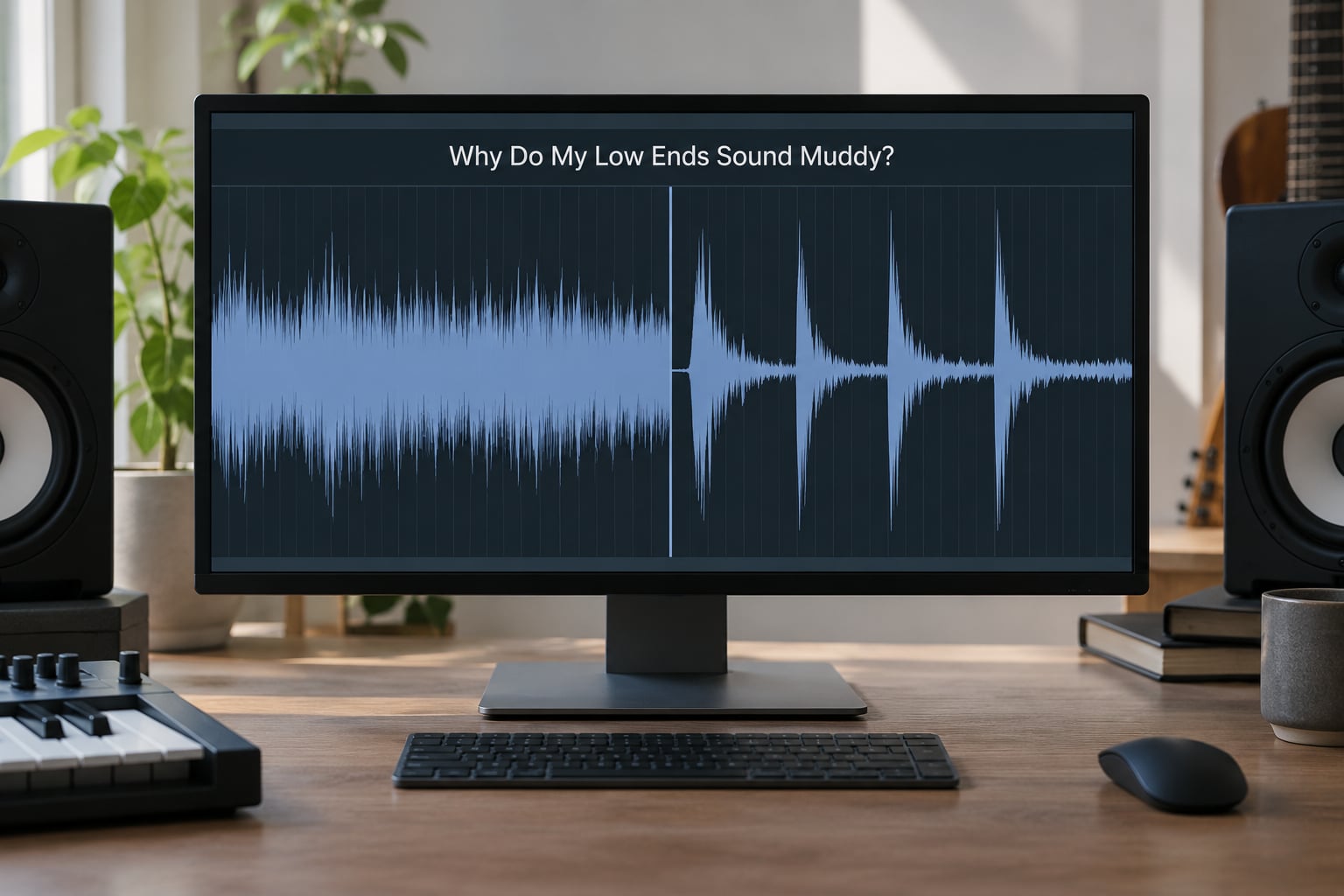
Three things are usually happening at once, and only one of them is about frequency content. The first is build-up: too many tracks carry weight in the same narrow band, usually 120-250 Hz, so the summed energy is several times louder than any single instrument. The second is masking: one sound is sitting on top of another, so the quieter one disappears and the louder one turns into a shapeless block. The third is translation, where the mix reads fine on the system you built it on and falls apart everywhere else.
Distinguishing these matters because the cures differ. Build-up gets fixed with high-pass filters and level balance. Masking gets fixed with arrangement and sidechain ducking. Translation gets fixed by checking other systems. Applying a boost to the bass because it disappeared on your phone is treating a symptom three steps removed from the cause.
There is a fourth cause people forget: the room. Low frequencies behave completely differently from 500 Hz and up. They wrap around furniture, they excite corners and low-frequency traps in ways that shift the apparent level, and they accumulate in a room long after everything else has decayed. A null between 200 and 500 Hz in an untreated room can make a perfectly balanced mix sound bloated, and no amount of corrective EQ gets you back the level you assumed was there.
Here is the useful part. Mud is a relationship problem, not a property of any single sound. A 60 Hz sine tone is neither muddy nor clean. Mud appears between tracks, in time, and in the room they play back in. Every fix below works on one of those three.
What Does Muddy Low End Sound Like?
Muddy low end sounds thick, boomy and indistinct, like a voice heard through a wall. The kick and the bass stop reading as two separate events and blur into one lump. Bass lines seem to swell or wobble instead of holding a steady pitch, and the whole bottom half of the mix feels like it is wearing a blanket.
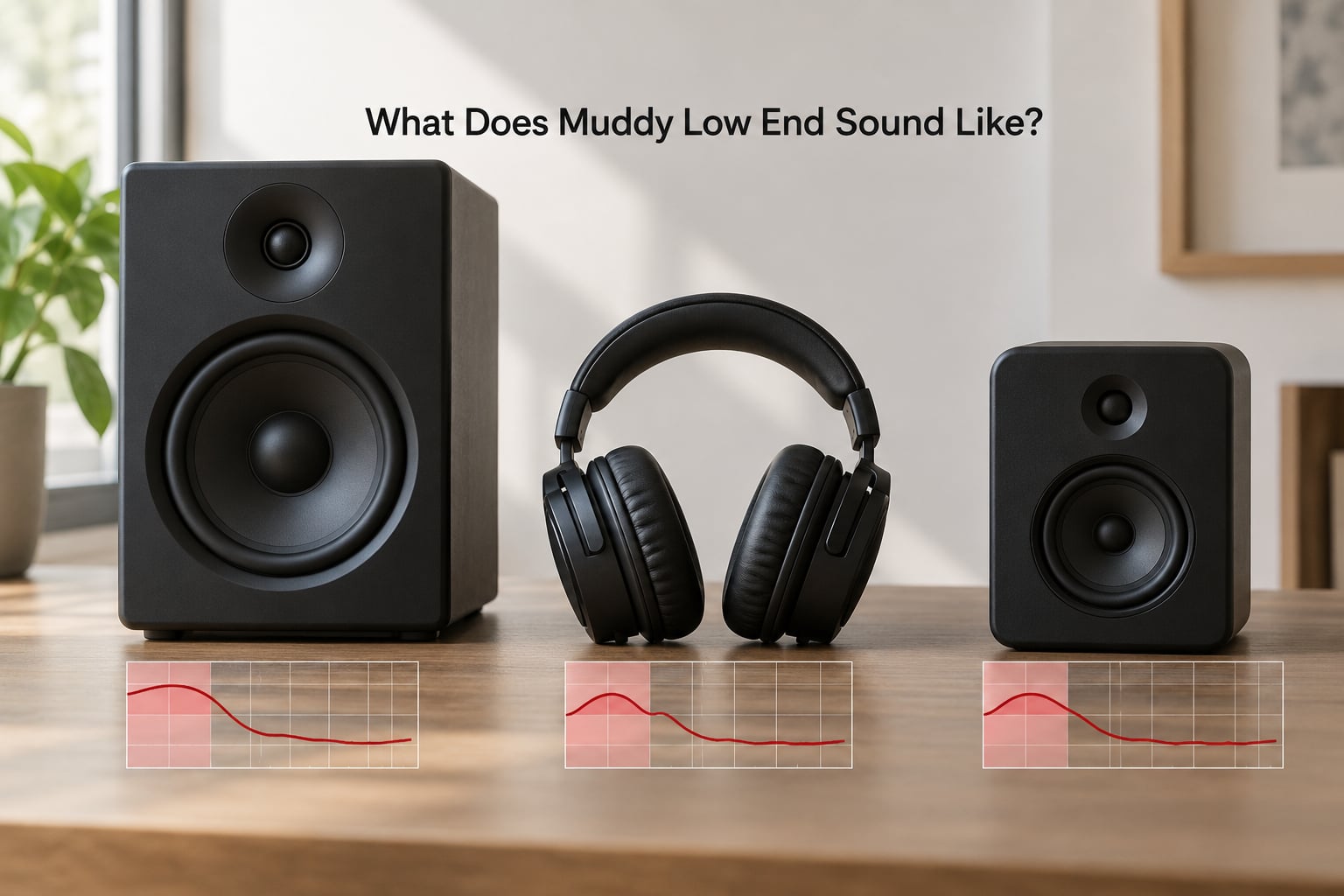
It is worth knowing the vocabulary, because the words get used loosely. Boom is excess weight around 40-125 Hz. Mud is 120-250 Hz. Boxiness and nasal honk sit higher, around 300-600 Hz. Rumble is everything below 60 Hz that you should hear only on a decent speaker or in the car.
| Range | What you hear | Common cause |
|---|---|---|
| Below 60 Hz | Rumble you feel more than hear, or nothing on small speakers | Unfiltered room mics, infrasonic content, unhighpassed tracks |
| 40-125 Hz | Boomy, bloated, one-note | Kick and bass doubling, low tom mics, too many tracks wide open below 100 Hz |
| 120-250 Hz | Muddy, thick, no definition | Overlapping fundamentals and second harmonics, uncompressed sustains |
| 300-600 Hz | Boxy, honky, nasal | Guitars, snares, vocal body competing, room reflections building up |
| 2-5 kHz | Presence, clarity, bite | Often the fix for perceived mud, because masking stops once the ear has detail to lock onto |
How it changes depends entirely on the playback system. On cheap earbuds, a bloomy low end gets worse because there is no real subwoofer to carry the fundamental, so the 80-200 Hz region is doing all the work. On a phone speaker, the bottom half of the spectrum simply vanishes and the mix sounds thin and hollow instead. On a large pair of monitors, you hear the rumble problem that nobody else can.
In a car, the cabin and road noise add their own low-frequency energy, so a mix that was balanced at home sounds pumped and sluggish. One producer described mixing techno for years in a treated room, hearing clean low end, and only finding out the mix was muddy once it played in a car. Nothing was wrong with the mix engineer’s ears. The translation check simply never happened.
So if your low end sounds great on one system and terrible on another, do not assume your ears are inconsistent. You may be hearing two different mixes.
What Causes Muddy Bass in a Mix?
There are six causes, and they stack. Most muddy mixes are carrying three or four of them at once, which is why a single fix never quite lands.
1. Kick and bass fighting in the same range
A synth bass with the root on A1 and a kick on A1 too means two things want to be the same note at the same moment. Even with the kick and bass tuned, the kick’s click and the bass’s sustain overlap in 60-200 Hz, and the summed waveform is fatter and more saturated than either part. The bass line stops moving and the mix gets a wobbly, seasick quality under 150 Hz.
2. Too many instruments in the low mids
This is the most common one and nobody notices it happening. A distorted rhythm guitar, an acoustic guitar, a piano pad, a vocal, and a bass can all carry meaningful energy between 150 and 300 Hz at once. That is five instruments competing for the same slice of the spectrum, and the result reads as a single warm fog with no individual definition.
3. High-pass filters set too low, or not at all
Setting a high-pass at 80 Hz on a vocal is the classic mistake. It sounds cautious, it removes almost nothing you can hear on a small speaker, and it leaves the 80-200 Hz region completely intact, which is exactly where the mud is. A vocal wants a corner somewhere around 80-100 Hz with a slope steep enough to actually take effect, and the same applies to guitars, room mics, and overheads.
4. Compression and saturation amplifying the problem
Compression does not create mud on its own, but it makes mud permanent. It raises the level of the decay and sustain between kick hits, so instead of brief low-end events spaced across a bar you get a continuous low-mid bed. Saturation is worse, because the added harmonics land at 100-500 Hz, right in the mud zone, and stack on top of whatever was already there.
5. Phase and polarity problems
When two microphones or two layered takes are out of phase, the low frequencies cancel while the midrange survives. What you hear is a thin, oddly hollow sound, sometimes described as a comb-filtered flutter. A user on r/WeAreTheMusicMakers traced months of confusion in one mix to a top snare mic flipped against the bottom mic. The high mids were fine, which is why the mix read as thin rather than obviously wrong.
6. Room and monitoring translation
Untreated rooms have a null somewhere in the 200-500 Hz region, and they build up energy below 100 Hz. If you are mixing loud in that room, your low-end balance judgement is a guess. One home producer on r/musicproduction found his mixes went muddy the week new carpet went down, because the soft surfaces killed his early reflections and let the bass build instead of decaying.
Add a seventh, quieter one: mud in time. Reverb tails and long sustains in the low mids keep sounding after the note has gone, so two different instruments blur together in the gaps between events. iZotope frames this well in their write-up on muddy mixes, and it is why a high-passed reverb return often fixes more than another EQ cut.
How Can I Tell Exactly Where the Mud Is Coming From?
Run these five tests in order before you touch a single plugin. Each one narrows the problem, and together they take about five minutes. Producers on r/mixingmastering and gearspace all describe the same order: solo, bypass, high-pass, frequency-solo, then compare to a reference.
Solo the kick and the bass. Play them alone. If they sound good alone and only turn to sludge together, the problem is masking or phase, not tone. Go to the next test instead of reaching for EQ.
Bypass the mix bus. Compare your mix to the same session with all processing off. If the bypassed version is cleaner, you are processing your way into the problem, and the fix is in your dynamics chain rather than in your EQ.
Solo every track one at a time and listen only to the bottom third of the spectrum. You are listening for anything with weight in 80-250 Hz that should not have it. This is where room mics and a second guitar amp get caught.
Add a high-pass filter to the entire mix bus at around 100 Hz, 18 dB per octave, and bypass it every few seconds. The difference tells you instantly whether the low end is genuinely excessive or simply arranged badly. A mix that only improves in mono is masking, not excess.
Now open a spectrum analyzer. Logic has a spectrogram in the meters view, Ableton Live 12 includes Max and the Spectrum module, and Pro Tools users reach for the standalone Frequency Analyzer plug-in or a free meter like Youlean Loudness Meter. Solo a narrow band across 150-300 Hz by boosting it alone, or narrow the analyzer’s band. If a wall of energy sits between 150 and 250 Hz on five different tracks, you have found your mud.
| Test result | Likely cause | Next action |
|---|---|---|
| Kick and bass sound fine alone, mud together | Frequency masking or phase | Duck the bass to the kick, then check polarity and mic phase |
| Mud vanishes on bypass | Compression or saturation stacking | Reduce ratio, shorten release, add a high-pass to saturation drive |
| Five or more tracks all peak around 200 Hz | Low-mid build-up | High-pass the non-bass tracks, then cut narrow bands on two or three of them |
| Low end drops out in mono | Phase cancellation | Flip polarity, align the low mics, re-check the summed low end |
| Clean on monitors, muddy on every other system | Translation, not tone | Level-match and check on headphones, a phone, and a car |
| Mud follows the snare, not the bass | Room and reverb returns in the low mids | High-pass the snare room mic and the reverb return |
Write the result down before you fix anything. The instinct to change something immediately is strong, and it is how mixes get worse while feeling productive.
How Do You Fix Muddy Low Ends Without Losing Energy?
Work through these in order. The first four solve most cases, and each one is cheaper and less destructive than the EQ move people reach for first. The goal is a clear low end that still hits, not a thin mix that avoids the problem.
1. Give the kick and bass different jobs
Decide which one owns the low end before you do anything else. If the kick is the weight, put the bass in the octave above it and let the sub live in the kick. If the bass is the weight, use a kick with a shorter body and a click that sits above 150 Hz. Divide the work and the conflict mostly disappears. Where the two genuinely must share, use a compressor on the bass keyed from the kick, with a fast attack and a release set from the tempo so it recovers before the next hit. r/mixingmastering is full of producers warning that a very fast attack setting on bass ducking can distort, because the gain reduction moves faster than the waveform can follow; a lookahead compressor avoids that entirely.
2. High-pass the parts that do not need low end
Vocals, guitars, snares, room mics, cymbals, and overheads almost never need anything below 80-100 Hz. Set a high-pass with a steep slope, 18 or 24 dB per octave, and place the corner where the track has stopped producing useful fundamental content rather than at a round number. Sweep it up while listening. If the mix does not get clearer, you went too far. This is the fastest visible improvement in most home studio mixes, and it costs nothing. If you want a reliable starting point for each instrument, our guide to music production fundamentals covers the same idea from the arrangement side.
3. Carve the low mids with narrow, musical cuts
After high-passing, what remains is genuine overlap, and a bell filter with a Q around 2 to 4 is the right tool. Cut 2-4 dB, no more, and move the frequency in small steps while you listen to the kick and bass together. Wide-Q cuts dull the whole bottom, which is how mixes end up with no weight. If you need to reduce a band only when it gets loud, use dynamic EQ so quiet passages stay open. One trick on r/WeAreTheMusicMakers worth stealing is to boost 300 Hz on the side channel so a mix reads wide without piling more low-mid energy into the centre.
4. Set levels before you set plugins
Gain staging is the most underrated fix and it is free. The common trap, described over and over in home mixing forums, is setting the gain of the drums first and then bringing everything else up to meet them. That puts the kick and the room mics at the front of the fader stack where they cannot be balanced, and the low end builds up as you raise the rest. Bring the mix bus down, set every fader to unity, build the balance from the kick and bass outward, and leave headroom above the loudest peak. Mud is frequently a level relationship that no EQ can rescue.
5. Manage dynamics so low-mid energy stays transient
Mud is sustained energy, so attack is your friend. Use faster attack on anything in the low mids and let the decay through. Sidechain compression from the kick is the standard tool, and a multiband compressor on the 100-400 Hz band is better still, because it ducks only the problem band. For releases, derive the timing from the tempo rather than eyeballing it: a dotted eighth at 120 BPM, for example, leaves a gap before the next kick. Cut before you compress, not after, so the compressor never grabs the build-up you just removed.
6. Correct phase and polarity
Check polarity on every layer of kick, every bass DI, and every double-tracked guitar. On a two-mic kick, the top mic hears the beater and the bottom mic hears the shell, so they should normally be in phase; if the low end thins when you sum them, flip one. On a snare, the top and bottom mics are often deliberately out of phase and the fix is to use only one for the low end and sum the two higher in the spectrum. Any sound that gets hollow and fluttery when you press mono is cancelling itself.
7. Use saturation deliberately and check the room
Saturation adds harmonics at twice and three times the fundamental, so drive on a 60 Hz bass line piles energy into 120 and 180 Hz, right in the mud zone. High-pass the input to the saturator at 80-100 Hz so the drive sees only what you want coloured. Then check the room. If a sound is in a right position, close to a wall or corner, and 300 Hz is quieter there than it should be, no mix decision will be accurate. Our notes on studio gear and room setup cover positioning basics, but the fastest check is simply to move the mix away from the wall and re-listen.
How Do You Fix Muddy Low Ends in Logic Pro, Ableton Live, and Pro Tools?
All three DAWs do the same job with differently named controls, so the workflow transfers. Logic uses Channel EQ plus a dedicated Audio Track Filter for linear-phase high-passes, Ableton uses EQ Eight alongside Auto Filter, and Pro Tools puts a seven-band EQ and a separate Dynamic EQ on the channel strip. Control names and menu locations shift between versions, so check what your version actually labels them.
High-pass filters
In Logic, open the Audio Track Filter on the channel, choose the high-pass type, and set the slope in decibels per octave. In Live, put an Auto Filter on the track and choose the high-pass mode. In Pro Tools, insert a High Pass Filter plugin from the EQ category. On any of them, solo-sweep the corner frequency upward and stop at the point where the track thins but the arrangement still reads. Do it on the mix bus as a diagnostic, then move the filter to the individual tracks where it belongs.
Bell cuts and Q
The Q setting is the same everywhere, whatever the band is called. A Q of 1 is broad and dulls a lot at once, 2 to 4 is narrow enough to remove build-up without touching the rest, and above 8 you are cutting a resonance, not a build-up. In Live, EQ Eight lets you right-click a band to change its type from bell to cut or notch, which is the fastest way to test a theory. In Logic, the Channel EQ shows the Q numerically when the band is selected, and the same is true of Pro Tools’ EQ3.
Dynamics, sidechain and metering
Logic’s Compressor has an explicit sidechain input on the channel strip, Live’s Compressor has a sidechain selector, and Pro Tools’ Dyn3 compressor and Expander/Gate can be sidechained from a bus. All three can key from a kick fed into a separate bus. For measurement, Logic opens a spectrogram from the meters menu, Live needs Max for Live with the Spectrum module, and Pro Tools relies on the Frequency Analyzer plug-in or a third-party meter. Whichever you use, set the display to a slow decay so the meter falls gradually instead of dropping off a cliff.
None of this is version-critical. If you know that the fix is a high-pass at 100 Hz and a 3 dB cut at 250 Hz with Q of 3, you can find all three in any DAW in under a minute.
How Do You Keep the Low End Clear on Headphones, Speakers, and Cars?
A mix that is clean on your monitors and muddy everywhere else is not broken, it is untranslated. The fix is a checking routine, and it takes about ten minutes once you have done it a few times.
Level match first. This is the step everyone skips. A phone speaker at full volume is not quieter than your monitors, it is just band-limited, and you will hear a completely different balance. Turn the reference down to where it matches the loudness of your monitors, then compare. If the low end disappears entirely on the phone, you have too much below about 150 Hz. If it sounds bloated instead, you have too much in the 80-250 Hz region.
Check in mono, because a lot of people will hear your mix on a single-channel earbud or through a mono Bluetooth speaker. Press the mono button on your console or collapse the master to mono in the session. Low end that vanishes or flutters needs a phase fix before anything else.
Run the low-frequency emphasis test. A few master bus compressors and limiters have a low-frequency emphasis or tilt option that deliberately unbalances the low end, which is a cheap way to find weaknesses. Several meters and reference plugins can render your mix through a phone speaker, a small speaker, and a large speaker model in rotation, and doing that for one full playback gives you a fast read on all three at once.
Then do the real-world exports. Bounce a short reference-quality version and play it in the car, on a phone with earbuds, and on a laptop with the cheap built-in speakers. A car is the most revealing system there is for low end, because the cabin adds energy at exactly the frequencies you are worried about. Producers on r/livesound and r/futurebeatproducers all describe the same moment: hearing a mix in a car and immediately knowing what was wrong in the studio.
Take breaks. Ears adapt downward and after an hour of mixing everything sounds a little fuller than it is, which is its own kind of mud. Fifteen minutes away is more useful than any plugin.
Frequently Asked Questions
Should I high-pass every instrument except the kick and bass?
Not everything, and not at the same frequency. Vocals, guitars, snares, room mics and cymbals almost always benefit from a high-pass between 60 and 120 Hz with an 18 or 24 dB per octave slope. The kick and bass need a much lower corner, often 20 to 30 Hz, purely to remove rumble. Leave low tom mics alone if you want the floor to read, and be careful with acoustic instruments, which lose body fast once you pass 150 Hz.
Why do my kick and bass sound better separately but muddy together?
That is masking, the most common cause of muddy low end. Both parts have fundamentals and harmonics in the same 60 to 200 Hz range, so when they play together their energy sums and the quieter one disappears. Separate each sound is balanced, together neither is. Give one of them the sub, push the other up an octave, or sidechain the bass to the kick so it steps back on every hit.
Is muddy low end usually caused by too much compression?
Rarely on its own, but it makes mud much worse. Compression raises the level of the decay and sustain between kicks, turning brief low-end events into a continuous bed. Saturation compounds the problem because its added harmonics land between 100 and 500 Hz, exactly where mud lives. Look at attack and release settings, and high-pass the input to any saturator so it never sees the frequencies you are trying to keep clean.
How low should I set the high-pass filter on vocals and guitars?
For a lead vocal, start at 80 to 100 Hz with a steep slope and sweep it up while listening. For distorted guitars, go higher, around 150 to 200 Hz, which clears the low mids while keeping the note recognisable. The mistake is setting a filter at 80 Hz and leaving it, which removes almost nothing on small speakers and changes nothing in the region that actually causes the mud.
Why does my mix sound muddy on headphones but clear on studio monitors?
Your monitors reveal low frequencies your headphones cannot reproduce, so you may be over-trimming the sub-bass in the room and leaving the 80 to 250 Hz region untouched. Headphones then expose that region with nothing underneath it. Another cause is monitor masking, where the room inflates the low end and you compensate in the wrong direction. Check the mix on several systems with matched levels, and treat headphone and speaker disagreement as information rather than an error.
Can a bad room be the reason my low end sounds muddy?
Yes, and it is one of the most ignored causes. Untreated rooms usually have a null somewhere between 200 and 500 Hz plus accumulated energy below 100 Hz, so your low-end balance judgement is unreliable. Telltale signs are a mix that changes character when you move the speakers or sit closer, and one that sounds bloated everywhere except in the room. Move the listening position, place bass traps in corners, and add broadband absorption before blaming your mix.
Fix the First Problem Before Reaching for More EQ
Start with the kick and the bass, soloed, and decide which one owns the low end. Then play them together and listen for the moment they blur. That single test tells you whether you are fighting a level problem, a masking problem, or a phase problem, and each of those has a different fix.
After that, high-pass the tracks that never needed low end, check the fader balance from unity, and only then reach for a narrow cut. Most muddy mixes come apart at that stage, without a single boost, and the bottom keeps its weight instead of disappearing. Whatever you change, verify it on a second system at matched level before you call it done.