If you want to know how to find the BPM of a song, play it from the intro, count the beats you hear over 15 seconds, and multiply that count by 4. If 30 beats land inside those 15 seconds, the song runs at 120 BPM. The general formula is beats counted divided by seconds counted, times 60, and every method below is just a faster way to get the same number.
It takes under a minute once you have a method, and picking the wrong one is how people end up an octave off. That is not a rare problem: a 140 BPM trap track regularly shows up as 70 because the detector locks onto the backbeat instead of the eighth notes. I have checked the same record in four different tools and got four different answers, all defensible.
Below is the order I actually work in. Start at the top if you just want a number, or skip to the troubleshooting section if your result already looks wrong.
What You Need
Not much. Every method here runs on a phone or a laptop you already own, and the more tools you have the faster you can cross-check a result.
- A stopwatch and the track itself for manual counting. Phone clocks are accurate enough for a 30-second window.
- A tap tempo page or app for tapping by ear. There are free ones that run in a browser tab, so nothing to install.
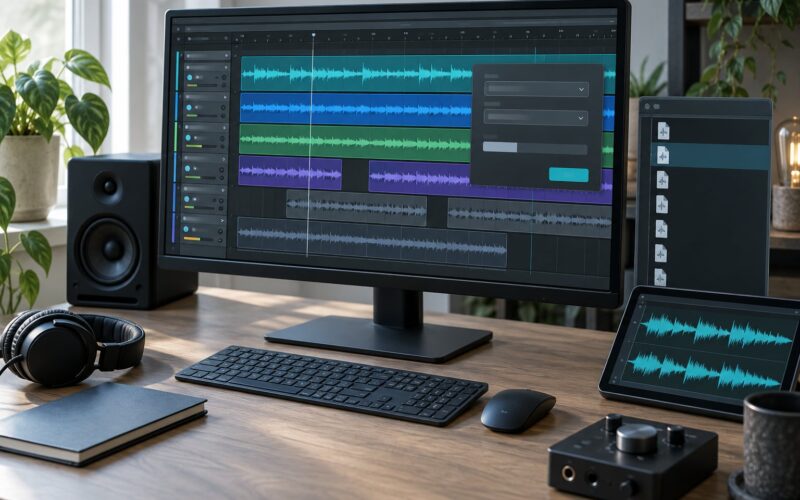
- A DAW for automatic beat detection and for locking your project to the song’s tempo. Ableton Live, Logic Pro, FL Studio and Pro Tools all have it built in.
- A browser for the BPM databases, which are often faster and cleaner than any detector for a track that already has a listing.
One phone covers most songs. The gap shows up on drumless or live material, where a detector has nothing to lock onto and you need a human ear or a metronome instead.
Step-by-Step
Here is how to find the BPM of a song in practice, and where each method wins.
| Method | Best For | Typical Accuracy |
|---|---|---|
| Beat detection in a DAW | Recording, sampling and remixing | About plus or minus 1 BPM |
| BPM database lookup | Released studio tracks | Depends on the source; check two |
| Tap tempo | Fast answers with no software | About plus or minus 2 to 3 BPM |
| Manual counting | Checking any other result | About plus or minus 2 BPM at 120 |
| Harmonic rhythm counting | Drumless, ambient and classical music | Varies, verify with a metronome |
Use a DAW to Detect the Song’s BPM
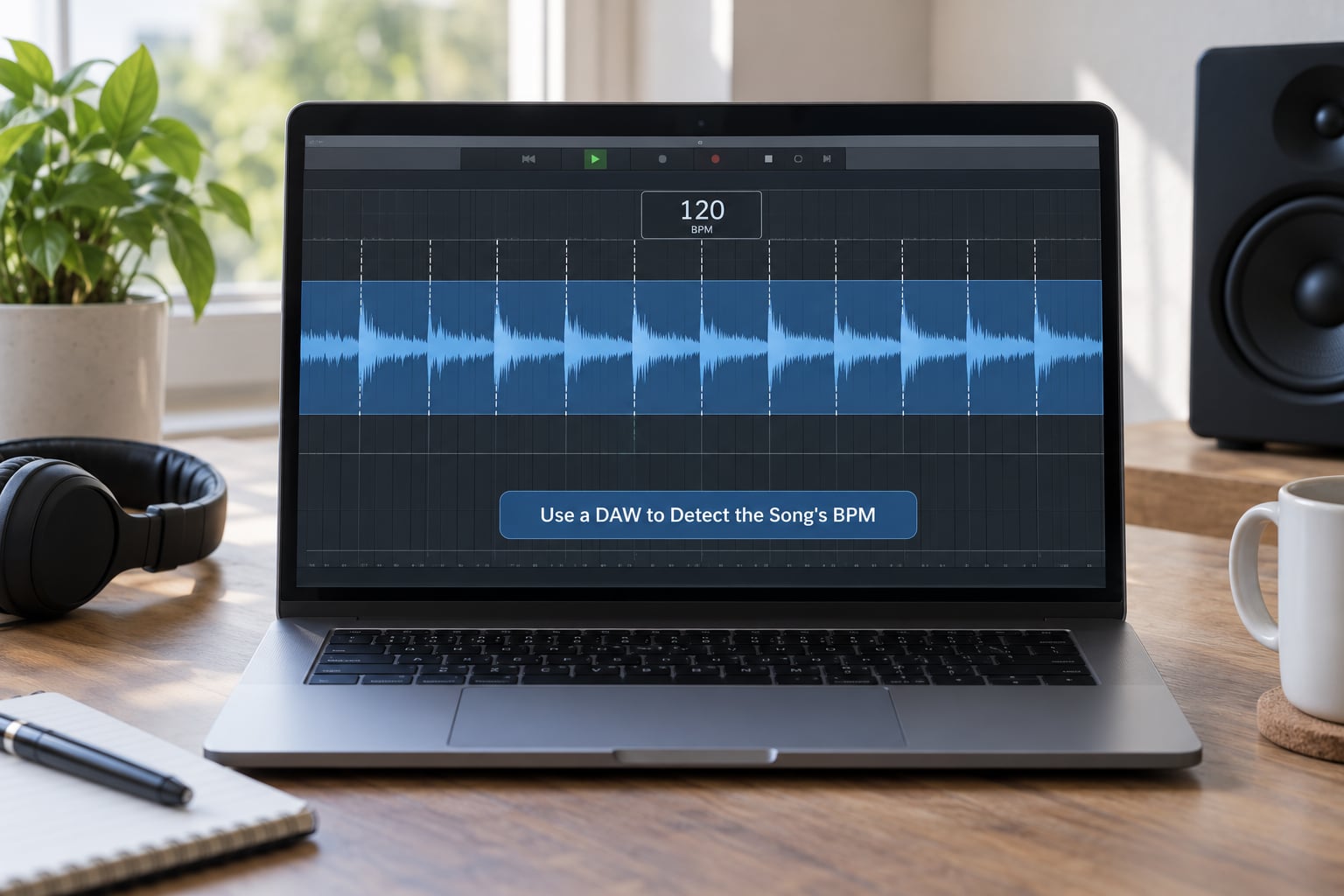
A DAW gives you the fastest and most accurate reading available to you without leaving your chair, and it is the method I trust when the answer matters.
Drag the audio into an empty project first, because most DAWs only run detection on a clip, not on an empty arrangement. Then use the beat detector that ships with the program.
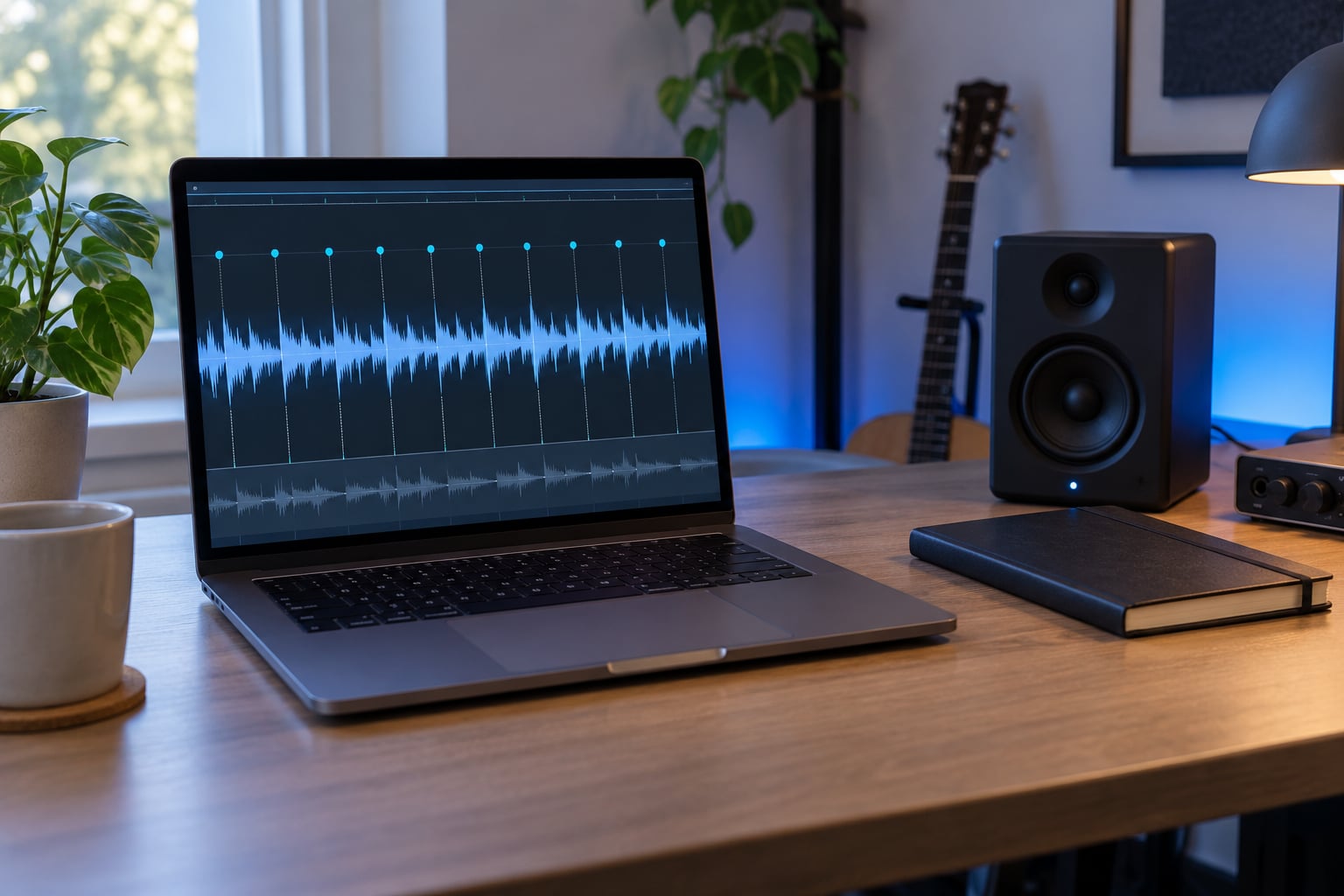
- Ableton Live: select the clip, open the clip view, and click the Detect Beat button in the lower right of the clip properties. Ableton places warp markers on the waveform and writes the tempo into the transport.
- Logic Pro: enable Flex & Time on the region, then use the Beats and Transient options in the Audio Track Time Scale menu. Logic then draws a beat grid across the region.
- FL Studio: right-click the channel or clip and run Beat detection, then set the detected value in the channel or clip properties.
- Pro Tools: put the clip on a track, highlight a section with a Selection, and run Beat Detective from the Event Operations menu. The main window reports the detected tempo.
The number that appears is a real tempo reading, but it is an interpretation. Detectors look for repeating transients and prefer whichever layer is most regular. In a trap record the kick and the backbeat are both regular, so you get 70 or 140 depending on which one wins. Always check that the drawn beat markers line up with the snare hits before you accept it.
If the markers sit on every other snare, the detector is reporting half the tempo you heard. Double it and the grid will sit on the snares.
Use Tap Tempo to Find the BPM by Ear
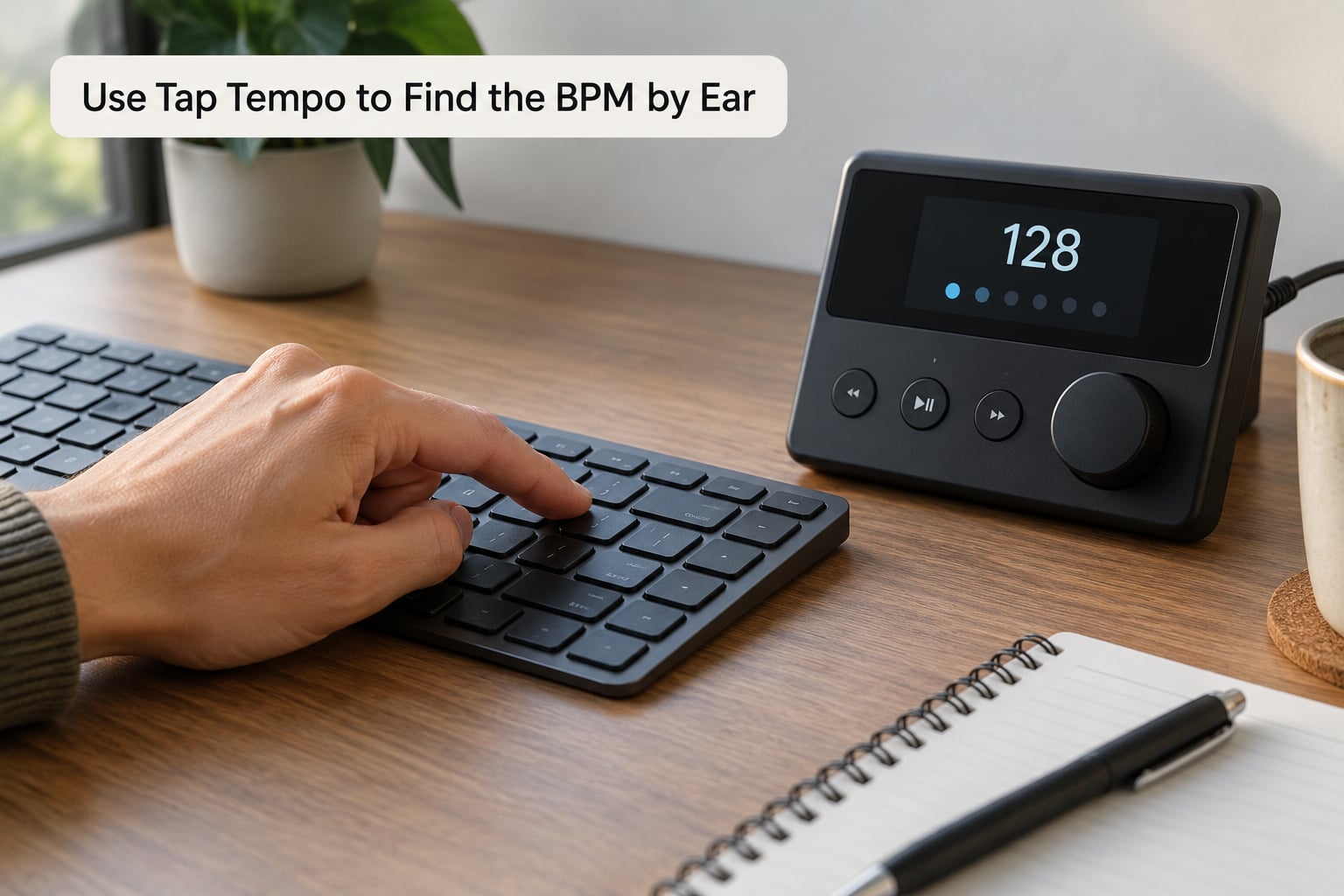
Tap tempo is the fastest useful method when you just need a number in the next five seconds, and it is the only method that works on a song you have not downloaded.
Open any tap tempo page, hit start, and tap a key or the screen in time with the strongest beat in the track. Ignore the melody, ignore the hi-hats and tap the note that feels like the floor, because that is the beat the tempo refers to.
How many taps you need is the part most people get wrong. Two taps is noise, four taps is still rough. Make at least 8 to 12 taps on a steady section, then reset and do two more rounds to confirm the number holds. If your three rounds read 138, 141 and 139, the true tempo is somewhere near 139.
Fast tempos and busy rhythms are where tapping falls apart. Above roughly 140 BPM your hand tends to rush and drift ahead of the track, which is why fast trap and drum and bass often read a little low. Slow down the track to 75 percent speed in your player and tap the easier subdivision, then double the result.
A couple of guitar players I know use tapping as the starting point and then nudge the value by about 5 BPM to land on the feel rather than the arithmetic. It is a legitimate correction, since tempo is partly how the music moves and not only a number.
Count Beats Manually
Manual counting is the method that settles arguments, because every automated tool ultimately does this same arithmetic behind a screen.
- Start the track at a point where the beat is clear, ideally the intro or the first full bar, and let it run for a few seconds first.
- Start the stopwatch on the first beat you count, not on the song starting.
- Count each beat out loud. Count the snare, or the kick if there is no snare.
- Stop the stopwatch on a beat rather than mid-beat, since a fractional second adds error.
- Divide by seconds, then multiply by 60.
Worked example: you count 30 beats and the stopwatch shows 15 seconds. Thirty divided by 15 is 2 beats per second, and 2 times 60 gives you 120 BPM. Over a 30-second window instead, 60 beats gives you the same 120 by multiplying by 2.
Fifteen seconds is the sweet spot. Long enough that your stopwatch error barely registers, short enough that you can hold a steady count. Count only kicks or only snares, never both, because you will lose the thread somewhere in the middle of the window.
The limit here is human drift. Over 15 seconds most people drift by 2 or 3 BPM, and fast tempos are worse. If your number and your tap tempo disagree by more than about 3 BPM, count again from a different section.
Check Whether the Song Uses Half-Time or Double-Time
This is the single most common wrong answer, and it is worth its own check because getting it wrong makes every later step fail.
Half-time means the drums are written as if the tempo were double what they are actually playing. A record labelled 140 BPM can feel like 70 if the snares only land on beats two and four. Double-time is the mirror image: the track is listed at 70 but plays a busy 140 groove underneath.
Here is the test that settles it. Load the number into a metronome at half tempo and again at full tempo, then play both against the track. Whichever one locks with the backbeat is the reading that matches the groove. If a 70 BPM click makes the whole song feel like it is dragging, the track is 140.
Reggae sits in the same trap. Plenty of it is counted as 150 BPM while the snare pattern makes it feel like 75, and databases disagree about the same song for years because of it.
When a detector and a database give you different numbers, they are usually not wrong, they are describing different layers. Doubling the lower value and halving the higher value usually reconciles them.
Common Mistakes
Tapping the fastest notes you can hear. If you tap the sixteenth-note hats you will get four times the tempo you want. Tap the beat the track rests on, which is almost always the kick or the snare.
Counting bars instead of beats. Sixteen bars in 30 seconds tells you nothing about beats per minute on its own. You would need to know how many beats sit in each bar, which is the time signature: 4/4 means four beats per bar, 3/4 means three.
Trusting an automatic result without listening. Beat detection is a pattern guess. Check that the markers land on the snares and the downbeats before you spend an hour warping audio to the wrong number.
Ignoring the time signature. A 3/4 waltz has three beats per measure and a very different feel from 4/4, and 6/8 groups six eighth notes rather than three. Counting beats across a bar boundary you cannot feel is how you end up two-thirds of the true tempo.
Choosing the number that fights the groove. If your sample feels like it is lagging behind your project, try the half or the double before you reach for pitch correction.
Confusing BPM with RPM. BPM is the beat of the music. RPM is how fast a vinyl record spins, and it comes in 33, 45 and 78. They are unrelated numbers and mixing them up sends you looking for a 120 RPM record.
Tips for Accurate BPM Detection
Start counting at the intro rather than the chorus. Intros are usually straight and unlayered, while choruses stack so many elements that you can easily count the wrong one.
Mark the downbeat as you go. The downbeat is beat one of the bar, and it is the single most reliable reference point in 4/4 music because it is where the kick and bass usually land together.
Check three sections of the song, not one. If the intro reads 138 and the drop reads 140, the track has a small tempo shift or your first count slipped. Sections that agree across the whole track are the answer.
Cross-check two methods before you commit. A database result confirmed by tapping is worth far more than either alone, and when they disagree the disagreement is usually the half-time or double-time issue above.
Save the number the moment you trust it, in your DAW project, a text file or a note on your phone. Rebuilding a tempo later is pure friction, and this is exactly the problem producers run into after recording from an external sequencer: the audio lands in the session and the project tempo stays wherever it was. Type the BPM into the transport and let the DAW handle the rest.
Finding BPM on a phone only
Yes, and for most tracks a phone is plenty. Open any browser tap tempo page, play the song from another app, and tap along. For a database lookup, search the artist and title in a BPM site in mobile Safari or Chrome. The only real limitation is that you cannot run a proper beat detector on a phone without an app, which costs more than most people want to spend on a one-off question.
Finding BPM on songs with no drums
Ambient, classical and solo piano defeat both tap tempo and beat detection, because there is no pulse for either one to grab. The workaround that people on r/musictheory recommend is counting the harmonic rhythm, meaning how often the chords change. In a lot of piano and ambient music the chords change once every two beats, so a chord change every 2.6 seconds points to roughly 46 BPM.
Set a metronome and play the track against it. Slow the track down if you have to. Someone on r/transcribe described halving the track, hunting for the 4/4 grouping, and reading the time signature off the score, landing near 90 BPM by ear, and that is close enough to start transcribing.
Why different websites give different BPM for the same song
Because tempo is measured from audio, and every database runs a different detector on a different encode. A lossy MP3 blurs the transients that beat detection relies on, so a file ripped at 128 kbps can analyze several BPM off a lossless master. Live versions, edits and remixes get separate entries, and someone typed the number in by hand years ago and never corrected it.
The recurring complaint is simply that the sources all disagree. The practical fix is to stop looking for one authoritative answer and use the number you verified yourself. Check two sites, test both against the track, and keep whichever one locks with the snare.
Typical BPM ranges by genre
Use this as a sanity check, not a target. If a detector tells you a ballad runs at 174, something went wrong.
| Genre | Typical BPM Range |
|---|---|
| Ambient | 60 to 80 |
| Reggae and dub | 60 to 90 |
| Hip-hop | 85 to 100 |
| Pop | 100 to 130 |
| House | 118 to 128 |
| Rock | 110 to 140 |
| Techno | 120 to 140 |
| Trap (as written) | 130 to 150, often heard as half |
| Jazz | 100 to 180 |
| Drum and bass | 170 to 180 |
| Classical | 60 to 120 |
Frequently Asked Questions
Can you check BPM on Spotify?
Not directly. Spotify’s consumer app does not display tempo for a track, so you need a third-party BPM database such as Tunebat, SongBPM or GetSongBPM, where you search the artist and title and read the listed value. Cross-check with a second site, since live versions and remixes often have their own entries with different tempos.
Is 70 BPM a slow tempo?
70 BPM is on the slow side but perfectly common. Reggae, hip-hop ballads, ambient music and half-time trap all live in that range, and half-time trap records are often written at 140 while feeling like 70. Tempo is relative to genre, so a meaningful comparison is against other songs in the same style rather than against an absolute number.
How do I calculate BPM manually?
Count the beats you hear over a fixed number of seconds, then divide beats by seconds and multiply by 60. Counting 30 beats in 15 seconds gives 30 divided by 15, which is 2 beats per second, and 2 times 60 equals 120 BPM. Counting over 30 seconds and doubling the beat count gives the same result with less stopwatch error.
Can I find BPM with just my phone?
Yes, for most tracks. Use a browser tap tempo page and tap along with the beat, or search the artist and title on a BPM database site in mobile Safari or Chrome. The one thing a phone cannot do well is run a proper beat detector without installing an app, which matters on fast or rhythmically busy tracks where tapping is least accurate.
Is tap tempo the same as BPM?
Tap tempo is a method, BPM is a measurement. When you tap along with a track and the counter reports a number, that number is your estimate of the song’s beats per minute, which is why tap tempo is used to find BPM by ear. The reading has error, usually 2 to 3 BPM, so it is an estimate rather than an exact value.
Why do different websites give different BPM for the same song?
Each site runs its own detector on its own audio file, and a compressed MP3 blurs the transients that beat detection depends on. Live versions, edits and remixes get separate listings, and some entries were typed in by hand years ago. Check two sources, test both numbers against the track with a metronome, and trust the one that locks with the snare.
To find the BPM of a song, search the artist and title in a BPM database first since it takes ten seconds. If there is no listing, tap it out three times in a browser tap tempo page. Then confirm the number by counting beats over 15 seconds, because the only way to be sure you have not landed on half or double the real tempo is to check the groove against a stopwatch and a metronome.