If you only make beats and want them fast, FL Studio is the quicker path from idea to a finished loop, because the Channel Rack step sequencer and pattern system let you drop ideas straight onto the grid. If you arrange full songs, chop samples, record vocals, mix properly or perform live, Ableton Live is the stronger tool. There is no universal winner here, and the honest answer depends on what you actually do with the program.
That is the short version of this fl studio vs ableton for making beats comparison. I have watched producers argue about it for years on forums and in studios, and the disagreement is usually about workflow rather than quality. Both DAWs can make a professional record. One just makes you faster at a specific set of tasks.
So here is how the two differ, where each one wins, and how to pick without wasting three months on the wrong habit. Versions covered here are the current FL Studio and Ableton Live releases as of 2026.
Table of Contents
- FL Studio vs Ableton for Making Beats at a Glance
- Workflow and Beat-Making Experience
- Sound Design and Built-In Instruments
- Recording, Editing, and Vocal Production
- Arranging Songs and Exporting Tracks
- Performance, Live Looping, and Hardware Control
- Learning Curve, Plugins, and Collaboration
- Which Should You Choose?
- Frequently Asked Questions
- Conclusion: Choose Your Creative Workflow
FL Studio vs Ableton for Making Beats at a Glance
| Criterion | FL Studio | Ableton Live |
|---|---|---|
| Best fit | Beatmakers, hip-hop and trap producers, loop sellers | Electronic producers, live performers, singers and mixers |
| Core workflow | Pattern-based: Channel Rack and step sequencer into the Playlist | Clip-based: Session View grid and Scenes, then the Arrangement View |
| Fastest path to a loop | Very fast, especially with the step sequencer | Fast with clips, slower if you stay in the Session View |
| Arranging a full song | Workable, but the Playlist takes practice | Strong, the Arrangement View is a full timeline from the start |
| Piano roll and MIDI editing | Excellent, fast note painting and generous editing | Very good, cleaner look, fewer drawing shortcuts |
| Sampling and chopping | Good, with extra tools in higher editions | Excellent built-in warping and Simpler slicing |
| Bundled instruments | Sytrus, Harmor, Gross Beat, Harmless and more depending on edition | Drum Rack, Simpler, Wavetable, Operator and the rest of the Device set |
| Plugin formats | VST3 and Audio Units on Mac | VST3, Audio Units on Mac, plus CLAP support |
| Live performance and control | Possible, but not its design centre | Core strength, with Push and full MIDI mapping |
| Purchase model | One-time purchase with lifetime free updates | Per-tier purchase, new major version means a new upgrade |
| Trial limits | Time-limited trial that cannot save or export | Fully functional trial window on the full edition |
| Learning curve | Gentler for beginners, odd window management | Steeper, especially the Session View mental model |
Workflow and Beat-Making Experience
How FL Studio builds a beat
FL Studio starts with the Channel Rack, a vertical strip of channels that each hold a sound, a sample or a plugin. You click the step sequencer under a channel and paint a rhythm into a 16-step grid, or open the Piano Roll and draw actual notes.
Whatever you build lives inside a pattern, and patterns are the unit of work in FL Studio. Once a pattern sounds right, you drag it into the Playlist, a timeline grid where you arrange blocks of audio and MIDI in time.
That two-stage system is why FL Studio is fast for a producer who thinks in loops. There is no translation step between writing the beat and hearing it in context, because you just drop the pattern into the Playlist and hit play.
How Ableton Live builds a beat
Ableton Live works with clips. A clip holds a phrase of music, a drum pattern or a piece of audio, and it lives on a track in the Session View, which looks like a grid of slots grouped into Scenes.
You record or program a clip, and launching a Scene triggers every track underneath it at once. It is built for trying things quickly, because you can stack eight ideas and jump between them without stopping the clock.
When a section of the track works, you move clips from the Session View into the Arrangement View, a conventional timeline. That translation is the part that trips up people switching over.
Piano roll and MIDI editing in FL Studio vs Ableton
This is where the two programs feel most different after the drum programming is done. FL Studio’s Piano Roll opens fast, scrolls smoothly even on a dense pattern, and packs in editing options that save real time, from scaling and cropping to ghost notes and per-note velocities.
Ableton’s piano roll is visually cleaner and sits comfortably next to the device view, which helps when you are tweaking a sound while writing. What you give up is the density of shortcuts, and beatmakers who paint melodies quickly usually feel that difference within a session.
Neither is wrong here. FL wins on raw editing speed, Ableton wins on seeing the instrument and the notes at the same time.
FL Studio vs Ableton for making beats: which workflow is faster
For a drum pattern plus a bass line plus a melody, FL Studio usually wins the race. The step sequencer handles the kick and hats without touching a plugin, and the pattern mode means you are never more than one click from changing something.
Ableton reaches the same place quickly too, but with one more mental step, since you build the idea in a clip and then decide whether it stays a clip or becomes arrangement material. Producers who enjoy that browser-driven exploration usually end up faster in Live over time.
A user on r/makinghiphop put it plainly in a thread about beatmaking: FL is better for purely making beats, Ableton is better for recording vocals and mixing and mastering. The complaint on the other side is that FL has more ways of doing the same thing, which is exactly what feels fast to one person and cluttered to another.
Sound Design and Built-In Instruments
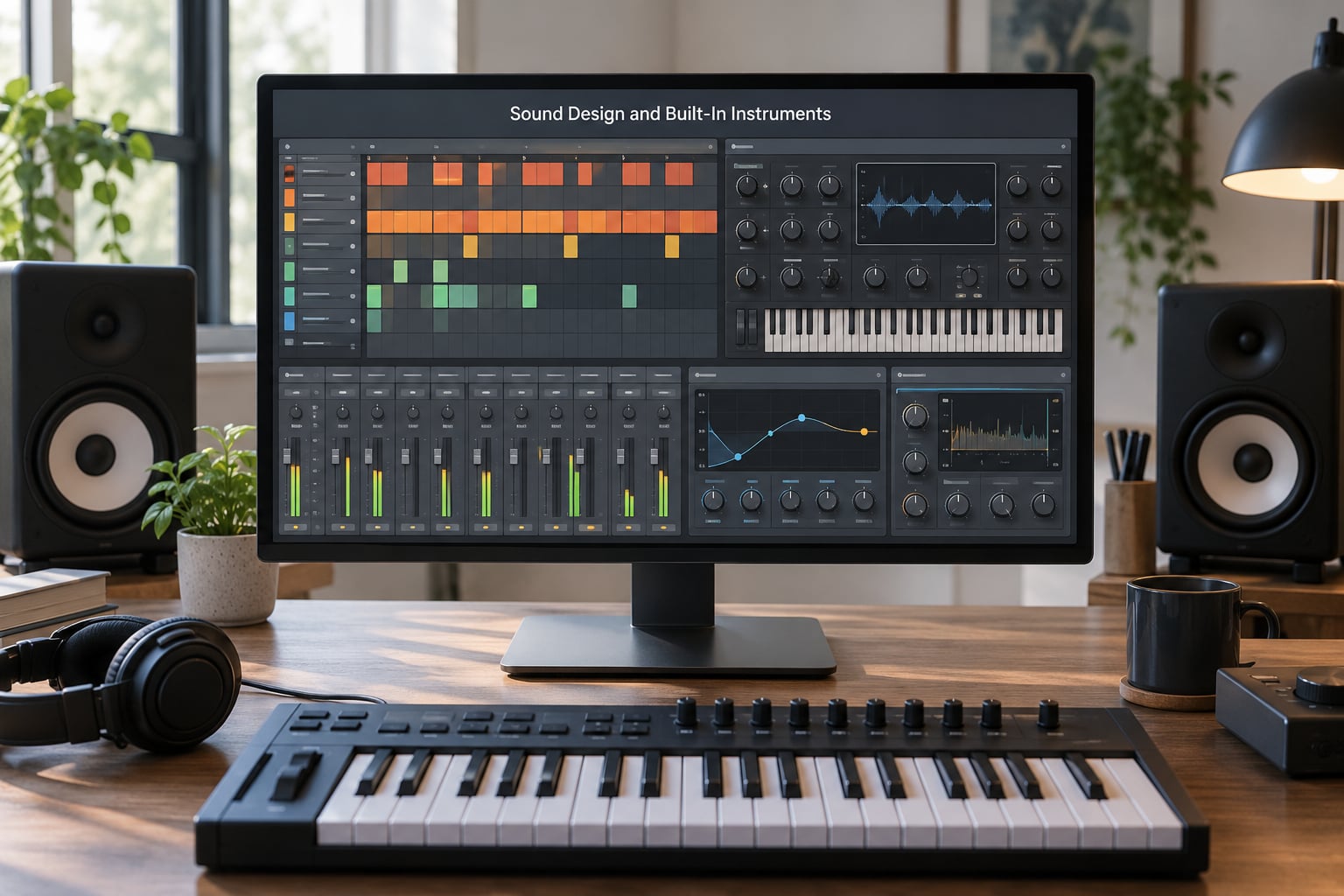
Drums come out of the box in both programs, and the difference is mostly about how you build them. FL Studio treats a drum pattern as a step-sequencer job first, so hats and kicks snap to a grid before any synthesis happens.
Ableton starts from Drum Rack, a container of individual drum voices you can place on a grid and route however you like. It is deeper for layering and for building hybrid acoustic and electronic kits, and slightly slower to get a plain kick and snare done.
For melodic sound design, FL Studio bundles Sytrus, a deep FM synth that can sound like almost anything; Harmor, a pad and texture instrument; Gross Beat for pitched drums and bass; and Harmless, a single-screen subtractive synth that gets used constantly in hip-hop.
Ableton ships Wavetable for scanned and hybrid synthesis, Operator for FM bass, Simpler and Sampler for chopping, and a device set that feels like a coherent studio rather than a folder of presets. A user in r/edmproduction described FL’s grouping, piano roll and toolset as giving more creative freedom, which is a fair description of how FL favours experimentation over polish.
For raw sample work, Ableton is the more complete box. Simpler slices a loop on the beat, markers can be placed by hand, and the warping algorithms handle time-stretching and pitch changes without leaving the project.
FL can do all of that, and several editions include dedicated slicing tools, but you tend to reach for a little more setup to get there. For boom bap chopping specifically, producers argue this endlessly on r/makinghiphop, and the split is usually about taste rather than capability.
Recording, Editing, and Vocal Production
If your work includes singers, this is where Ableton pulls ahead. Audio warping is fast and forgiving, comping takes is straightforward, and pitch and time editing on audio clips needs very little adjustment. You can drag a take, stretch it, and stay in flow.
FL Studio records vocals perfectly well and handles takes in the Playlist. Editing audio means the usual clip-based workflow, and stretching is less central to how the program thinks, so it takes an extra step or two compared with Live.
Neither program has a full mastering suite built in. Both give you decent mixing tools, per-track effect slots and a usable limiter, and in practice most producers bring in a dedicated chain for the final stage anyway.
The honest summary: making beats is an FL Studio strength, and turning those beats into a finished song with vocals on top leans Ableton.
Arranging Songs and Exporting Tracks
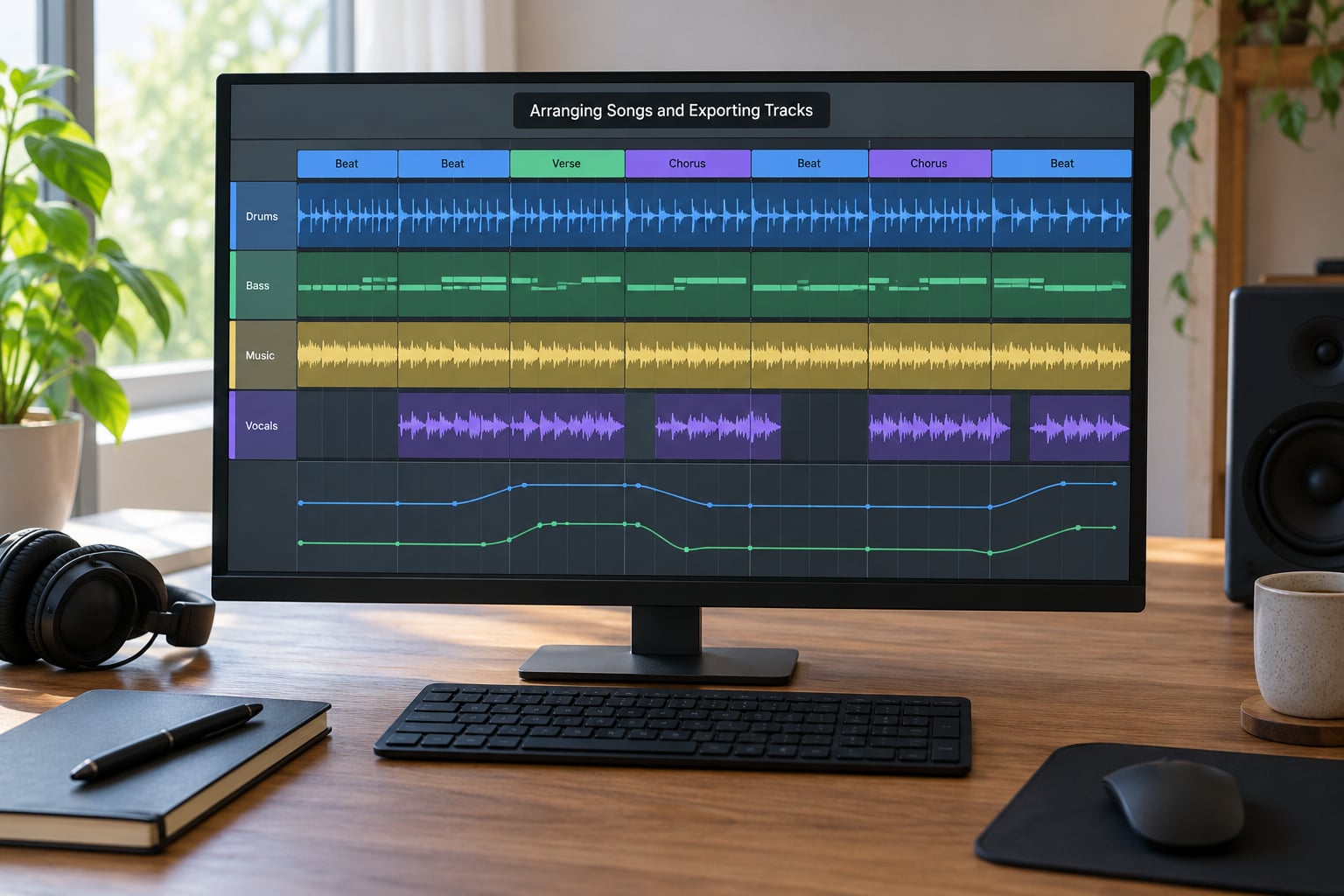
Ableton’s Arrangement View is the clearest full-song workspace of the two. Sections sit on a timeline, automation curves draw directly on the lanes, and moving from an intro to a chorus is a matter of dragging a region.
FL Studio’s Playlist does the same job with less hand-holding. It is a grid of blocks, and you snap patterns and audio clips into it. Once you learn to work with groups of clips rather than single blocks, arrangement stops being the weak point people expect.
Automation is strong in both. FL Studio uses parameter lanes that open under the Playlist, and Ableton draws envelopes straight onto the arrangement, which many producers find faster for filter sweeps and volume rides.
On export, both handle stems, individual tracks and common audio formats without trouble. The limitation to know about is project transfer: an FL Studio project file cannot be opened in Ableton, and an Ableton set cannot be opened in FL Studio. Moving between them means exporting stems or MIDI files and rebuilding the arrangement by hand.
That is a real cost, and it is worth testing your real workflow before you commit. A producer on the KVR Audio forum described building the same beat in both programs as the only way the decision made sense for them, which is advice that keeps coming up across these communities.
Performance, Live Looping, and Hardware Control
Live performance is Ableton’s headline feature. Session View and Scenes exist for triggering ideas hands-on during a set, and Push gives you a hardware grid that maps onto the software directly rather than through a layer of generic MIDI mapping.
Any MIDI controller works in FL Studio as well, and the plugin parameters can be assigned, so pushing buttons that trigger clips is possible. It is a workable setup that some producers genuinely use, and it is not the path of least resistance.
For a DJ-style live set, a grid controller, or triggering one-shots over a backing track, Ableton is the safer bet. For writing music that happens to be performed from a laptop, the gap narrows a lot.
Learning Curve, Plugins, and Collaboration
Beginners usually get moving faster in FL Studio, because the step sequencer makes visible progress without any theory. The counterweight is a layout that some people never stop fighting, with a main window plus a stream of detached plugin and mixer windows that can be hard to arrange on a laptop screen.
Ableton asks more up front. Clips, Scenes, Session View and Arrangement View are a different model, and it regularly comes up in r/ableton and r/makinghiphop as the reason people bounced off it. Producers who already think in clips tend to find Live more natural afterward.
Both run VST3 plugins, and both have Audio Units on Mac, so most third-party instruments work in either. Ableton also supports CLAP and its Device ecosystem, and Max for Live gives deep control over clips and routing. FL’s edition tiers decide how much of the bundle you get, so two people on the same program can have very different tools.
Trials work differently, which matters more than most guides admit. Ableton offers a fully functional trial of the edition you are considering, so you can save, export and judge the real thing. FL Studio’s trial runs for a limited period and will not save or export, which makes it awkward to test anything beyond looking around.
For collaboration, neither project file travels. Working with someone on the other DAW means stems, or agreement on one program for the sessions that matter.
Which Should You Choose?
Choose FL Studio if you make hip-hop, trap or boom bap beats, sell loops, want the fastest route from an idea to a usable pattern, or you are a beginner who wants to hear progress in the first ten minutes. The one-time purchase with lifetime free updates also removes the recurring upgrade question entirely.
Choose Ableton Live if you produce electronic music and play it live, chop and warp a lot of samples, record and comp vocals often, want a cleaner full-song timeline, or you already think in clips and scenes. Its upgrade cost per major version is real, and worth accepting only if the performance and arrangement tools will actually be used.
For melodic writing, either one works. For mixing and mastering finished records, Ableton edges ahead. For pure beatmaking, FL Studio is the more direct answer to the question in your search.
Frequently Asked Questions
Which DAW is best for making beats?
For quick loop and beat production, FL Studio is usually the faster choice because the Channel Rack step sequencer gets a pattern playing in seconds. Ableton Live is the better pick when beats grow into arranged songs with vocals, heavy sample chopping or live sets. Test both rather than trusting a forum verdict.
Is Ableton harder to use than FL Studio?
Most beginners find FL Studio easier, because the step sequencer gives immediate results with no theory. Ableton asks you to understand clips, Scenes and the Session View first, which is a real learning step. Producers coming from FL often describe the first month in Live as disorienting before it clicks.
Which DAW has the best piano roll?
FL Studio’s piano roll wins on speed and flexibility. It has more drawing shortcuts, generous editing options and is a common choice for fast melodic writing. Ableton’s piano roll looks cleaner and reads well, but most producers switching for the view itself are usually disappointed by how little extra it does.
Does Ableton sound better than FL Studio?
Neither program sounds better out of the box, since the default sounds come from different instruments with different characters. Ableton devices tend to be cleaner and more uniform, while FL Studio instruments like Sytrus and Gross Beat are dirtier and more distinctive. Your mix and your plugins decide the outcome far more than the DAW.
Why use Ableton over FL Studio?
Most people move to Ableton for arrangement, sample warping, vocal editing, live performance and MIDI mapping. Ableton’s Session View and Arrangement View split cleanly between experimenting and committing, and Push support makes it a natural fit for playing music rather than only making loops. Some also prefer a single-window layout.
Can I move a project from FL Studio to Ableton?
Not directly, because FL project files cannot be opened in Ableton and Ableton sets cannot be opened in FL Studio. Export stems or MIDI files from one program, import them into the other, and rebuild the arrangement manually. Bounce your project down before you start so nothing gets lost in the transfer.
Conclusion: Choose Your Creative Workflow
If beats are the deliverable, start with FL Studio, install both anyway and give Ableton Live its full trial before you buy anything. Build the same eight-bar beat in each one, and you will know within a day which workflow you would rather live in, because the programs disagree about almost everything except the notes.