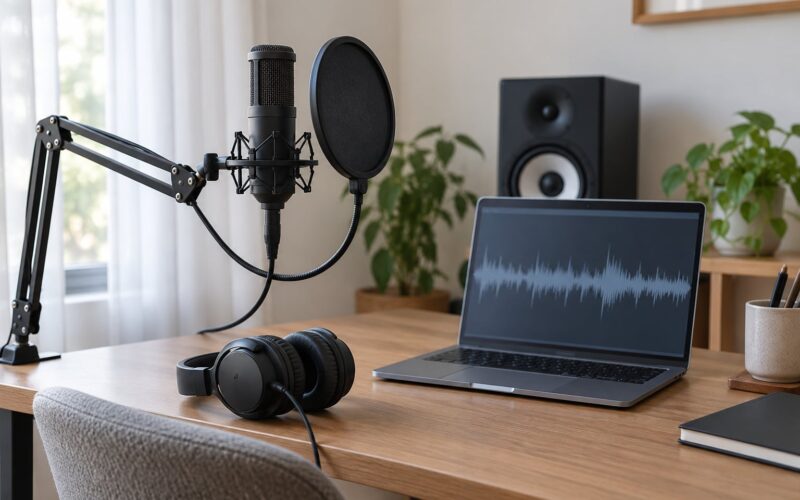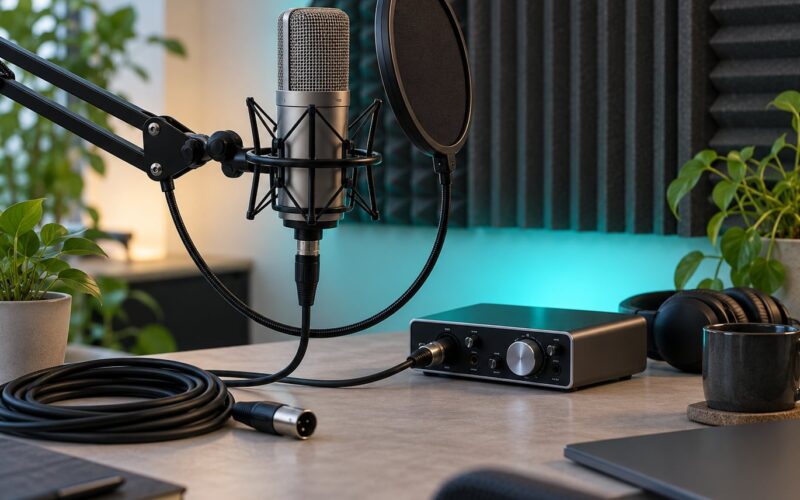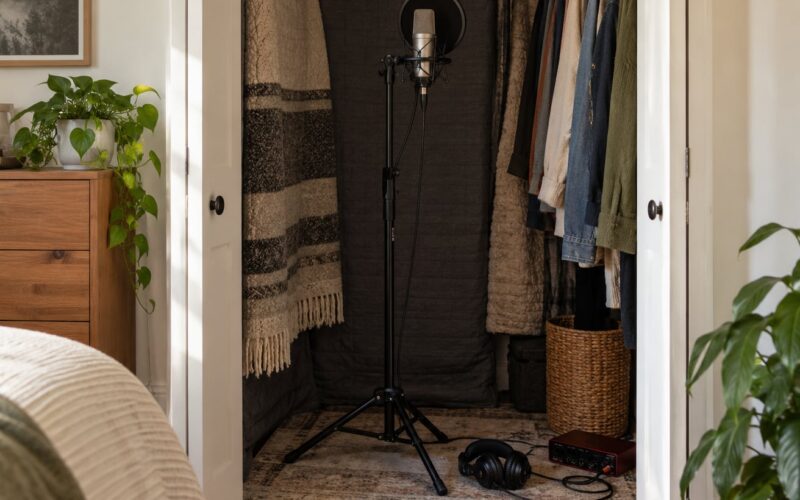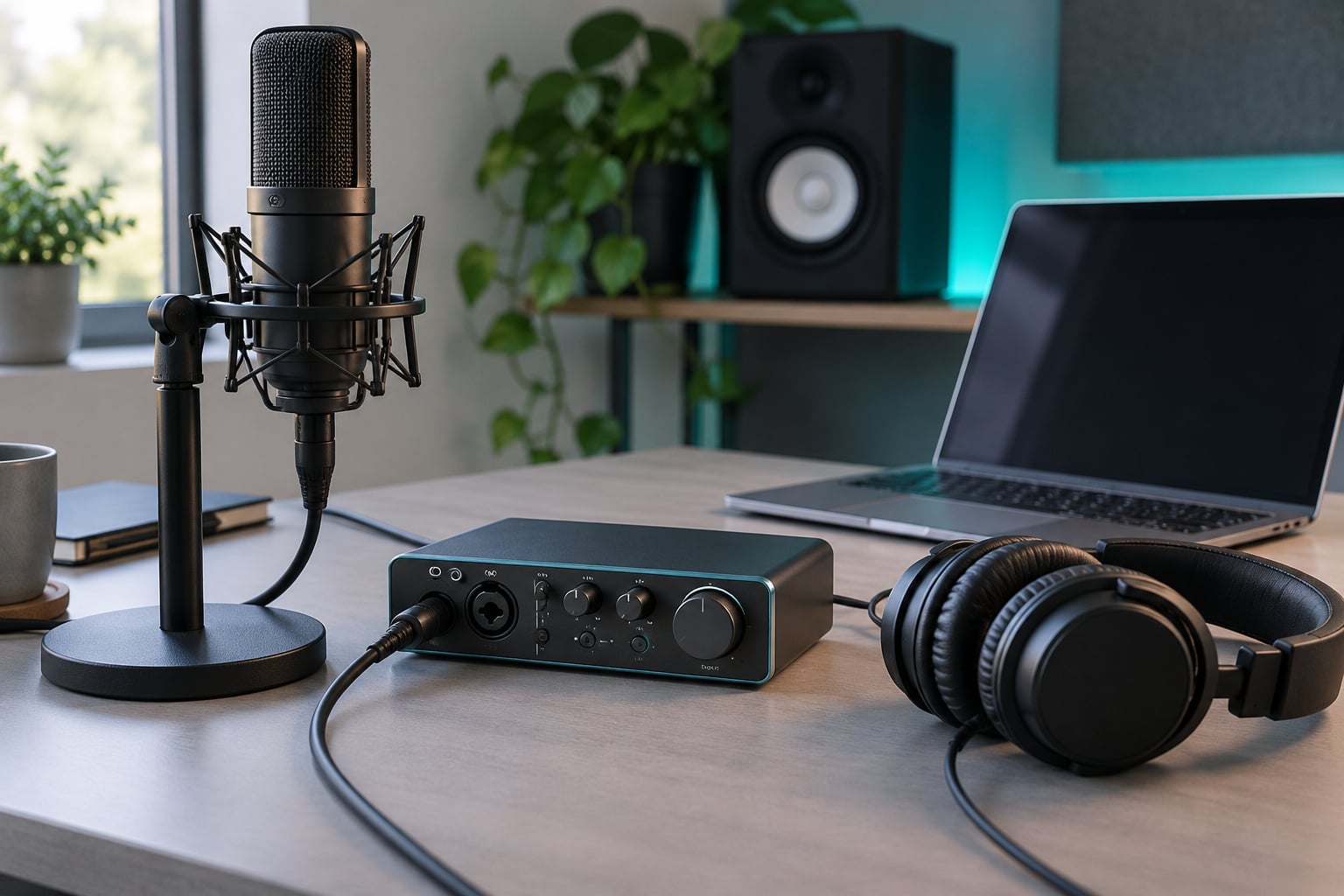
If you are recording microphones or instruments into a computer, you need an audio interface. That is the short version of why do I need an audio interface: the built-in audio in a laptop or desktop has no real mic preamps, no phantom power, no instrument inputs and only a single built-in microphone. An interface replaces that chip with proper connections, clean gain, and converters you can trust.
I have watched this question come up every week on recording forums. The answer is not always yes, and pretending otherwise is how people end up with a box full of gear they never open. So this guide covers what an interface actually does, the five reasons it earns its place, and the honest cases where your computer is genuinely enough.
Table of Contents
- What Is an Audio Interface?
- Why Do I Need an Audio Interface for Better Recordings?
- What Does an Audio Interface Actually Do?
- What Features Should Beginners Look For?
- Do You Need an Audio Interface for Home Recording?
- USB vs. Thunderbolt Audio Interfaces
- What Size Audio Interface Do You Need?
- How Much Does an Audio Interface Cost?
- What Are the Most Common Audio Interface Mistakes?
- Frequently Asked Questions
- Conclusion
What Is an Audio Interface?
An audio interface is a small external box that converts the analogue signal from your microphones and instruments into digital data your computer can record, and converts your computer’s audio back into analogue so you can hear it through headphones or studio monitors.
That is the whole job in one sentence. Everything else is detail. The inputs are usually XLR sockets for microphones and quarter-inch jacks for instruments, line sources, speakers and headphones. The outputs feed your monitors or your headphones, sometimes alongside a MIDI connector for a keyboard.
People mix up three related pieces of gear constantly, so it helps to separate them.
- Sound card is the internal chip inside your computer. An audio interface is the external, better version of the same idea, and the two words get used interchangeably.
- Preamplifier is only the gain stage that boosts a weak microphone signal to line level. An interface contains preamps plus converters plus connections, so it is more than a preamp.
- Monitor controller handles volume and source switching for your speakers. It has no recording inputs at all.
Worth noting: a USB microphone already has a miniature interface built inside its housing. It just hides most of it, and gives you access to one input instead of four.
Why Do I Need an Audio Interface for Better Recordings?
There are five reasons, and they stack. Take away any one and the recording still works, but takes quality and the recording itself usually suffer.
You get inputs your computer does not have
A built-in laptop microphone is designed for video calls. The headphone jack accepts a 3.5 mm plug with no microphone inputs at all on most machines, and where an input exists it is a single unbalanced channel.
An interface gives you balanced XLR inputs for studio microphones and quarter-inch inputs set to instrument level for electric guitar, bass and acoustic pickup, plus line inputs for a synth or a mixer output. Balanced wiring matters once your cable runs past a few metres, because it rejects interference that an unbalanced cable picks up on the way.
You get real gain and a quieter noise floor
A condenser microphone puts out a signal so faint it needs a lot of amplification before a recording is usable. That amplification also amplifies the electronics’ own hiss, which is why cheap preamps sound thin and noisy.
Interfaces use purpose-built mic preamps with a low noise floor, and they give you a gain knob with real range. A practical habit is gain staging: set the preamp so your loudest peak sits around minus 12 dB on the meter, which leaves plenty of headroom in 24-bit recording.
Condenser microphones get the 48V they need
Phantom power is a 48-volt supply sent down the XLR cable that powers condenser microphones and active pickups. Dynamic microphones do not need it. Ribbon microphones often do not need it, and many of them can be damaged by it.
That single switch is why you cannot simply record a condenser mic into a computer. There is nowhere else to get the power from.
Latency becomes something you can work with
When you sing while monitoring through the computer, your voice travels in, gets recorded, comes back out and reaches your ears. That trip is latency, and a slow one makes you fight your own timing.
An interface with a good driver and a direct monitoring switch routes your signal through hardware instead, so you hear yourself with no round trip at all. That one feature does more for your take quality than any converter upgrade.
Monitoring becomes something you can trust
The line outputs on an interface feed your studio monitors at proper level, and the headphone output usually carries its own volume control so tracking loud enough does not deafen you during mixing.
Hardware level meters and a monitor mix knob are what let you keep recording levels and listening levels independent. Without them you are constantly nudging volumes and hoping the balance you hear is the balance you recorded.
What Does an Audio Interface Actually Do?
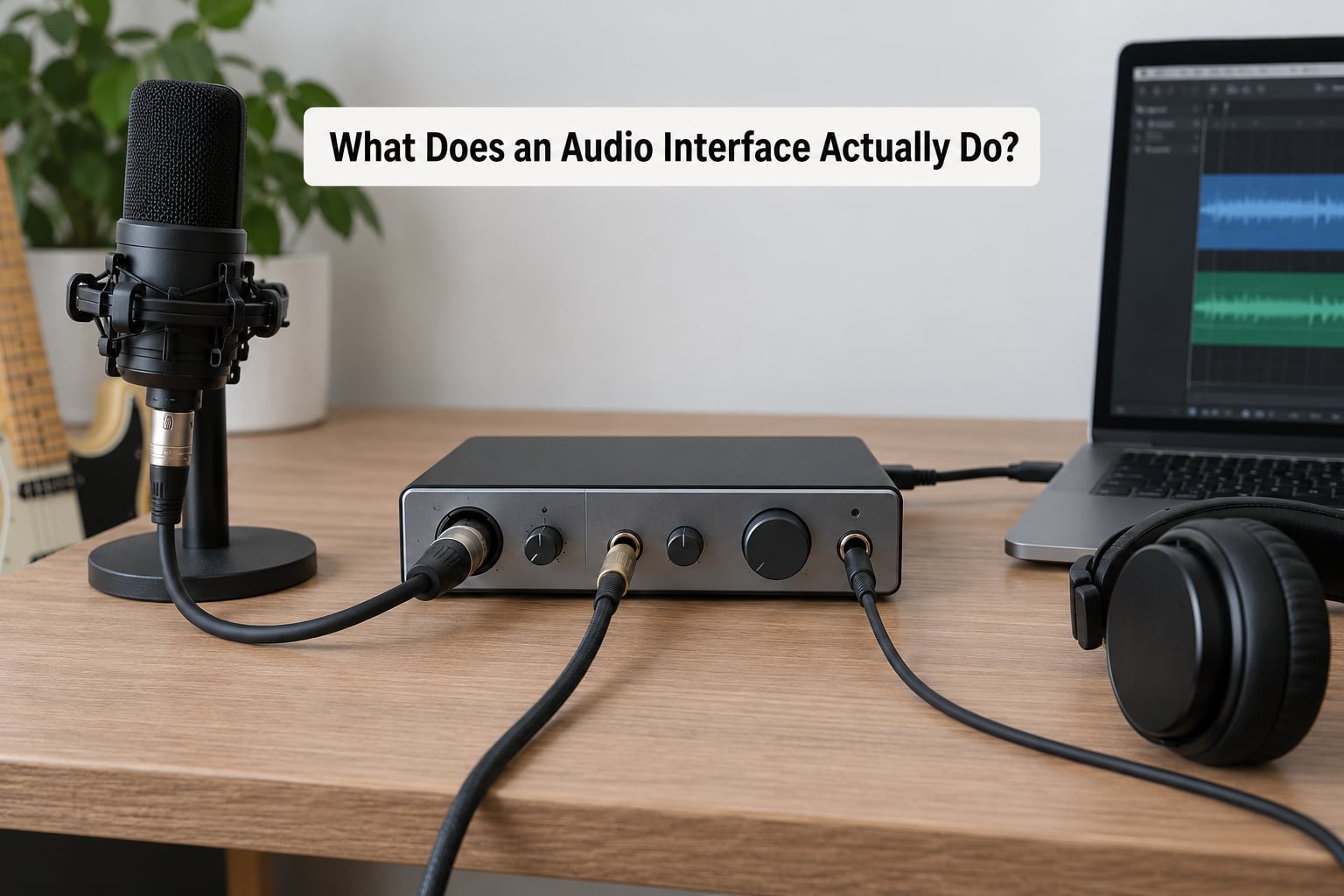
Following the signal end to end makes the whole thing obvious. Here is the path a vocal takes from the room to your screen.
- Microphone converts sound pressure into a tiny voltage.
- XLR cable carries that balanced signal to the interface.
- Mic preamp boosts it to line level and adds gain for you to set.
- A/D converter turns the analogue voltage into digital audio at your chosen sample rate and bit depth.
- USB streams it to your computer, where the driver hands it to your DAW.
- D/A converter inside the interface turns playback digital audio back into analogue.
- Outputs send it to your headphones or studio monitors.
The playback half of that trip is what creates latency, because the audio passes through the computer before you hear it. Direct monitoring bypasses steps four to six for the path going to your ears, though you still hear the processed signal in your headphones and software effects still incur delay.
What Features Should Beginners Look For?
Ignore the spec sheet for a minute and think about what you will actually plug in. Most beginners regret buying channels they never use, not the other way around.
Preamps and gain control
Check that there is a physical gain knob per input and a clean signal-to-noise ratio. Dynamic microphones like the SM58 need far less gain than a condenser, and if the preamp is very quiet you will be pushing it too hard for a loud singer.
Input types
Combo jacks accept both an XLR microphone and a quarter-inch plug in one socket, which saves space. You want at least one input at instrument level for guitar, and quarter-inch line outputs rather than only a headphone jack for your speakers.
Phantom power
Every interface with XLR inputs has it, but check whether it is global or per channel, and whether it engages on a per-input button. Plug the mic in first, then engage phantom power. Engage power with an unplugged XLR and you may hear a sharp pop through your speakers.
Sample rate and bit depth
Sample rate is how many times per second your audio is captured, in kilohertz. Bit depth is how much detail is stored per sample. Recording at 24-bit and 44.1 or 48 kHz gives you more than enough headroom for any project, and matching the interface to your DAW’s rate avoids the clicks and stretched timing you get from a mismatch.
Latency, buffer size and direct monitoring
Buffer size is how many samples your computer collects before it hands audio to your software. Small buffers feel instant but tax the CPU; large buffers are easy but laggy. Here is roughly what you are choosing between at 44.1 kHz.
| Buffer size | One-way delay at 44.1 kHz | Typical use |
|---|---|---|
| 32 samples | about 0.7 ms | Live playing, tight tracking |
| 64 samples | about 1.5 ms | Vocal tracking, doubling |
| 128 samples | about 2.9 ms | Everyday recording default |
| 256 samples | about 5.8 ms | Mixing with plugins loaded |
| 512 samples | about 11.6 ms | Heavy mixing, mastering |
Direct monitoring switches the headphone feed to a hardware path with no round trip. It is the setting to try the instant tracking feels behind.
Drivers and MIDI
Set the sample rate in your DAW first, then in the interface control panel. Most interfaces ship with ASIO drivers on Windows and Core Audio on Mac, and MIDI input and output saves you buying a separate cable if you use a controller.
Do You Need an Audio Interface for Home Recording?
Sometimes you genuinely do not, and hearing that clearly is more useful than another sales pitch.
A laptop with good speakers is fine for writing, mixing on the move, and playing virtual instruments. A USB microphone is genuinely capable for podcasting and streaming, and it needs nothing else. If you only ever record one source at a time from one fixed position, a good USB mic can carry you a long way.
Here is the honest head-to-head.
| Consideration | USB microphone | Audio interface |
|---|---|---|
| Microphone quality | Good capsules included, one fixed mic | Any mic you want, plus line and instrument sources |
| Input channels | One | Two to eight or more |
| Speaker outputs | Usually none | Line outs plus headphone output |
| Latency control | Fixed, no direct monitor switch | Buffer size plus direct monitoring |
| Phantom power | Built in for its own capsule | Switchable 48V for condensers |
| Upgrade path | Replace the whole mic to change | Keep the box, swap the microphone |
| Best for | Podcasts, streams, simple vocals | Multi-source recording, instruments, mixing |
The honest answer to do I need an audio interface comes down to one question: will you ever plug in something other than the microphone that came with it? If yes, you need one. If no, a USB mic is a reasonable place to stay.
Also worth saying plainly: an interface will not fix a noisy room, a bad microphone choice, or a dull mix. It removes one bottleneck from a long chain.
USB vs. Thunderbolt Audio Interfaces
Most beginner interfaces are USB-C, and the C connector changes nothing about the audio. The real difference is which USB standard sits behind it.
| Consideration | USB audio interface | Thunderbolt audio interface |
|---|---|---|
| Bandwidth | Plenty for up to eight channels | Dozens of channels, very high sample rates |
| Latency feel | Good with small buffers | Excellent under heavy plugin loads |
| Power | Usually bus-powered from the computer | Often needs the included power supply |
| Portability | Small and light, one cable | Larger, more cables, more desk space |
| Expandability | ADAT optical for more channels | Not needed, channels are already plentiful |
| Best for | Solo creators, podcasters, beginners | Producers with big sessions and dense mixes |
Buy USB unless you have a specific reason. The reason usually is a large project with many tracks and heavyweight plugins, and that situation is rarer than the marketing suggests.
What Size Audio Interface Do You Need?
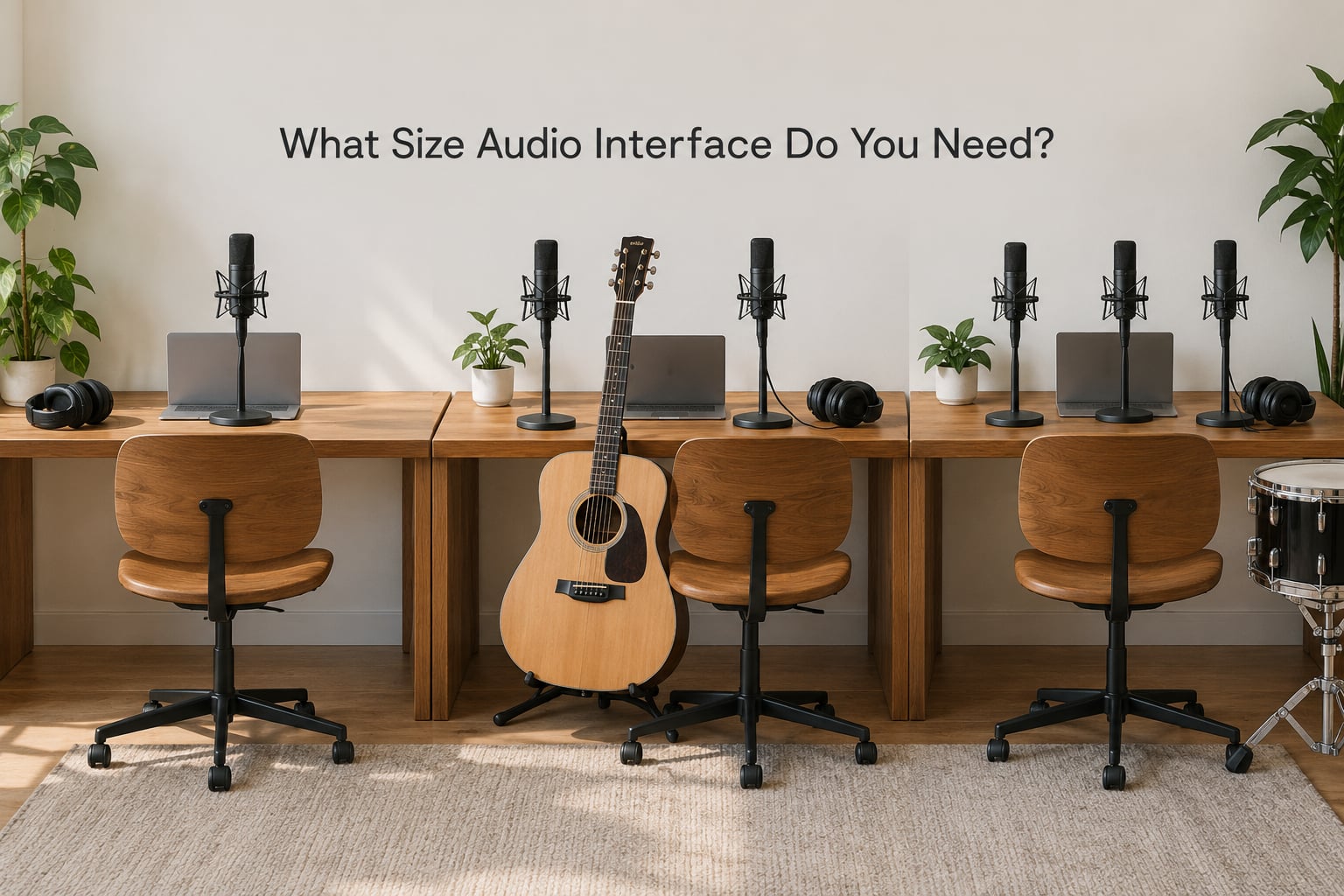
Interfaces are sold as 2 in 2 out, 4 in 4 out, and so on. The first number counts inputs you can record simultaneously, the second counts outputs you can play at once.
| Size | Who it suits | What you can record | Watch for |
|---|---|---|---|
| 2 in 2 out | Solo creator, podcaster, streamer | One mic or one instrument at a time, plus a spare for a live room | Can you play a virtual instrument while recording audio at the same time? |
| 4 in 4 out | Singer-guitarist, duo, remote session work | Vocal plus acoustic guitar, or a two-person podcast | Two headphone outputs so both performers hear themselves |
| 8 in 8 out | Small band, drum recording | A full kit with close mics, or a band playing live into the box | Phantom power on every channel, and enough gain for quieter mics |
For electric guitar, a quarter-inch input set to instrument level plus a DI box usually gives a cleaner, more editable signal than miking an amp. Keep the amp for tone later if you like.
How Much Does an Audio Interface Cost?
Entry-level units cover everything a beginner needs: two XLR or combo inputs, one preamp each, phantom power, headphone out and bus power. Mid-range adds cleaner converters, four channels, direct monitoring and sturdier drivers. Professional tiers add metal chassis, ADAT expandability, talkback and metering.
Prices sit in typical US ranges that vary by region and change over time, so treat these as tiers rather than fixed numbers.
What actually justifies spending more? Preamp noise and headroom matter if you record quiet sources like strings or voiceovers quietly. Converter quality matters if you are mixing on other people’s speakers. More channels matter only if you really record more than two sources at once.
Where you should not spend more: a fancier power supply, a metal faceplate, or bundled software you will never open. Buy the connection count and the preamp quality you need, and put the rest of the budget into a microphone or room treatment.
What Are the Most Common Audio Interface Mistakes?
Setting gain too hot. Pushing the preamp until the meter pins causes clipping, and clipped audio cannot be repaired afterwards. Pull the gain back until peaks land around minus 12 dB.
Phantom power on the wrong microphone. Never engage 48V on a ribbon microphone unless its manual explicitly allows it. Plug the microphone in first, then engage power, then unplug nothing while it is live.
Mismatched sample rates. If your DAW is set to 48 kHz and the interface to 44.1 kHz you will get clicks, gaps or stretched timing. Set them to match, every time.
Hum that is not the interface. A low buzz usually comes from a ground loop: a power strip feeding the interface, a laptop charger sharing a socket, or a cable running next to power. Try a different outlet first, then a laptop on battery to test.
Monitoring too loud. Listening at level that tires your ears makes you mix quieter than you should and hides problems. Keep it around a comfortable level and use the meters, not your feelings.
Buffer size left at 32 samples. That setting is fine for playing live but will make a busy session stutter. Raise it to 128 or 256 while mixing and drop it back only when you perform.
Frequently Asked Questions
What are the disadvantages of using a USB mic?
A USB microphone gives you one input and usually no speaker outputs, so you cannot add a second mic, an instrument, or a synth. Its latency is fixed and it rarely offers a direct monitoring switch, which makes tight tracking harder. The real limitation is upgrade path: changing your mind means buying a whole new mic rather than swapping the microphone on a kept interface.
What can I plug into an audio interface?
Usually a mix of XLR microphones, quarter-inch electric guitar and bass, quarter-inch or RCA line-level sources from a synth or mixer, and headphones into the front output. Many models also carry MIDI input and output for a controller, plus ADAT optical for adding more channels. Check the input count and whether the quarter-inch jacks are instrument level or line level before you buy.
Do I need an audio interface for FL Studio?
Only if you want to record audio. If your session is entirely virtual instruments and samples inside FL Studio, your computer’s own outputs are enough. Add an interface the moment you plug in a microphone, guitar or synth, because that is the moment you need preamps, phantom power and a proper converter.
How many inputs and outputs do I need as a beginner?
Two inputs and two outputs cover the large majority of home recordists, because most people record one source at a time. Move to four inputs if you record vocals and guitar together, run a two-host podcast, or play an instrument while recording another. Only jump to eight when you are recording a full band or a drum kit with several close microphones.
Does an audio interface improve sound quality?
Yes, but only within limits. Cleaner preamps and converters lower the noise floor, direct monitoring lowers latency, and dedicated drivers run more reliably than built-in audio. It will not fix room echo, a poor microphone placement, or a mix you have not learned yet. It removes the hardware bottleneck, not the room.
Conclusion
Your first decision is narrow: if you will only ever record one microphone from one fixed spot, a good USB microphone is a legitimate setup and you can stop there. If you want to add a second source, plug in a guitar or a synth, or hear yourself without delay, get a two-input interface with 48V phantom power and a direct monitoring switch.
Buy the smallest box that covers your next year of recording rather than the biggest one you can justify. Most interfaces can be traded up later, and the hours you spend on microphone placement and gain staging will improve your recordings far more than the tier you picked.