Phantom power is a direct current (DC) voltage, almost always +48V, sent down a balanced XLR microphone cable to power the internal electronics and polarizing voltage of condenser microphones and active DI boxes. Every audio interface, preamp and mixing console with mic inputs has a switch for it, usually labelled 48V.
If your condenser microphone is quiet or only hissing, phantom power is the first thing to check. It fixes the problem more often than anything else, it costs nothing but a button, and it is safe in the vast majority of setups. Updated for 2026.
What Is Phantom Power?
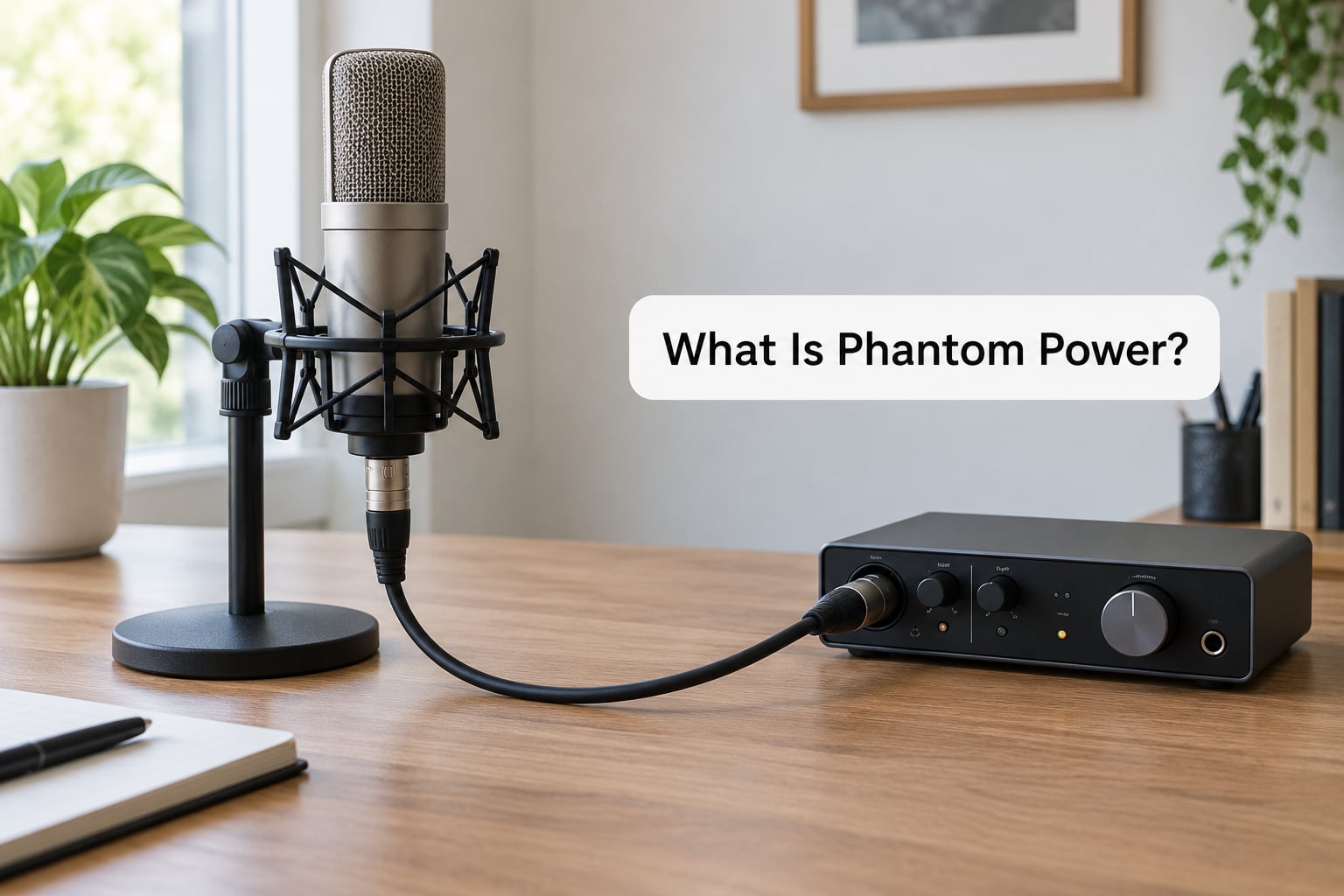
The short version: phantom power is DC voltage delivered through the same balanced XLR cable that carries your audio, so one cable does two jobs at once. The supply lives inside your preamp or interface, feeds both signal legs of the balanced line equally, and is referenced to pin 1, the shield and ground.
The system is standardised under IEC 61938, with the older DIN 45596 covering the same ground for 48V. Knowing the standard exists matters, because the answer to almost every phantom power question comes down to one idea: the same voltage sitting on both legs cancels out, which is why the supply can be left switched on without ruining every microphone in the session.
- Setup: the preamp supply feeds pin 2 and pin 3 of the XLR equally, referenced to pin 1, the shield. The same DC appears on both hot and cold legs.
- Voltage: +48V nominal, and the standard allows a wide tolerance, roughly 11V to 52V, so a healthy supply can read low and still work fine.
- The “phantom” name: because the identical voltage on both legs cancels inside a balanced input, a dynamic microphone never sees it, never hums, and does not care whether the switch is on.
How Phantom Power Works
Signal flow is easier to follow than a circuit diagram. The preamplifier inside your interface runs at low voltage, so a small regulator stage boosts a local supply up to 48V. That 48V passes through a matched pair of current-limiting resistors, historically 6.81 kOhm, before reaching pins 2 and 3. The resistors are what protect the preamp and the microphone if a cable is ever plugged or unplugged while the supply is live.
Inside the microphone, the voltage splits into two jobs. Part of it biases the head amplifier, the little circuit that buffers the very high impedance of the capsule into something a cable can carry. The rest becomes the polarizing voltage across the capsule itself, which is what makes a condenser’s diaphragm respond to sound instead of sitting limp.
On the way back, the audio signal shares the same two conductors. The DC never reaches the audio path because blocking capacitors sit between the capsule and the output, and even a tiny DC offset would be rejected by the balanced input as common-mode signal. That common-mode rejection is the whole trick, and it is also why phantom is described as invisible.
| Supply | Nominal voltage | Standard | What it typically powers |
|---|---|---|---|
| P12 | 12V | IEC 61938 P12 | Electret microphones, headset mics, some small-diaphragm condensers |
| P24 | 24V | IEC 61938 P24 | Higher-impedance studio condensers and a few active boxes |
| P48 | 48V | IEC 61938 P48, historically DIN 45596 | The studio default: large-diaphragm condensers, most condenser arrays, active DI boxes |
| T-power (T12, A-B) | 12V on one leg only | DIN 45595, a separate scheme | Vintage tube microphones; the voltage sits on one conductor, so it is not interchangeable with P48 |
| Plug-in power (PiP) | A few volts carried with the audio | Not a phantom standard | Small electret mics on 3.5mm consumer inputs |
Digital systems have their own version too. AES 42 defines digital phantom power for microphone preamplifiers inside a digital console, which carries the same idea over a digital link rather than a copper XLR.
Not To Be Confused With Phantom Power in Household Electricity
Some people searching this phrase are not looking for microphones at all. In house wiring, a phantom load, phantom outlet or simply a ghost load is a switch or receptacle installed with only a hot conductor and no neutral, so a light can be controlled from a location with no box. In home audio, phantom power usually means standby or ghost power, the low current the unit keeps drawing to hold a clock, a setting or a network connection alive while it is switched off.
That is where a search for phantom power speakers tends to land, and usually leads to a hum, click or pop when a source is switched on. None of it has anything to do with the 48V on a mic cable. You cannot damage house wiring with audio phantom power, and there is nothing to eliminate from a home circuit. If a standby hum is the problem, unplug the device or switch off its wall socket. For any work on the wiring itself, use a licensed electrician and follow the manufacturer’s instructions.
Why Do Condenser Microphones Need Phantom Power?
A condenser capsule works by measuring a change in capacitance. One plate moves with the sound wave, the other is fixed, and a small charge sits across the gap. Without a voltage across that gap there is nothing to measure, so the capsule produces no usable signal at all.
That charge is the polarizing voltage, and a large-diaphragm condenser typically wants somewhere around 48V to 52V across the capsule. The same supply also feeds the head amplifier inside the mic, an impedance converter that turns the capsule’s very high output impedance into a low impedance the cable and preamp can handle. Switch phantom off and both of those collapse, which is why a condenser without power gives you a thin hiss from your preamp and nothing else.
Dynamic microphones skip all of this. A coil and a magnet make the signal on their own, which is why they are called passive, and why the phrase external phantom power supply shows up almost exclusively in condenser and active DI conversations.
Supply voltage matters in both directions. Too little and the capsule is only partly biased, so output gets quiet, thin and short of top end, and the microphone runs out of headroom well below the loudest sounds it should handle. Too much, particularly a supply far above the mic’s stated rating, stresses the capsule and the internal electronics. Most modern microphones include protection against a generous margin, but the spec sheet still wins. A cheap supply delivering only 1 to 2 mA is a different failure mode from the wrong voltage, and it shows up as exactly the same thin, lifeless sound people blame on the microphone.
Which Microphones Work With Phantom Power?
Read the spec sheet first, but the general map is straightforward.
- Condenser microphones: need it, nearly always at 48V. Some electret models accept lower voltages such as 12V or 24V, and the manual will say so.
- Active DI boxes: need it. A passive DI has no electronics and takes nothing; the active version has a preamp that runs on the same 48V.
- Dynamic microphones: do not need it and are not affected by it. The voltage arrives, does nothing, and costs you nothing worth measuring on a power bill.
- Ribbon microphones: passive ribbons are generally fine, but they are the one dynamic type where DC can physically deflect the element. Active ribbon mics and some vintage passive models can be damaged by phantom, so check with the maker.
- Old carbon and transistor microphones: very old mics such as the Shure 55 and 57 are the classic models to double-check, because a few of them do not tolerate phantom.
- USB condenser microphones: many draw their power from USB and only need phantom if you route them through a real preamp or console. The 5V bias on their own output is harmless.
- Instrument and line inputs: phantom is not routed there on most equipment. As GearSpace puts it, phantom power is applied to the balanced mic input and goes nowhere else.
One exception catches people out: a passive sub-mixer, bypass box or wall panel is a piece of wire, so DC passes straight through it to whatever sits downstream. A powered sub-mixer with proper isolation will not pass phantom. That distinction decides whether a chain of boxes is safe, and it is worth checking before routing a long snake.
How to Turn On Phantom Power Safely
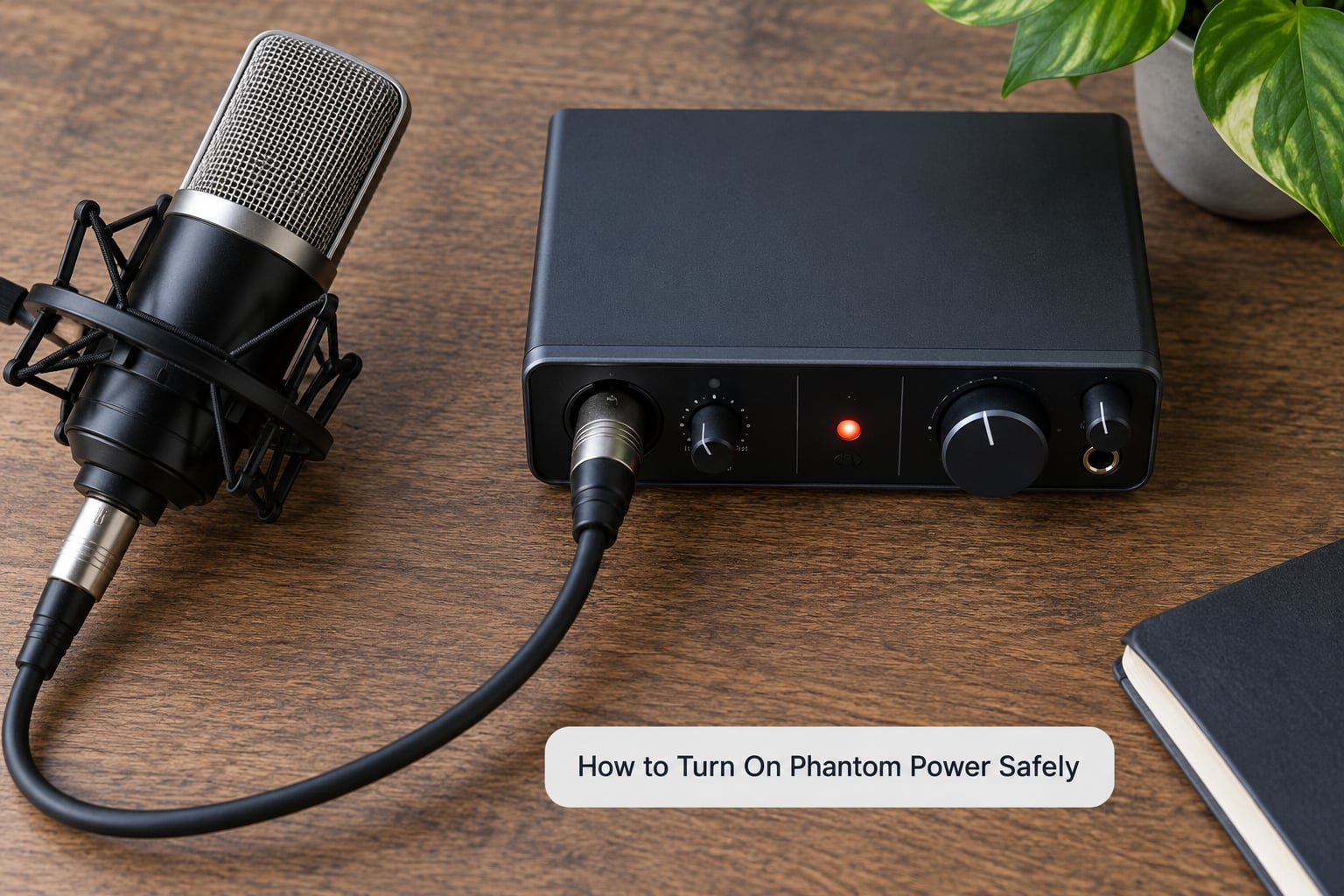
None of this is dangerous, but the order matters more than people expect. The rule everyone converges on, including a much-visited thread on r/WeAreTheMusicMakers titled Focusrite Scarlett fried by phantom power, is simple: plug the microphone in first, engage phantom second, power up or open the fader last.
- Check the voltage requirement. The spec sheet will say 48V phantom, or 44 to 52V, or 12V. If the number is not 48, use a matching supply rather than a guess.
- Mute the channel and pull the gain down. You do not want an unexpected signal hitting a preamp already near its ceiling.
- Connect the microphone with the interface off. Plug the XLR into the mic input, not the line or instrument input, and make sure the connector is fully seated.
- Power up the interface, then engage the 48V switch for that channel only. If your interface has a global phantom switch, most of them apply it to every mic input at once.
- Wait a few seconds and listen. A soft pop as the capsule stabilises is normal. A continuous hiss, buzz or thump means something needs attention.
- Unmute and raise the gain slowly while talking. Bring it up until your voice peaks comfortably below clipping, and note the level so you start in the right place next session.
- Going the other way, reverse the order. Switch phantom off, wait a second, then unplug. This avoids the hot-plug transient that produces an audible thump, and occasionally more than that.
Many current preamps and consoles have switched phantom per channel, which makes step four trivial and removes the temptation to blanket the whole board. Check yours before you start routing; the switch is sometimes labelled 48V, sometimes PHANTOM, and occasionally it hides in a menu on touchscreens.
When You Should Use Phantom Power
Turn it on for the microphones that need it and ignore it for the rest. Large-diaphragt condensers on vocals, acoustic guitar, piano, string groups and overheads are the everyday cases, and all of them are non-negotiable: without power, there is no signal.
For loud sources, a dynamic is still the sensible pick. A ribbon can capture a room beautifully on vocals and instruments, but it needs a quiet preamp with plenty of gain, which is a different constraint from phantom.
Phantom is not a tone control. It does not make a microphone brighter, smoother or more expensive-sounding, and switching it on will not rescue a bad recording. Room treatment, microphone choice and technique do that. What phantom power does is simply make a condenser microphone operate as designed.
Troubleshooting Phantom Power Problems
Almost every phantom power complaint resolves into one of a handful of causes, and the table below is the fast path through them.
| Symptom | Likely cause | What to check |
|---|---|---|
| No signal, only hiss | Phantom off, channel muted, or the signal arriving on the wrong input | 48V switch, mute and pad buttons, input selection, cable seating |
| Quiet and thin, present but lifeless | Not enough voltage, or a supply starved of current | Spec sheet voltage, preamp mA rating, whether phantom reached the mic at all |
| Buzz, hum or a thump on engage | Ground loop, unbalanced cable, or phantom reaching a passive ribbon | Shielded balanced cable, a different input, ground lift setting, mic type |
| Distortion on loud passages | Gain too hot, or a mic preamp straining on limited current | Input gain, pad, phantom supply capacity |
| Intermittent dropouts | Damaged cable or connector, or hot-plugging | Swap the XLR cable, inspect and re-seat connectors |
| Works on one preamp, not another | Ground lift breaking the DC return path | Turn off ground lift, retest, then inspect the cable |
| Signal reaches a downstream device when phantom is on | A passive sub-mixer or bypass box in the path | Insert a phantom blocker, or move the powered preamp to the end |
When a condenser is silent, work through it in order: mute status, input selection, cable, gain, then the phantom switch. It sounds obvious, but the input selector is the culprit surprisingly often, especially on interfaces where the XLR and the instrument jack share one channel.
On cables, forum experience is consistent and worth repeating. Group DIY makes the point that cable and connector faults, not the phantom supply itself, are the real root cause of the damage stories people tell. A marginal XLR that momentarily opens and closes the DC path creates the transient that gets blamed on the switch. Replacing a cable that has been coiled tightly for years is cheap.
On damage, the honest answer is a small risk rather than a promise of zero. People on r/audio describe phantom as harmless to dynamic mics, and on r/LocationSound the same advice appears with the caveat that modern microphones are very unlikely to be damaged. Both are right, and the residual cases are active ribbon mics, a handful of vintage models, and any passive box passing DC downstream.
If you are routing through gear you do not fully understand, the conservative habit is to switch phantom off before every patch change and engage it once the cable is seated. It costs three seconds and removes the entire category of worry.
Frequently Asked Questions
Can phantom power damage a microphone?
Passive dynamic and passive ribbon microphones ignore it entirely, and current draw is low enough that you will not notice it on a power bill. The genuine risks are narrower: active ribbon microphones, a few very old models, and any passive sub-mixer or bypass box that passes DC to whatever sits downstream. The other real risk is unplugging a cable while the supply is live, which creates a transient. Plug in first, engage phantom last, and you are fine.
Is phantom power always 48 volts?
No. IEC 61938 defines P12, P24 and P48 supplies, and a healthy P48 output can legally read anywhere from roughly 11V to 52V. T-power for vintage tube microphones (T12, A-B) is a different scheme entirely, and plug-in power for consumer electret mics is not a phantom standard. Nearly all modern studio condenser microphones and active DI boxes expect 48V, so check the spec sheet before anything else.
Do dynamic microphones need phantom power?
No. A moving-coil dynamic generates its signal from the capsule alone, which is why it is called passive, and the 48V simply passes across it without any effect on level, tone or noise. The exceptions worth checking are very old carbon and transistor microphones such as the Shure 55 and 57, and a handful of ribbon models that are sensitive to any DC.
Why does my microphone hum when I turn on phantom power?
Usually a passive ribbon microphone, which is the one dynamic type where DC can physically deflect the element and produce a thump or buzz. A ground loop, an unbalanced cable or a passive sub-mixer passing DC downstream causes the same symptom. Try a different input, swap to a properly shielded balanced cable, check the ground lift setting, and confirm the microphone type before chasing anything else.
Does phantom power improve the sound of a microphone?
No, and that is the key thing to understand. Phantom power does not colour anything: it either lets a condenser microphone work or it leaves you with silence. If a microphone sounds thin and lifeless once phantom is engaged, the cause is almost always insufficient voltage, a supply starved of current at 1 to 2 mA, or gain staging further down the chain rather than the phantom supply itself.
Should I turn off phantom power when I am not recording?
Practically, it makes no measurable difference, which is why people on r/audio point out you will not see it on a power bill. There is a sensible habit hiding here though: switch phantom off before every patch change, especially when you are moving between passive sub-mixers, ribbon microphones or unfamiliar gear. The three seconds it costs removes the only real source of worry in the whole subject.
Start with the one thing that fixes almost every problem. Read the voltage on your microphone spec sheet, plug it in with phantom off, power up the interface, then switch 48V on last, wait a couple of seconds and raise the gain while you talk. If it is a condenser and that works, everything after it is gain staging, room treatment and technique, in that order. And if the phrase sent you looking at your home wiring instead of your cables, come back to the mic end, because audio phantom power never touches anything except a mic input.