Stock plugins are the tools that ship inside your DAW, while third-party plugins come from outside developers like Waves, FabFilter, iZotope and Valhalla. For most home studios the stock set is genuinely enough to mix and release a record; third-party plugins earn their place when they close a gap your DAW leaves open, like a convincing 1176 emulation, a better reverb, or a synth your DAW does not ship.
Last updated for 2026. I have watched this argument play out in mixing forums for years, and the honest answer has not really changed: the plugin list is not what makes a mix good. Knowing what each tool does, and using it with correct signal levels, matters far more.
Table of Contents
- Stock Plugins vs Third-Party Plugins at a Glance
- Sound Quality and Processing Character
- Features, Flexibility, and Creative Control
- Compatibility and DAW Integration
- Cost and Value for Home Studios
- Updates, Support, and Long-Term Reliability
- Which Is Better for Your DAW and Genre?
- How to Choose Stock Plugins vs Third Party Plugins
- Frequently Asked Questions
- Conclusion
Stock Plugins vs Third-Party Plugins at a Glance
The short version: stock plugins win on cost, stability and speed, and third-party plugins win on character, specialization and the emulation depth nobody reproduces for free.
| Criterion | Stock Plugins | Third-Party Plugins |
|---|---|---|
| Sound character | Clean, neutral, consistent from session to session | Ranges from transparent to deliberately colored and hardware-flavored |
| Innovation | Steady, conservative improvements tied to the DAW release cycle | New techniques appear here first: spectral tools, deep modulation, granular engines |
| Workflow | Open instantly, consistent interface language, no extra install | Install once, then a variable interface per developer, some with their own browsers |
| Compatibility | Built for the host DAW and its operating system | Check format and OS support per plugin, since some are native to one platform |
| Cost | Included with the DAW license | Per-licence purchases, bundles, subscriptions, occasional upgrade fees |
| Updates | Tied to your DAW subscription or major version | Maintained by each vendor on its own schedule |
| Support | One support desk for the whole DAW | Per-developer documentation, forums and email support |
| Best for | Learning the fundamentals, fast everyday mixing, tight sessions | Releases needing specific color, hardware emulation, or better instruments |
Sound Quality and Processing Character
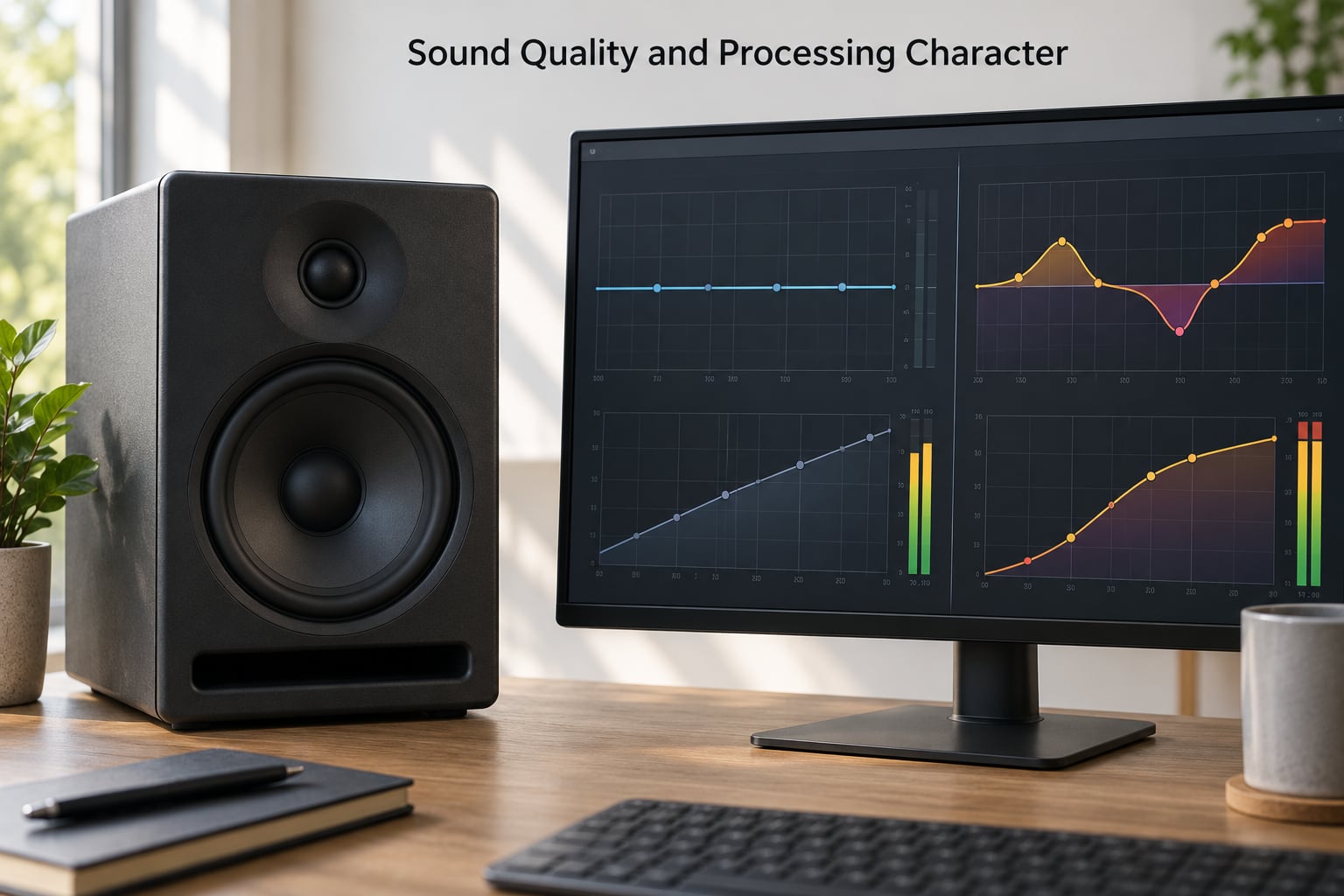
Stock plugins are designed to be neutral, which means they do what you ask without adding much of themselves to the signal. You can boost or cut a band, set a ratio and a release, and the source stays recognisable.
Third-party plugins come in two flavours. Plenty of them are also transparent, and the FabFilter and iZotope families are closer to stock than most people assume. The ones that feel meaningfully different are the emulations, which model a piece of analog hardware and add harmonic distortion, nonlinearity and inter-sample peaks that shift with how hard you drive them.
That last part is where gain staging enters the picture, and it is the technical bit people skip. A good console compressor emulation sounds different at a hot input level than at a low one because that is how the real circuit behaves. Most stock dynamics tools sound nearly identical whether you feed them a quiet or a hot signal, so you cannot coax extra character out of them by pushing harder. Set the level properly before you judge the emulation, and check what calibration or input trim options the manual describes.
None of this makes third-party plugins more accurate. It makes them different, and difference is useful only when it solves a problem you actually have.
Features, Flexibility, and Creative Control
Stock plugins cover the conventional workflow: EQ, compression, gating, basic reverb and delay, saturation, plus the pitch and utility tools you reach for daily. For roughly 80 percent of mixing decisions, that list is sufficient.
Third-party plugins tend to win on depth in narrow areas. Modern stock multiband compressors are capable, but some third-party ones give per-band transient control, mid-side linking and true sidechain filtering. Spectral repair tools that isolate a cough or a hum fall into the same group. So do advanced delay lines with tape-style wow, granular and freeze effects, and instruments that respond to MPE or glide in ways bundled synths do not.
Presets are part of the creative equation, and this is a real difference in workflow speed. A well-built third-party plugin ships presets made by developers who spent months finding good settings, while a stock plugin ships a handful of starting points. Opening a plugin and finding something usable takes mental energy away from the music, which is an argument forum regulars make constantly: stock means fewer windows and fewer decisions.
The catch is that presets can hide the fact that you have not learned the tool. You can build a full mix on factory settings and be no closer to understanding compression than when you started.
Compatibility and DAW Integration
Stock plugins cannot break compatibility, because they ship with the host. That single fact removes a whole category of problems when a project moves between machines.
Third-party plugins need checking before you commit. Two formats matter: VST3 on Windows, and Audio Units on macOS. Plenty of developers ship both, but some tools remain native to one platform, which bites the moment you open a session on another computer. Confirm that the plugin supports your operating system version and your DAW version, and check whether it needs an offline authorization rather than a login that can expire mid-session.
Session portability deserves a mention too. If you bounce stems to another engineer, the stock side of the project arrives intact. Third-party plugins need to be installed on the receiving machine first, and an engineer who does not own a licence will hear silence where your reverb should be. Bouncing your reverb and delay returns is standard practice for a reason.
Apple silicon and cross-platform frameworks have improved this a lot, but the habit of checking still pays off.
Cost and Value for Home Studios
Stock plugins carry no marginal cost. You bought the DAW, they are licensed with it, and there is no per-licence, no bundle decision and no upgrade path to think about. That is a hard advantage to argue against when the total spend on a home studio setup is already high.
Third-party spending has several shapes. Per-licence purchases are predictable. Bundles give breadth at a discount, and they are the fastest way to a large catalog. Subscriptions trade ownership for a lower entry cost and regular updates, which suits producers who want to try things without committing. Upgrade fees catch people out when a major version lands mid-project.
There is a third tier most people forget, and it answers the budget question better than either extreme. Free third-party plugins from developers like Valhalla, TAL Software, Voxengo, TDR and Kilohearts regularly match or beat paid tools in narrow jobs, including delays, stereo imaging and tape-style saturation. Developers like Spitfire Audio have shipped high-quality sample instruments at no cost at all. If your gap is reverb tail shape or a specific tape color, the answer may be free before it is paid.
Studio One and Reason owners come up with this one often: the native sets in those DAWs are strong enough that many of them never buy anything.
Updates, Support, and Long-Term Reliability
Stock plugins are maintained by the DAW company, so support, tutorials and documentation all sit in one place. The tradeoff is that you wait for the DAW’s schedule, and a stock plugin can be quietly improved without any note to you.
Third-party vendors vary a lot. The larger ones ship frequent updates, respond to bug reports and keep up with new operating-system versions. Smaller ones may fold, and an unsupported plugin becomes a real liability: a dead licence server means the plugin drops out of a session at the worst possible time.
Two habits reduce the risk. Keep your licensed installers somewhere outside the plugin folder, and re-save sessions with unresumable third-party effects rendered to audio once a project is finished. Older third-party products also age unevenly: a plugin released years ago can depend on an operating system component that has since been deprecated, while the stock equivalent was rewritten twice.
Reliability matters more in a commercial session than in a home studio, and the ordering flips there.
Which Is Better for Your DAW and Genre?
Beat making is where stock instruments usually win. The bundled synths, samplers and drum tools are made to cover the same ground the DAW’s own workflow needs, and they load fast.
Mixing is the category with the strongest case for third-party tools. The gaps show up in reverbs with convincing space and hardware dynamics emulations, which is why engineers chasing a specific record tone tend to reach for them first.
Mastering leans toward transparent third-party metering, dynamic-range tools and specialized stereo and saturation processors. Many DAWs now include capable stock mastering chains, so check yours before buying.
Electronic music production benefits most from third-party instruments and modulation, since stock synths rarely cover granular, MPE and unusual wavetable territory in depth.
Podcast and voice work is the clearest case for stock. Dialogue editing, noise reduction, compression and level matching are all covered, and nobody is grading the reverb on a spoken intro.
Commercial sessions run on consistency. When forty-plus tracks need the same processing across every channel, third-party tools tend to gel more predictably than a patchwork of stock processors set differently on each track.
How to Choose Stock Plugins vs Third Party Plugins
Run this in order and most buying mistakes disappear before the checkout.
- Inventory your DAW bundle. Open the plugin folder and write down what is already there, including utilities you have never touched.
- Name the gap in one sentence. Not my mix is dull, but I cannot get a tape-style delay I like. Vague gaps produce vague purchases.
- Check the free middle tier first for that specific gap.
- Test shortlisted plugins in your actual DAW, on your actual session, at your actual signal levels.
- Run a bypass A/B. Loop a bar, bypass the plugin, and see whether you still want it. If you cannot hear the switch, it is not buying anything.
- Verify compatibility, format, licensing model and cross-platform support.
- Check the CPU cost at your session size, not on an empty project.
- Buy only the first item on the list, then go back to step two.
If you want a priority order once you are ready to spend: reverb and delay first, since the gap is real and easy to hear, then hardware dynamics emulations for mix character, then a mastering chain, then instruments, and only later anything exotic.
Buying a plugin to replace a decision you have not learned to make is the expensive mistake. Time in the stock set first is not a consolation prize; it is the foundation the rest of the catalog gets used well.
Frequently Asked Questions
Are third-party plugins better than stock plugins?
Neither is better in general. Stock plugins cover most mixing decisions cleanly and cost nothing extra, while third-party plugins win on character, hardware emulation depth and specialty tools like spectral repair and granular effects. The better option is whichever closes the gap your DAW leaves in the work you are actually doing.
Are stock plugins good enough for mixing music?
Yes. Working engineers release finished mixes built entirely on stock plugins, because good EQ, compression, gating, reverb and routing decide almost every mix. Stock tools are neutral, which makes them easy to judge honestly. What they rarely offer is the specific color or hardware behavior a record needs, and that is the only real argument for buying something.
Should beginners buy third-party plugins?
Learn your stock plugins first, then buy against a specific gap. Beginners who buy early often end up with unused plugins and unchanged mixes, because they never learned the fundamentals the plugins were meant to serve. When you do buy, start with one tool that fixes a problem you can name, and free plugins from developers like Valhalla or TAL are a sensible first step.
Do third-party plugins use more CPU?
They often do, but not always. Some third-party plugins are heavier than stock equivalents because of oversampling or detailed modeling, while free or utility plugins can be lighter than what your DAW includes. Test any plugin in a full session rather than on an empty one, since a small extra cost per track turns into a real problem across forty tracks.
Can you mix a project with only stock plugins?
Yes, and plenty of released records prove it. Every DAW ships EQ, compression, gating, reverb, delay and saturation, plus pitch correction and utility tools. If a sound feels wrong, the fix is usually a gain staging, filter slope or automation change, not a new plugin. Reach for third-party tools only when a specific effect cannot be approximated convincingly.
How do I check whether a plugin is compatible with my DAW?
Check the developer’s system requirements page for your operating system version, your DAW version and the plug-in format. Windows needs VST3 and macOS needs Audio Units, and some tools ship for one platform only. Also look at the licensing model, since offline authorization avoids the expired-login problem that can silence a plugin mid-session.
Conclusion
Start by opening your DAW plugin folder and learning what is already in it. Most producers who do that end up with a shorter shopping list than they expected, and a much clearer idea of what they actually want.
When a gap is real, name it, test the free options, then buy the one tool that closes it and move on. That order is what keeps stock plugins vs third party plugins from turning into an expensive distraction.