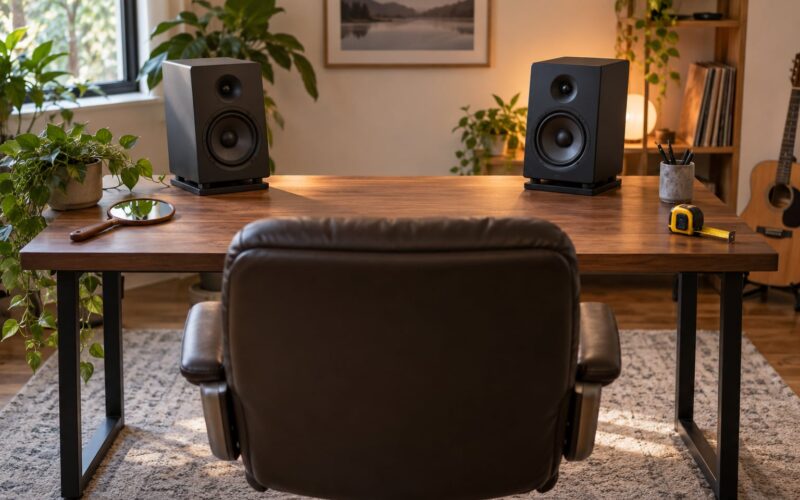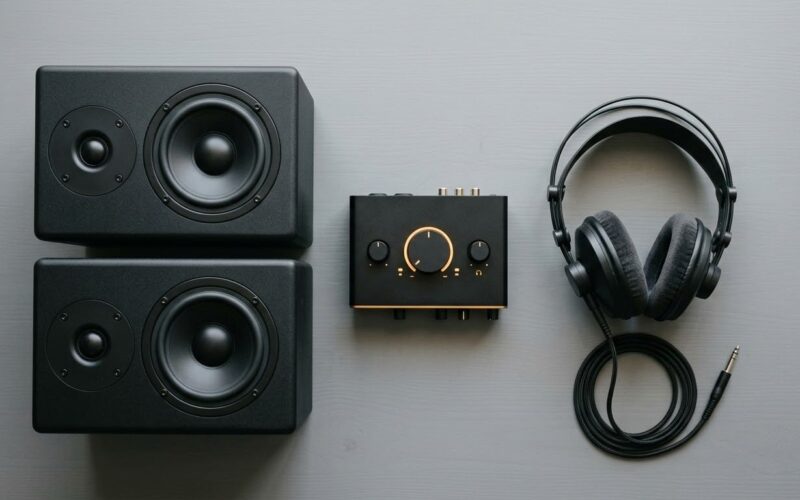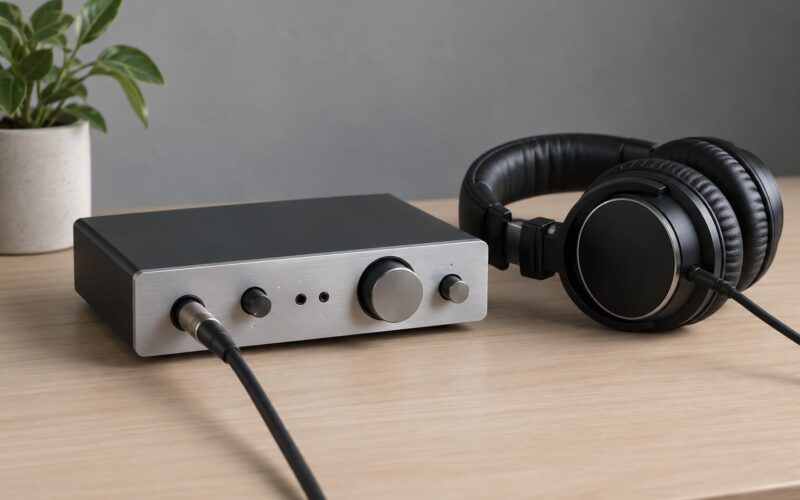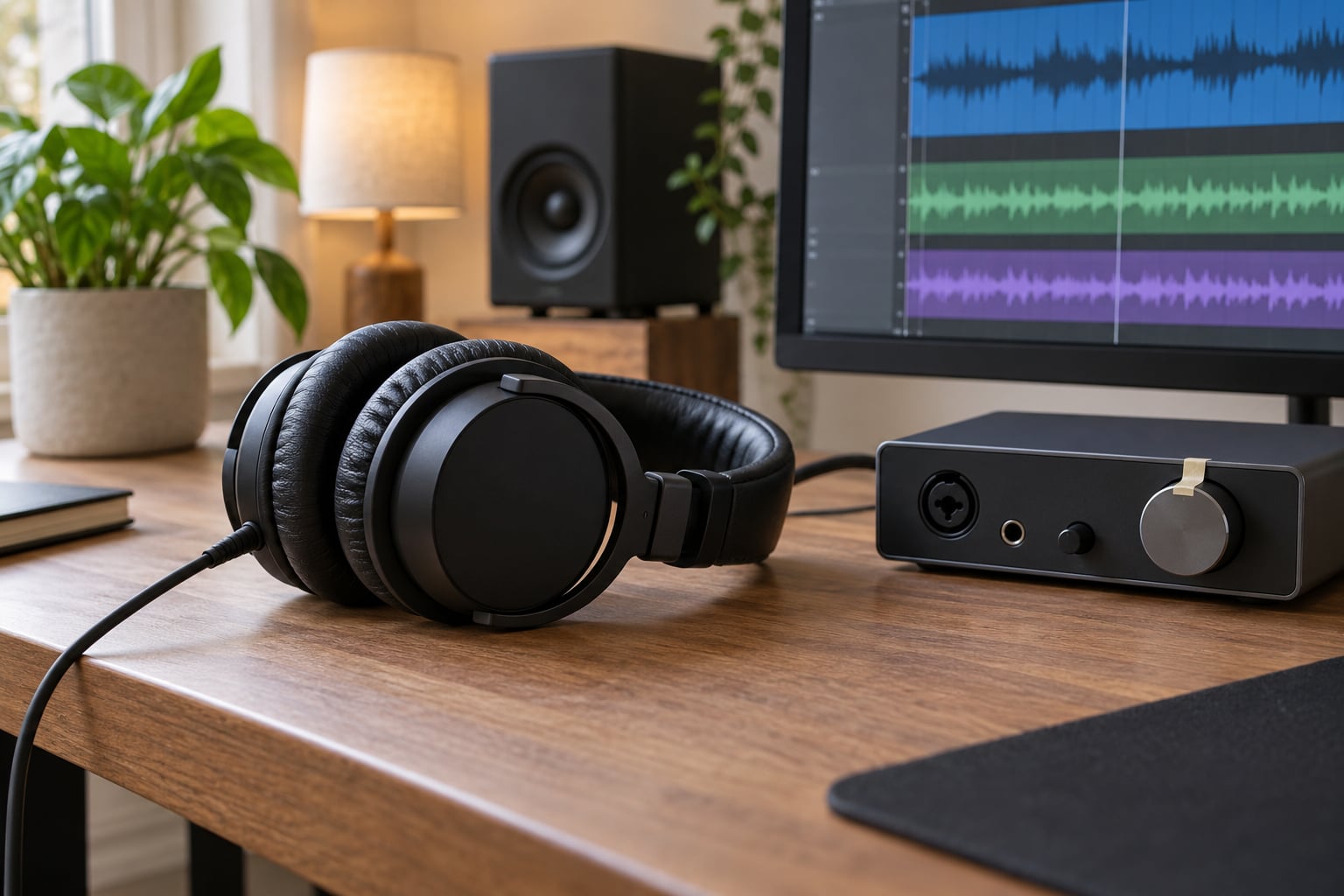
How to mix on headphones without ruining your ears comes down to one repeatable monitoring level in the 70 to 80 dB SPL range, marked with tape, and never raised during the session. Break the work into 20 to 30 minute passes, check the mix quietly, and allow yourself exactly one brief loud check per revision.
That sounds harder than it is. Most of the damage and most of the bad mixing decisions come from the same habit, which is reaching for the volume knob because something in the mix feels wrong.
Seven rules cover most of it, and the first three do most of the work:
- Pick a reference level once, measure or estimate it, and mark the knob position with tape or a sticker.
- Set that level slightly louder than your finished track, not louder than your roughest moment.
- Never adjust the monitor volume to judge a mix. Use faders, automation, or the plugin gain instead.
- Work in 20 to 30 minute blocks with 2 to 3 minutes of silence between them.
- Take a real break every 60 minutes, and a longer one every couple of hours.
- Keep one loud check per revision: one chorus, or one 30 second clip, then straight back down.
- Stop for the day if you notice ringing, pressure, dulled highs, or a headache that was not there before.
The rest of this guide goes into how to mix on headphones without ruining your ears step by step, including the level numbers, the checks, and what to do when a mix genuinely feels wrong.
What You Need
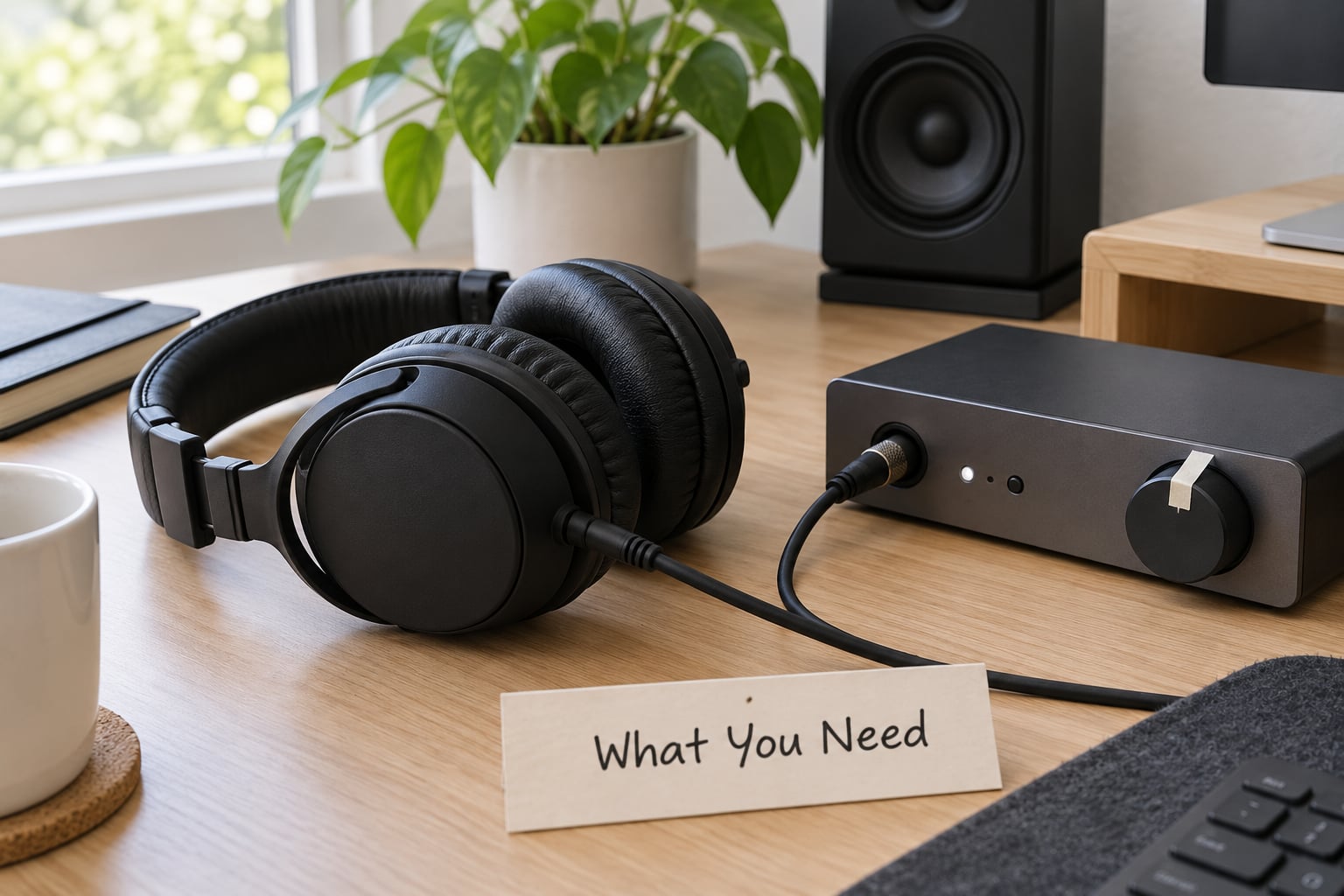
Most of the safety in this workflow comes from the room and the chain, not from the headphones. You need the output path set up so that one knob controls everything and nothing sneaks in louder than you expect.
A closed-back or open-back headphone you are happy to wear for an hour. Closed-back models block room noise, so you can work at a lower level without competing with a fridge or traffic. Open-back models sound more open and less fatiguing for some people, but they leak and they depend on a treated room to sound right. Pick comfort first, because a headphone that clamps on you after 40 minutes will have you turning the volume up out of frustration.
A flat or neutral headphone. Bright, hyped pairs make ear fatigue arrive sooner, and you end up compensating with EQ. A correction plugin such as a Sonarworks SoundID or a parametric EQ can flatten a pair, which usually means you can work quieter, though the plugin controls output gain, so set your marks before you apply it.
A known signal path: audio interface or sound card, DAW, and a monitoring level that does not change between sessions. Watch one thing that catches people out. On macOS, check that the audio device balance is even. On Windows, the per-app volume in the mixer and the hardware knob are separate controls, and the same goes for application sliders inside the DAW.
A way to judge the level. A cheap sound level meter app on your phone, a calibrated SPL meter, or a known reference track played at a matched level. The NIOSH Sound Level Meter app is the tool forum users reach for most, because the point is repeatability rather than accuracy in absolute terms.
A meter in your DAW, either a master output meter or a spectrum analyser, plus a limiter on the master bus so an accidental peak cannot reach your ears. And a break timer. A phone timer or a simple repeating alarm is enough.
Step-by-Step: How to Mix on Headphones Without Ruining Your Ears
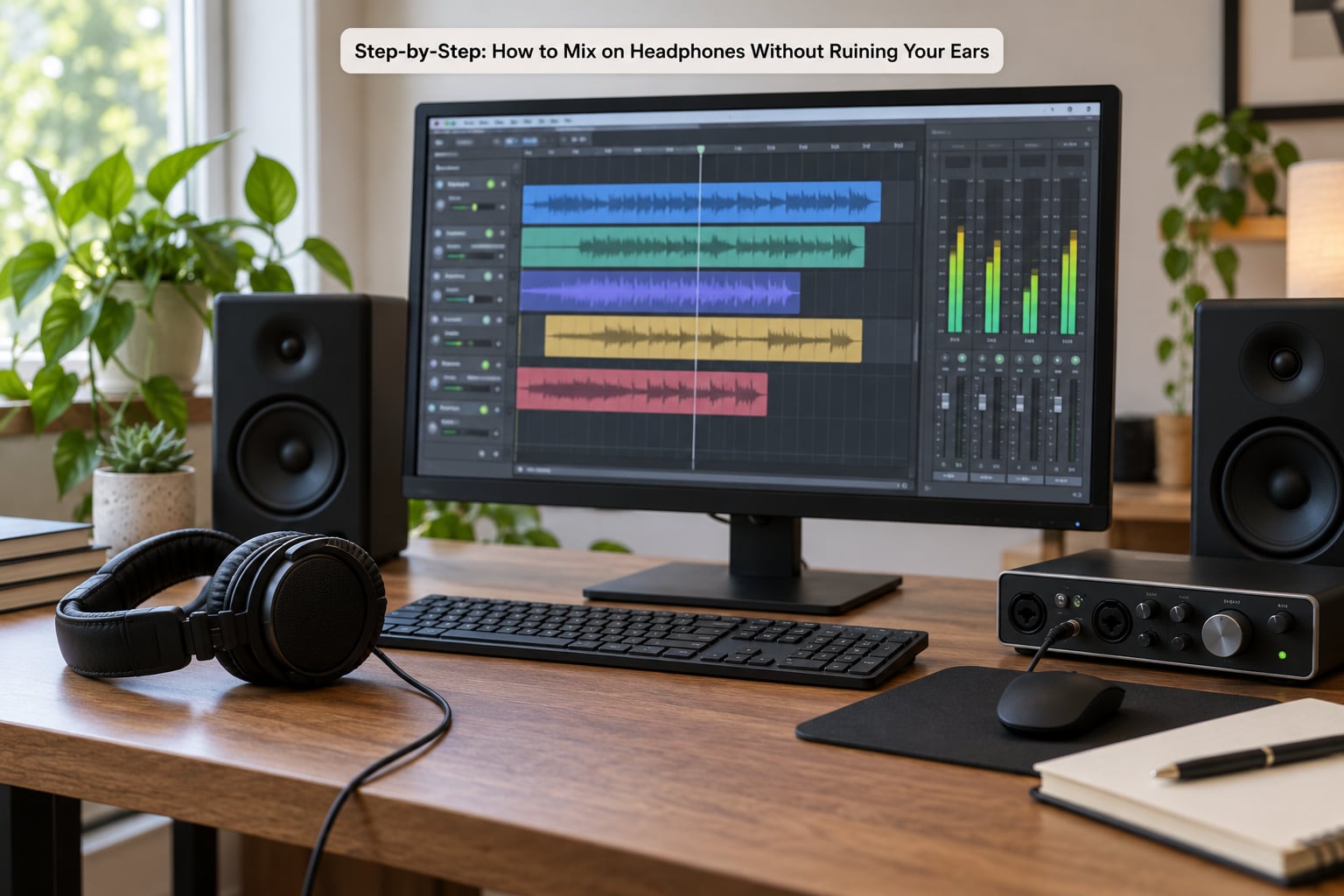
Set a safe starting volume
Set your monitoring level so a finished, well-mixed commercial track sits around 70 to 80 dB SPL at your ears. You can verify it with an SPL app, or estimate it: turn the system volume up until you can just hear a normal conversation in the room over the music, note that knob position with tape, and turn it back down.
Set the level for the loudest thing you will hear, which is usually the reference track, not the quietest. If you set it for your roughest pass you will creep upward the whole session.
Here is the part that matters most. Volume creep is the slow, unconscious drift where you turn the monitor up a few notches every twenty minutes because the mix sounds less present than it did an hour ago. The track did not get quieter, your ears adapted. On GearSpace, engineers describe exactly this: headphones can turn their ears to mush well before the level itself seems extreme.
The fix is mechanical. Once the knob is marked, treat it as a fixture. If a source feels too quiet, pull the fader up, automate the level, or raise the track gain. If the whole mix feels lifeless, that is a mixing problem, not a volume problem.
Check for unexpected loud peaks
Before you start making decisions, watch the master meter through the loudest part of the arrangement. Look for three things: a peak indicator staying lit, any waveform that flat-tops when you look at it, and any moment where the meter jumps well above where it has been sitting.
A limiter set to a modest ceiling on the master bus catches most of these. It will not fix an aggressive master, but it stops a stray automation lane or an over-eager high-pass boost from producing a click at full blast.
Listen for the signs that something is wrong rather than looking for them. A click, a spit, a moment where the bass seems to grab your jaw, or a chorus that arrives without warning usually means an automation problem. Fix it before you do anything else, because a level surprise resets your ears and your judgement in about a second.
One more check is worth the ten seconds. Put the mix in mono and listen for anything that disappears. A hidden element on one side of the stereo field can be far more fatiguing than it is obvious, and it is a common reason mixes feel harsh on headphones only.
Mix in short, repeated passes
Continuous headphone time is the enemy here, and short sessions solve two problems at once. They limit exposure, and they stop ear fatigue from editing your decisions.
Advice from r/audioengineering threads on headphone mixing tends to converge on a pattern like this: mix at a low volume, take two or three minute breaks every twenty minutes, and take a longer twenty minute break every couple of hours. A veteran engineer quoted on GearSpace puts it differently but lands in the same place, that 85 dB is excruciatingly loud in a small room and 75 dB is plenty loud, and a good mix sounds good at every level.
Here is the routine I would hand a beginner:
- 0 to 5 minutes. Set the level, mark the knob, and do not touch it again.
- 5 to 30 minutes. First pass. Set rough fader balance and panning before touching EQ. Volume is low here.
- 30 to 33 minutes. Silent break. No music, no phone with sound, nothing.
- 33 to 60 minutes. Second pass. Tonal balance and automation, still quiet.
- 60 to 65 minutes. Break, ideally away from the desk.
- 65 to 85 minutes. Third pass. Reference checks, mono check, one short loud check.
- After that. Stop, or switch to non-critical work. Coming back to a mix you already half-heard is rarely worth it.
Time blocks work because a short session has a defined end. That is what stops you from drifting into a four-hour session at 85 dB because you got absorbed in a problem.
Use references without matching their volume
Reference tracks are the most useful tool in this whole guide, and the easiest one to misuse. The rule is simple: level-match the reference to your mix, then compare tone, dynamics, and stereo width, never absolute loudness.
To level-match, play the reference through your output chain and use your metering to bring it to the same loudness as your mix. After that, listen back and forth. A dull mix reads as dull at matched level but the dullness is invisible when the reference is simply louder.
Volume-matched reference listening works because of equal-loudness contours, the curves first described by Fletcher and Munson. At low levels your hearing is far more sensitive to midrange frequencies than to deep bass or the top end, so a mix balanced at a whisper sounds completely different from the same mix at a healthy working level. This is also the argument for low-volume mixing: a phone speaker check on your mix, at genuinely low volume, exposes balance problems that vanish at high level because the bass is the only thing left reaching you.
Do not chase the reference. You are comparing decisions, not copying arrangement, compression, or width. A reference is there to answer one narrow question at a time: is my low end taking up too much, is my vocal sitting in the same place as theirs, does my top end feel as settled as it should.
Keep two or three references you have mixed next to, since mixing changes what you hear. Reference tracks also work as an ear reset, so a few seconds of something you know well in the first minutes of a session tells you whether your ears are already compromised before you start making new decisions.
Rest and recheck the mix
Fatigue is not subtle once you know what to look for. The first signs are a dull or slightly muffled top end, a bass that seems to have grown, and mild ear pressure or fullness. A headache that was not there before is another one. Tingling, ringing that does not settle within a few seconds, or dizziness are signs to stop immediately rather than take a break and push on.
The distinction that matters is between ear fatigue and hearing damage. Fatigue is temporary, it shows up after a long or loud session, and it clears after a break or a night’s sleep. A temporary threshold shift is the medical version, where quiet sounds are briefly less audible and speech sounds slightly muffled. It usually resolves, though repeatedly chasing it is how it becomes a problem.
What you cannot reverse is cumulative exposure. Every session at a high level adds to a total, and there is no single moment where you notice the damage happen. Producers on the Image-Line forum describe the fix most of them land on, doing everything on super low volumes, and it works for mixes as well as for ears.
So when you come back from a break, restart from the reference level, not from where you left off. Re-check the same section you were working on before you judge whether anything changed. If the difference is gone, the problem was you, not the mix.
If you are ever unsure, assume a temporary threshold shift and rest. One session is a small cost. Ringing that persists for hours is worth an appointment.
Why volume creep undoes everything you do to mix on headphones without ruining your ears
Volume creep deserves its own heading because it is the failure mode that quietly ruins both the hearing and the mix, and because it is entirely self-deceiving. As your ears desensitise, the same mix genuinely sounds quieter and duller, so you raise the level to get back to where you started, and the cycle runs all session long.
Nobody notices it happening. There is no moment where you decide to turn up, which is exactly why it beats willpower. The defenses are external: the tape mark on the knob, the level you set before loading the session, and the habit of using faders and automation for every adjustment you would otherwise make by reaching for volume.
The evidence that it affects mix quality is stronger than most producers admit. A fatigued ear hears dull highs, so the natural reaction is to brighten the mix, and the next hour goes into fixing a problem that does not exist. Every experienced forum poster I have read on this topic eventually says some version of the same thing: a fresh pair of ears makes better decisions at low level than a tired pair does at high level.
Common Mistakes
Almost every hearing problem in a home studio traces back to one of these, and each has a straightforward fix.
Normalizing every playback to full volume
A loudness normalizer set to hit a target on the master bus makes every render play at the same loudness, including the one you just made quiet for a quiet check. It removes your ability to hear the mix at a low level at all. Either bypass the normalizer while working, or normalize a copy you are exporting rather than the session you are judging.
Boosting dull tracks
When something feels dull, producers reach for volume because it is one big, obvious change. It is almost always the wrong one, because loudness and tone are separate decisions. Automation, EQ, compression, or simply accepting the level relative to the rest of the mix will usually get you closer, and none of them cost you hearing.
Wearing headphones for long uninterrupted sessions
Three hours of continuous headphone time is the pattern most people report, and it is the one to break up. The short-break pattern from r/audioengineering costs nothing: a couple of minutes of silence every twenty minutes, twenty minutes off every couple of hours. Headphone clamp pressure adds to the same fatigue, so a pair that becomes uncomfortable after forty minutes is worth replacing or adding a headband cover to, not tolerating.
Trusting a tired mix
The last hour of a long session is the worst hour to make decisions. Save the final balance decisions for the start of a session and the start of one after a break, and use the tired stretches for mechanical work, editing, naming, exporting.
For the final check, lower the level rather than raising it. Pull your mix down until it is clearly below your working level, then raise it back to the mark. If it holds up when quiet, it will translate.
Turning the system volume too far
Some people mix a whole session above 85 dB because it feels more revealing. The information you gain from a very loud pass is mostly false detail. You will hear transients more clearly and you will also over-amplify the low end, which is the single most common headphone mixing failure, because headphone bass arrives through acoustic pressure coupling against the eardrum rather than through the room.
There is a useful middle ground between whispers and unsafe levels. Compare against a reference, and if the mix only makes sense when you push past your mark, the problem is almost always in the low end or the vocal placement.
Do not confuse mixing loudness with release loudness either. Mastering to a competitive level is a separate pass with its own monitoring decisions, and mixing your session bus at 0 dB just because you want to hear the loudness of the final master is how producers end up with a crushed mix and a tired ear.
Frequently Asked Questions
What is the 60-60 rule for headphones?
The 60-60 rule is a habit guideline, not a medical limit. It says to listen at no more than 60 percent of your device’s maximum volume for no more than 60 minutes at a stretch. Treat it as a ceiling rather than a target, because a knob percentage means nothing on its own. A pair of easy-drivers can hit damaging sound pressure levels at half volume. Use a level meter if you can, and take a break after the hour whether or not you feel ready.
How loud should headphones be when mixing?
Around 70 to 80 dB SPL at your ears is the working range most engineers report, with 85 dB treated as the ceiling rather than the target. Set the level so a finished commercial track sits comfortably, mark the knob, and leave it there. Levels below about 60 dB are not wasted, because quiet listening is where balance errors show up most clearly.
Is it okay to mix in headphones?
Yes, and plenty of professionals deliver finished mixes made this way. What headphones cannot do is show you how low end behaves in a room or how a mix translates to small speakers and phone playback. So check the work at consumer level and in mono, and treat the headphone session as the detailed decision pass rather than the only pass. Most successful headphone mixes also get a final check somewhere other than the same pair.
Do open-back or closed-back headphones protect my ears during long sessions?
Neither is inherently safer, because the risk comes from total sound pressure reaching your ears over time. Closed-back designs help indirectly: they block room noise, so you can mix at a lower level without competing with traffic or an air conditioner. Open-back designs usually feel less fatiguing to some wearers, but they leak and they only sound right in a treated room. Choose on comfort, frequency balance, and your room, then control the level.
When should I see a hearing professional after mixing on headphones?
Book a hearing test if ringing persists for more than a few hours, if quiet sounds feel muffled after a session, or if you notice a drop in high-frequency clarity that lasts more than a day. Do the same if you have been mixing at high levels for years and want a baseline before you continue. An audiologist can measure your hearing, and it gives you something far more useful than guessing: a current picture to compare against later.
One more thing worth knowing, since it comes up constantly in searches. The NIOSH recommended exposure limit is 85 dBA averaged over an 8 hour workday, and exposure allowance halves roughly every 3 dB of increase, so 88 dBA is about 4 hours, 91 is 2 hours, 94 is 1 hour, and 100 is 15 minutes. 70 dBA is not a limit so much as a level where exposure stops being the main worry, which is exactly why it makes a good working level for a mixing session. These are occupational guidelines rather than medical advice, so if your hearing concerns you, an audiologist is the right person to ask.
Conclusion
Start with three things this week. Set your monitoring level to a finished commercial track at 70 to 80 dB SPL, write that number on the desk, and tape the knob. Then work in 20 to 30 minute blocks with silence between them and one short loud check per revision.
If a mix feels wrong, change the mix, not the volume. And if you notice ringing, pressure, dulled highs, or a headache during a session, that is information rather than an inconvenience, so stop and rest. Judge your safety across weeks of sessions, not by how a single afternoon felt.