Release day is the date your track goes live on streaming platforms, and the concentrated window of posting, replying and sharing you build around it. To run one well, you lock every asset and caption the night before, publish the announcement at 12:00 AM in your release timezone, then work the comments for the rest of the day instead of just pushing the link. Done well, that day is the opening of a two-week campaign rather than a 24-hour spike.
Most release days fall apart for boring reasons: a caption gets rewritten at 1 AM, the link is wrong on one platform, or the artist spends the whole day posting and never replies to anyone. None of that is a talent problem. It is a preparation problem, and preparation is something you can do in an evening.
Table of Contents
- What You Need
- How to Run a Release Day on Social Media
- Common Mistakes
- Frequently Asked Questions
- What is the best day of the week to release music?
- What time should I post on release day?
- How many social media posts should I make on release day?
- Should I post the same thing on all platforms at the same time?
- How do I schedule social media posts in advance?
- What do I do if release day engagement is low?
- Conclusion
What You Need
You want everything settled and loadable before release day begins. If a task still needs a decision on release day, it will get decided badly at an unreasonable hour.
- Final audio and artwork files. The exact cover art, at the right dimensions, plus any vertical crops you plan to post. Export a version with no text baked in if you want to add the title in-app.
- Approved metadata. Track title, feature credits, songwriter splits, ISRC, and release date confirmed with your distributor. A credit correction discovered on release day takes weeks to fix.
- The release link. One canonical destination that opens the track on the streaming platform you care most about. Test it on a phone, on desktop, and logged out.
- Tracking links. One per platform or per post type so you can see which social source actually produced plays rather than guessing.
- Platform and distributor access. Logins checked the night before, two-factor codes turned off on your own devices, and Spotify for Artists open with the release showing as expected.
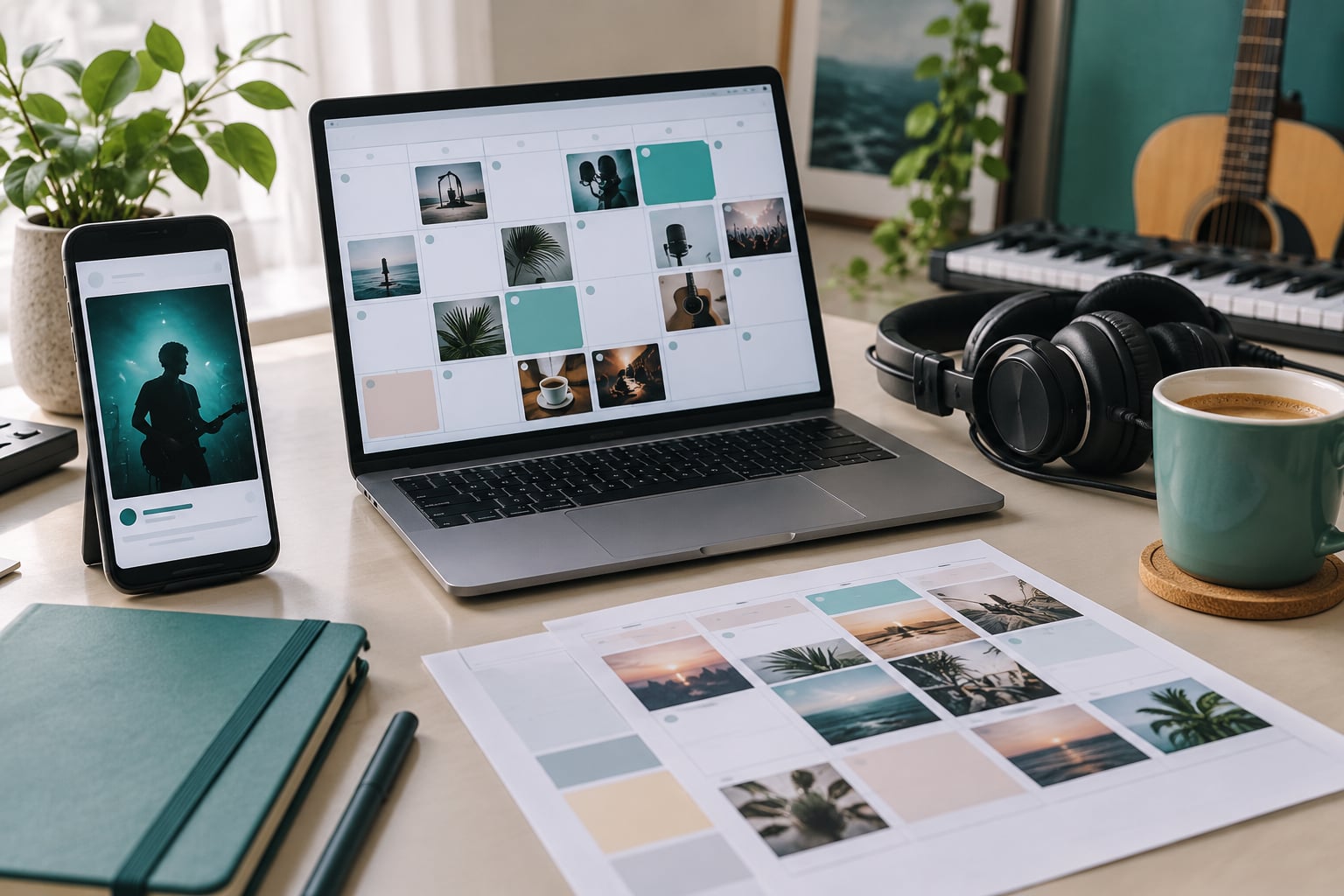
- A content calendar. Every planned post with a time, a platform, a format and a purpose. One shared document, not a thread of half-formed ideas.
- Scheduling tools. Meta Business Suite and Facebook Suite for Facebook and Instagram, the native scheduler for LinkedIn and X, and Later, Buffer or Hootsuite if you run several channels. Free tiers cover most independent releases.
- Clear team responsibilities. Who is posting, who is replying to comments, who watches the dashboards, and who approves anything that goes out after 6 PM.
- A response guide. Short answers ready for the questions you always get: where to listen, what it costs, what inspired it, whether it is on a physical format, and what plays next.
- Contingency space. Extra vertical footage, a spare lyric graphic, and a plan B caption in case the video tanks or a platform is down.
How to Run a Release Day on Social Media
The workflow runs in order: prepare everything in advance, build a timed schedule, publish the main announcement once, keep the day moving without spamming anyone, spend real time in the replies, then carry the momentum forward. Each step depends on the one before it. Skip the preparation and the rest becomes improvisation, which is what most release days actually are.
1. Prepare the release in advance
The night before, open every platform and confirm the same things: the link resolves to the right track, the artwork is the approved version, the bio and link-in-bio are current, and the release shows as live in your dashboards. A release that is genuinely live at 12:00 AM is the exception rather than the rule, so decide in advance what you say if a platform is late.
Write the captions now, in full, in a document. Not outlines, not bullet reminders. Three captions written properly on a Tuesday afternoon will beat three captions written tired on a Friday night, and pre-written copy is also what makes the 12:00 AM post possible at all.
Assign the link-in-bio change to one person with a specific time. On the platform side, line up the vertical clips, the lyric graphic, the behind-the-scenes footage and the fan prompt so that on release day nobody has to go looking for a file. Set your link routing so each post carries its own tracking link, and confirm those links resolve before you schedule them.
One more thing worth doing the night before: draft ten or twelve replies to the comments you expect. Name pronunciations, the story behind a lyric, where the track was written, what plays next, when the live show is. On release day you will be too busy to write from scratch, and a fast honest reply is worth more than a polished one an hour later.
2. Build a timed content schedule
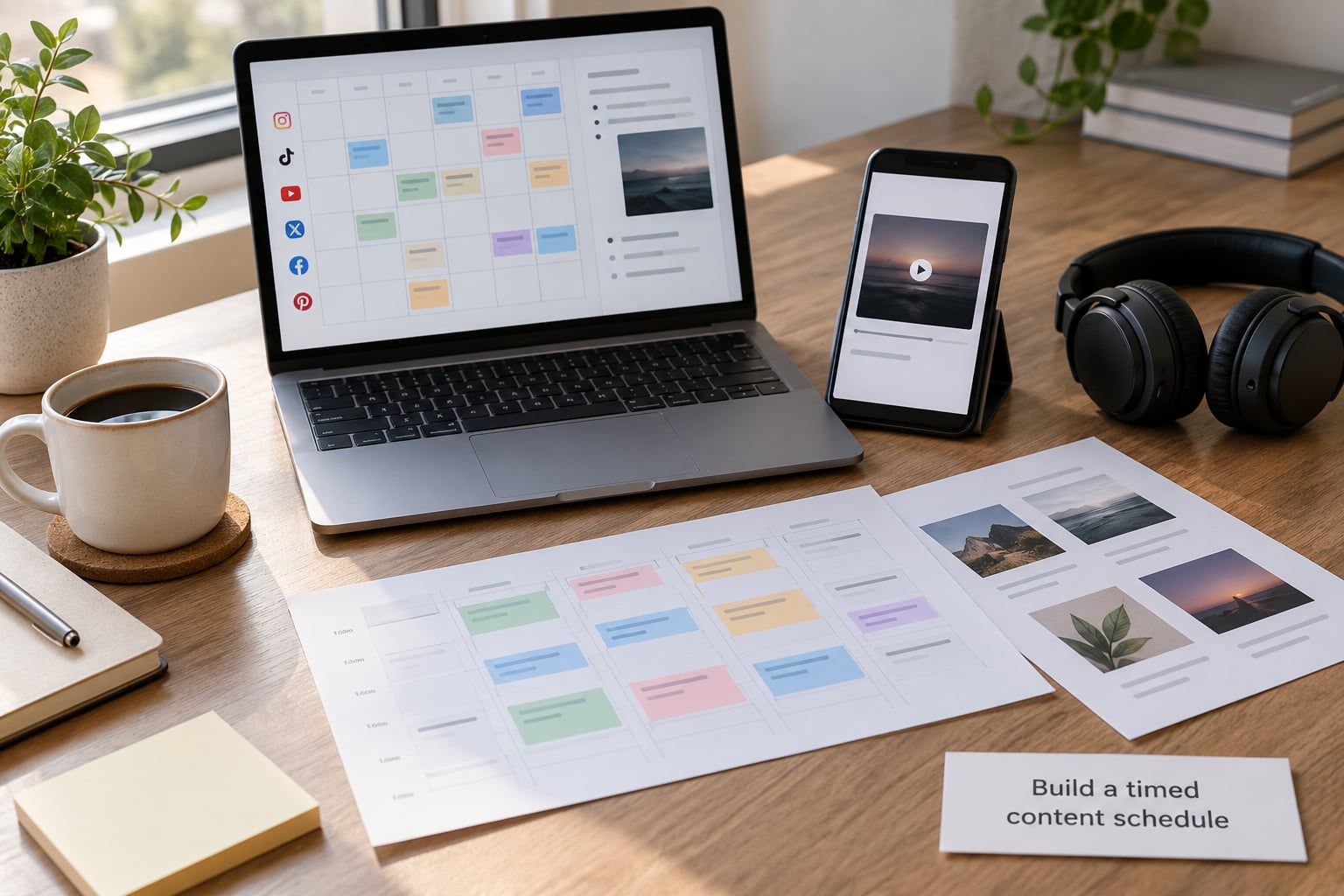
A timed schedule is what separates a release day from a long afternoon of guessing. Give each post a time, a platform, a format and a goal, then load it all into the scheduler so it publishes itself. You keep your attention free for the replies, which is the part that actually needs you.
A workable version for a Friday release, all times local to your release timezone:
- 12:00 AM — the announcement. Feed post, Stories, X, Facebook, TikTok caption, YouTube Community post. Same core wording and one link everywhere.
- 7:00 AM — the first vertical clip. Fifteen to thirty seconds, hook inside the first second, the song as the audio.
- 9:30 AM — Stories sequence. Three frames: the record, the artwork, the link sticker.
- 12:00 PM — behind-the-scenes. A studio clip, a photograph from the writing session, a short line about how the track came together.
- 3:00 PM — fan prompt. Ask which version they have on repeat, or which lyric hit them hardest. Reply to every answer.
- 6:00 PM — the second push. The strongest clip again with fresh framing, or a lyric card if the first clip underperformed.
- 9:00 PM — thank you. Name a few people who shared it, point back to the link, keep it short.
That is seven posts across a full day, spread across formats rather than repeated. Around six to ten distinct posts is a sensible range for release day. Push past that with the same link and you read as spam, and reach suffers for it.
On time zones, the convention of posting at midnight in your own timezone still holds for most independent releases, and it lines up with the release going live there. If your audience is genuinely concentrated somewhere else, use their morning instead and stop worrying about the rule. If you have a global spread, run two waves: midnight in your timezone and a morning push for the other side. Whatever you pick, put the timezone label in your own notes so you remember which one you chose.
3. Publish the main release announcement
Post the main announcement across the platforms you actually maintain, not every account you have ever opened. Three platforms you reply on beat seven accounts you abandoned two years ago.
Keep the caption short and put the link early. One clear sentence on what the track is, one line on where it came from, the link, and a couple of tags for collaborators who are genuinely involved. Use the same core wording and the same destination on every platform so a fan moving from TikTok to Instagram is not confused about what you just released.
Tag your producer, your co-writers, your featured artist and your artwork credit. Tags route the post to people with bigger followings than yours, which is often the single cheapest distribution move on release day.
4. Keep release day running on social media without overwhelming followers
Rotate formats rather than repeating the announcement. Stories, a vertical clip, a photograph, a comment reply, a lyric graphic and a short text update all feel like different posts even when they point at the same track. A day made of six different formats gets six chances to land with someone whose first one missed.
For a small, tight fanbase, dial it back. Three posts and a hundred genuine replies beats fifteen posts nobody responds to. For a large following with thin engagement, the volume matters less than the responsiveness, and the clips matter more than the link. For a heavier genre or a jazz or classical release, behind-the-scenes material and the writing story often outperform the track teaser. Adjust the mix to the audience rather than copying someone else’s schedule.
5. Engage with listeners and monitor the response
This is the part most artists skip, and it is the part that decides whether release day works. Replying to comments is not customer service, it is the visible version of a release. A fan who gets a real answer at 8 AM tells their friends about it.
Work in waves rather than continuously. Reply properly for the first hour after the announcement, then again at lunch, then through the evening. Answer the question that was asked rather than dropping a generic thank-you emoji, and ask something back so the exchange keeps going.
Watch for fan-made content. When someone uses your audio or posts their own clip, repost it, comment on it properly, and thank them by name. That is content you did not have to make, arriving from an audience that is already invested.
On numbers, track saves and shares more closely than likes, and shares more closely than likes. Check that your tracking links are recording, and glance at your dashboard rather than refreshing it every ten minutes. The gap between a big post and almost nothing on the streaming platform is common, and it usually means the path from post to link took too many steps rather than that the music failed. A strong engagement rate with flat streams is a link problem until proven otherwise.
6. Follow up after release day
Release day ends at midnight and the campaign does not. The consensus in artist communities is that the two weeks after the drop are where the real work happens, and going quiet the day after is the fastest way to flatten your own momentum.
On the morning after, post a short honest update: thanks, one number you are proud of, one thing you are already fixing. Repost the best fan content from the previous day. Then schedule the rest of release week rather than deciding each morning what to post. Reactions, lyric breakdowns, a live clip, a behind-the-scenes story, a Q and A in Stories, a short listening prompt before you go quiet again.
Write down what worked while it is fresh: which clip held attention, which platform produced plays through your tracking links, which comment brought the most replies. That note is the most useful thing you will own when you plan the next single, and it takes ten minutes.
Common Mistakes
Almost every messy release day is one of these eight things.
Posting without a schedule. You end up posting three things at 9 PM and nothing at 9 AM. Fix: build the timed schedule in advance and let the scheduler handle publishing.
Using the wrong link. A tracking link from another campaign, a pre-save page that never switched, or a link to the wrong platform. Fix: test every link on a phone, logged out, and check each scheduled post before it goes live.
Changing the campaign mid-day. Rewriting captions four hours after posting because someone in a comment thread said something discouraging. Fix: decide the plan the night before and let it run. One bad hour is not a reason to rebuild.
Ignoring comments. Publishing and walking away, so the first replies under your own post come from other people. Fix: block out three reply windows a day and treat them like appointments.
Deleting content too quickly. Removing a clip after an hour of low views, when it had not finished distributing. Fix: leave posts up for at least 48 hours and judge them on the day-plus-one numbers.
Treating every platform the same. The same caption and the same asset pasted everywhere. Fix: keep the message, change the format. A vertical clip for TikTok and Shorts, a feed post for Instagram, a text post for X, a link post for Facebook.
Posting the link fifteen times. Repetition across a single day reads as spam and gets reach pulled down. Fix: cap it around six to ten distinct posts and vary the format instead.
Checking results with no next step. Looking at numbers at 11 PM, feeling bad, and making no plan. Fix: review once the following morning and decide one action from what you saw.
If you are promoting around a day job, the honest minimum viable release day is fine: announcement at 12:00 AM, one vertical clip at 7 AM, one behind-the-scenes post, and honest replies through the afternoon. That beats an ambitious plan that falls apart by 3 PM.
Frequently Asked Questions
What is the best day of the week to release music?
Friday is the standard, and the reason is not mood. Playlist editorial teams review on a weekly cycle that starts early in the week, and most listeners have free time on Friday evening. A Thursday release can work for genres with strong Thursday momentum, and a Tuesday release often beats Friday for songs aimed at weekday playlists. Pick your date, then build your entire run sheet around it.
What time should I post on release day?
Post the main announcement at 12:00 AM in your release timezone so pre-saves convert automatically and fans waking up find it already live. Follow with a vertical clip between 7 and 9 AM, run replies through the afternoon, and push again in the early evening. If your listeners are concentrated in one other timezone, use their morning for the second wave instead.
How many social media posts should I make on release day?
Around six to ten distinct posts across all your platforms, each in a different format. That is enough to stay present without becoming background noise. Repeating the same link fifteen times in a day reads as spam and reach suffers for it. The volume matters much less than replying to people, which is where release day effort actually pays off.
Should I post the same thing on all platforms at the same time?
Keep the message and the destination identical, but change the format per platform. Vertical clips for TikTok and YouTube Shorts, a Reel and a feed post for Instagram, a short text post for X, and a link post for Facebook. Cross-posting an identical asset with an identical caption across every platform is the fastest way to make a release feel lazy.
How do I schedule social media posts in advance?
Use the free native schedulers first. Meta Business Suite or Facebook Suite handles Facebook and Instagram, and LinkedIn and X both schedule from the web without a paid plan. Later, Buffer and Hootsuite are the usual paid options if you manage several channels at once. Schedule everything the night before so release day is execution rather than writing, and always preview each post before it publishes.
What do I do if release day engagement is low?
Do not delete anything and do not start a panic campaign the same day. Low first-day numbers are common, and one quiet day tells you very little. Check whether your links were clicked at all, since a tracking failure looks identical to a bad release. Then lean into release week instead: fan content, lyric breakdowns, a live clip, and a second push a few days later.
Conclusion
A good release day is mostly admin done early. Confirm the link, finalise the timed schedule, write the announcement and the replies in advance, then on the day publish at 12:00 AM in your release timezone and spend the rest of it answering people. Start with those three things tonight: confirm the release link, load the schedule into your scheduler, and finish the announcement caption.
Then keep going for two weeks. That is where the streams come from, and it is the part almost everyone skips.