You can make a music video on a low budget with a phone, free natural light, one location you have permission to use, and an editor you already own. The trick is not gear, it is planning: decide one visual idea, write down every shot before the day, and record clean audio the first time. Most first videos look cheap because people spend on the wrong things, not because they spent too little.
Filmmakers on r/Filmmakers and r/videography say the same thing over and over in budget threads. Pre-production eats the schedule, borrowed gear eats the day, and a video with no promotion plan dies at fifty views. Plan for those three and the rest gets easier.
A realistic low-budget music video is a one-day shoot, a one-page creative brief, and a fast edit cut to your track. Here is the whole process, in the order that actually works.
Table of Contents
- What You Need
- Step-by-Step: How to Make a Music Video on a Low Budget
- 1. Set the Concept and Visual Goal
- 2. Build a Realistic Budget and Schedule
- 3. Write the Storyboard and Shot List for Your Low-Budget Music Video
- 4. Scout Locations, Talent, and Releases
- 5. Shoot Efficiently With the Gear You Already Own
- 6. Edit, Sound Design, and Export
- Promotion and Multi-Content Strategy
- Common Mistakes and How to Fix Them
- Frequently Asked Questions
- Conclusion
What You Need
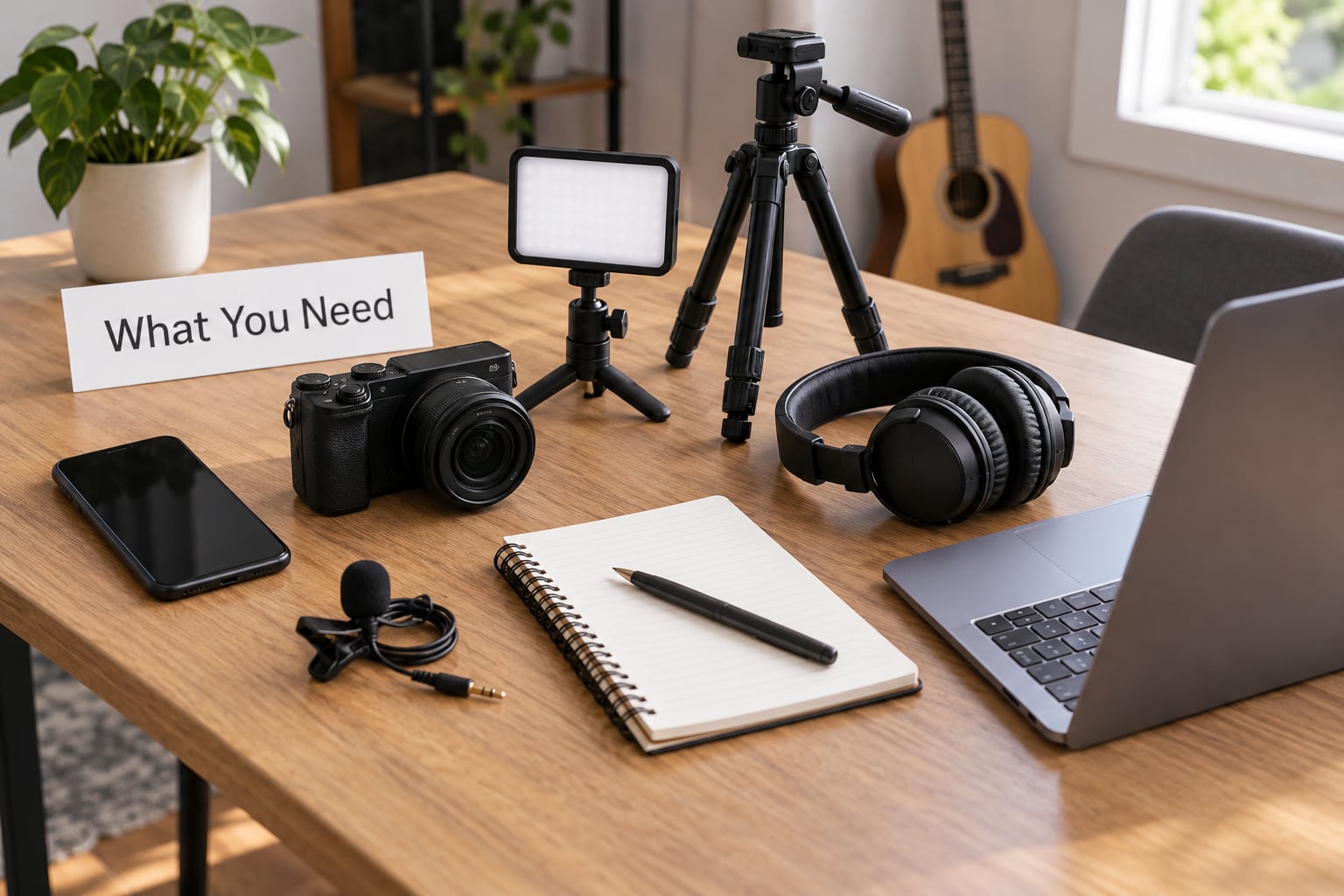
Split what you need into four buckets, because people on tight budgets keep mixing them.
Creative resources
One visual idea tied to the song’s mood, a format you can finish in a day (performance, narrative, concept, or lyric), and a one-page brief with three sentences and a mood board you made from screenshots. If you cannot write it in a page, you are not ready to shoot.
Technical resources
A phone with a decent rear camera or a secondhand mirrorless body, a tripod, a clip-on lavalier microphone wired into your phone or a small recorder, one LED panel, and a white bedsheet or shower curtain to soften the light. That is genuinely enough for a professional-looking video.
Organizational resources
A call sheet with times, a shot list, a contact list, release forms, batteries fully charged, more storage than you think you need, and a playback track on a speaker. Filmmakers in music production communities keep losing shoots to a dead battery at hour six, so treat charging the night before as part of the schedule.
Financial resources
Whatever you can honestly put toward sound, light, transport, food, and a contingency. Keep the last slice untouched and for overruns. When people run out of money mid-shoot they stop shooting, and the video ends up feeling rushed rather than spare.
Step-by-Step: How to Make a Music Video on a Low Budget
1. Set the Concept and Visual Goal
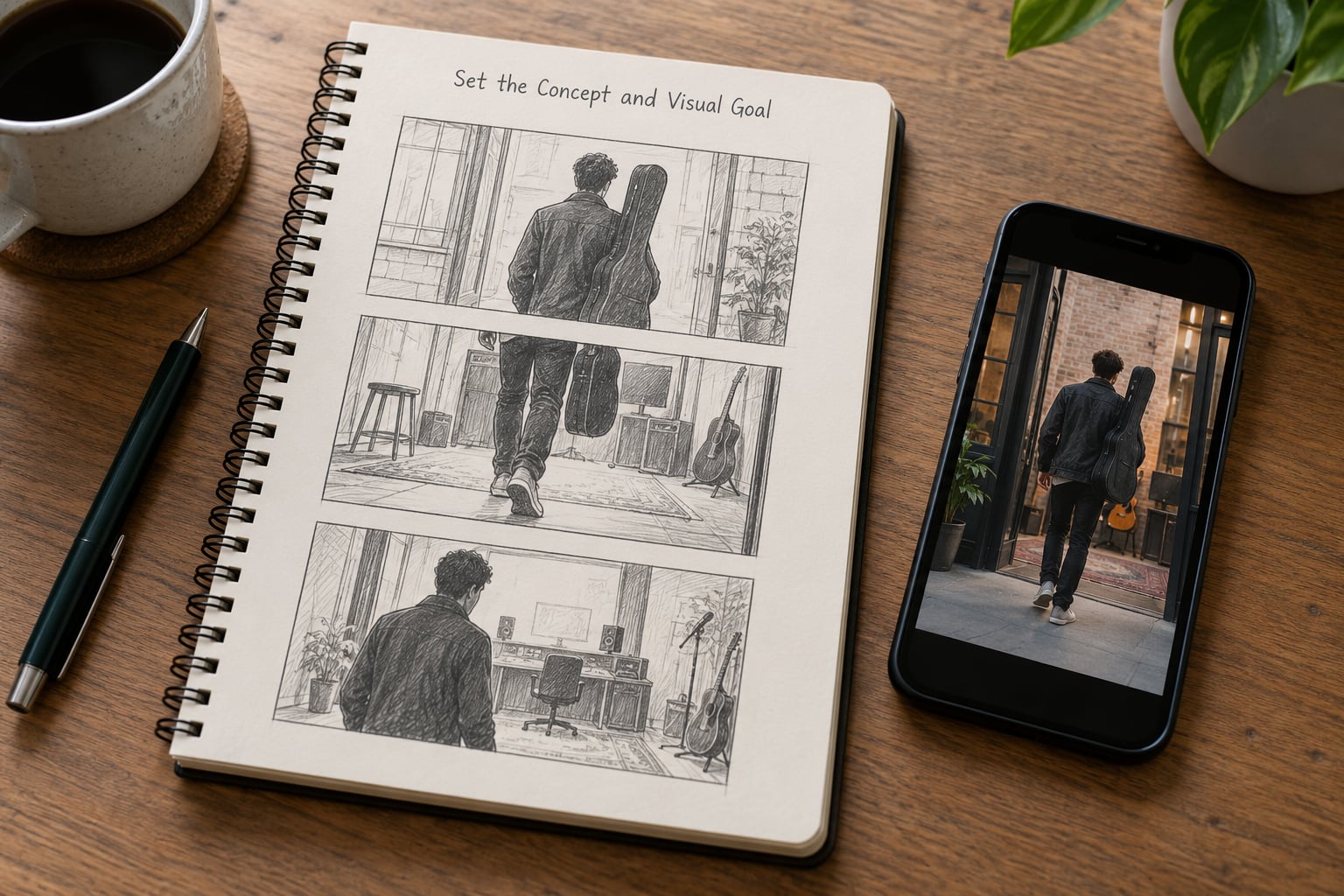
Start by asking what the song feels like, then commit to one image that carries it. A slow, sad ballad and a hyper night-drive banger cannot share a treatment. One visual idea, repeated with variation, reads as intentional. Twenty ideas read as indecision.
Pick the format early, because it sets everything downstream:
- Performance — the artist singing. Cheapest, hardest to make look interesting, and it doubles as live content.
- Narrative — a short story across three or four locations. Most expensive. Rarely the right call on a shoestring.
- Concept — one strange visual premise, like the whole video is shot in a single continuous take, or in one room, or underwater.
- Lyric or visualizer — typographic or abstract. You can build half of it with software you already have.
Then write the brief: the feeling in one sentence, the image, the three shots that must appear, and who it is for. New fans who have never heard your music need to understand the song in three seconds without reading a caption.
2. Build a Realistic Budget and Schedule
Most low-budget music videos fall into three tiers, and the difference is scope, not equipment. The shoestring tier is one location, one or two people, whatever camera you own. The working tier adds a small crew, hired lighting, and costumes. The stretch tier adds dancers, a designer, multiple locations, and a second shooting day.
Decide which one you are before you buy anything, then write the non-negotiables. In practice that list is short: clean audio, one good light source, transport to the location, food, and a contingency. Everything else is negotiable. If you cannot make the non-negotiables, cut the concept’s ambition rather than the sound.
Schedule the shoot as a real working day, roughly ten hours: load-in and light, shoot, pack-down, and a short review before anyone leaves. Write the times down and share them a day ahead. Add one backup location that requires no permit and no travel, because weather and no-shows are not hypothetical.
3. Write the Storyboard and Shot List for Your Low-Budget Music Video
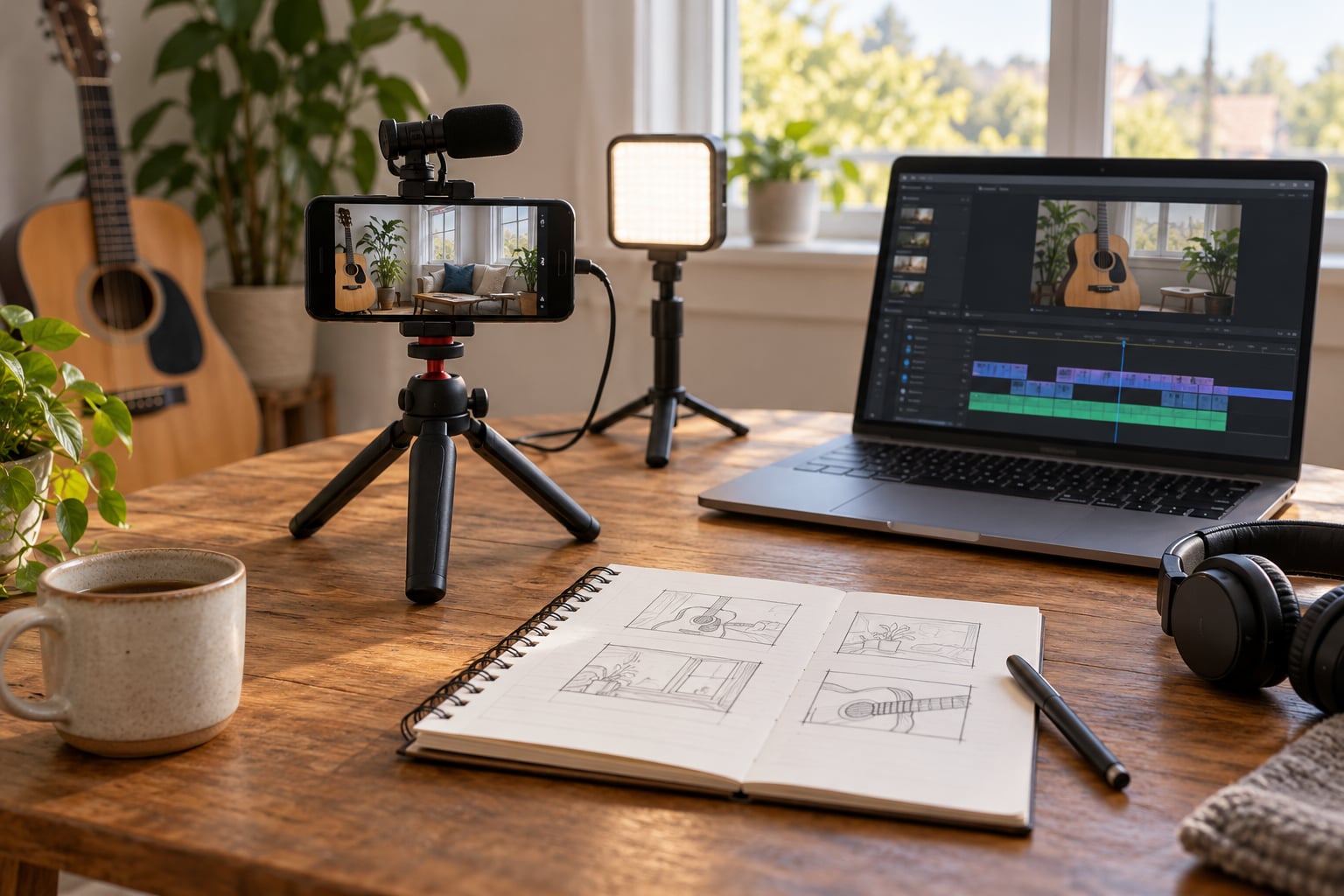
Map the song’s structure to visual beats. Intro, verse, chorus, bridge, outro, and a numbered frame for each. The classic format is an AV script: the audio on the left page, the visual on the right, lined up in time. It is old-school on paper and still the fastest way to spot a video that needs six locations.
You do not need to draw. A phone photo, a stick figure, or even a numbered list with frame sizes works. For each shot capture the shot number, framing (wide, medium, close), camera movement (locked off, handheld, pan), length in seconds, and notes on lighting and wardrobe.
Then plan the order. Shoot by location and by light, not by song order. If the sun sets at seven, do the golden hour work first and the interior work after. Keep the longest setup first while everyone is fresh, and protect the performance takes for last when the artist is warmed up.
4. Scout Locations, Talent, and Releases
Look at places you already have access to: your apartment, a friend’s flat, a garage, a rooftop you can reach legally, a practice space, a car park after hours. Scouting through map street view and a short visit will save you a wasted day. Check three things on the visit: where the sun falls, what noise is in the background, and whether there is power.
Getting permission in writing takes five minutes and has saved countless shoots. Public land still often needs a film permit from the local authority, especially for anything that looks like a commercial shoot, so check before you commit the date.
For cast, ask your fanbase. People who already like your music show up, look right on camera, and share the result. Post a casting call with the date, the location, the time commitment and what you are providing, and write a short release for everyone who appears. Film school students are eager for credits but need a clear call time, which is exactly what your schedule gives them.
5. Shoot Efficiently With the Gear You Already Own
Lock the camera down to a tripod for anything with movement in it, lock exposure and focus so your shots match, and shoot at the frame rate you will edit at. If you plan slow motion, capture it deliberately rather than hoping you have it.
Audio gets the most attention on a tight budget because viewer’s ear forgives nothing. Record a clean vocal or playback track separately, close to the mic, in a quiet room, before the shoot day if possible. On the day, keep the lavalier close to the collar, watch the meter, and stay away from wind and air conditioning.
Light with one source and reflect it. Put a window behind or beside the artist, hang a white sheet opposite to bounce, and put a dark jacket or blanket on the camera side to deepen the shadows. That single bounce does more than any kit you can rent. Cheap LED panels clipped to a stand work fine once you diffuse them with baking paper or a shower curtain.
Shoot more than the shot list says. Every setup deserves a wide, a medium, a close, and ten seconds of clean room tone at the end so you have something to cut to. And shoot the performance more times than feels necessary, because the best take is rarely the first or the last.
6. Edit, Sound Design, and Export
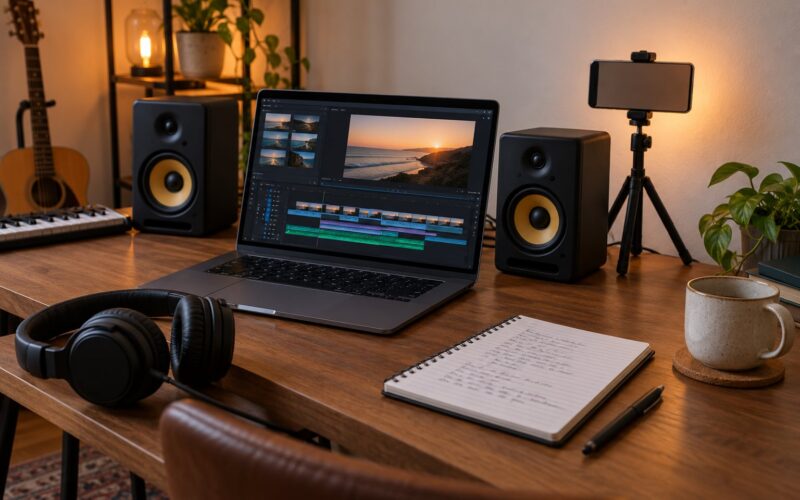
Assemble against the track first, then cut on the beat. Most good low-budget edits are simple: hard cuts on the downbeat, a cross-dissolve when the song changes, no fancy transitions. Difficulty in the middle of post-production usually means the shot list was vague.
Clean the audio next. Remove hum, level the vocal, and add sound design — a door slam, a footstep, a rising tone under the chorus. Sound effects are the cheapest way to make a small production feel large, and they are what forum filmmakers name when they explain why a thin-looking video still felt expensive.
Then color. Correct first so the skin tone is right and the shots match, grade second. Load a LUT as a starting point and pull it back until it looks natural. Export a clean master at high bitrate, then make a separate vertical version for Reels and TikTok and a square loop for Spotify Canvas.
Promotion and Multi-Content Strategy
One shoot day should feed the whole release, not just the video. While you are shooting, capture thirty seconds of behind-the-scenes clips, a setup clip before the take, and a first-listen reaction. Cut those into vertical posts for the two weeks before release.
The video launch, the teaser, and the after-the-fact clips share a piece of footage. Musicians on r/musicmarketing keep saying the same thing: spend on distribution and a plan before you spend on the shoot day itself. If your budget covers the video and nothing else, borrow money for promotion instead, or make the video a quarter of the spend.
Common Mistakes and How to Fix Them
Bad audio. The most common problem and the least forgivable. Record the track separately, in a quiet room, before the shoot. Use the lavalier as backup and the recorder as your main take.
Inconsistent framing. Mixed white balance and auto-exposure make a video look like six different shoots. Lock both, and match every clip to a reference frame before you finish the day.
Too much movement. Handheld drifting and uninspired pans read as amateur. Lock the tripod for most of the video, then add one deliberate moving shot so it actually means something.
No real song structure. If the video does not change in the chorus, the viewer drifts. Plan visual escalation by section so the second half looks different from the first.
Missing releases. A friend appears in a clip with no signed form and you cannot use it later. Get the release on the day, not the week after. Same for location permission, and check whether your location needs a permit.
Editing forever. Set a delivery date when you shoot and treat it as a deadline. Watching your own footage for twenty hours is not work, and how to make a music video on a low budget depends on finishing it so you can promote it.
Spending on gear instead of sound and light. A second body will not save a video with echo. Put the money into a microphone and a bounced light, then film with what you have.
One idea per shoot. If you get a great location and a free afternoon, capture a second and third concept at the same time while everyone is already there. This is how small budgets buy more than one finished piece.
Frequently Asked Questions
Can I make a music video with just my phone?
Yes. Most released low-budget music videos start on a phone. Lock the exposure and focus, shoot at the frame rate you will edit at, keep the lens clean, and mount it on a tripod. Audio matters far more than resolution: record your track separately with a clip-on microphone in a quiet room, and never judge the edit from phone speaker audio.
What equipment do I actually need for a music video?
A camera you already own, a tripod, one clip-on microphone or small recorder, one LED panel, and a white sheet to bounce light. Add extra batteries and more storage than you think you need. Spend your money on sound and lighting before you spend it on a second camera body, because viewer’s ear forgives bad audio far less than an average-looking image.
Where can I film a music video for free?
Places you already have access to: your home, a friend’s flat, a garage, a rooftop, a practice space, or a car park after hours. Scout through map street view first, then visit to check where the sun falls, how noisy it is, and whether there is power. Get permission in writing, and check whether your local authority requires a film permit for that spot.
What is the best free video editor for music videos?
DaVinci Resolve’s free version handles most music video editing and includes real color grading, which is why filmmakers on Reddit recommend it more than anything else. ShotCut and KDenlive are strong free alternatives that run on any machine. iMovie is fine for quick cuts if you use a Mac. Start with the tool you already know, and upgrade only when you hit a wall.
Do I need a permit to film a music video?
It depends entirely on where you shoot. Private property needs the owner’s written permission. Public land, roads, parks and city-center locations often need a film permit from the local authority, sometimes applied for weeks ahead. Skipping a permit is the classic way a shoot gets stopped mid-day, so check the rules for your exact location before you commit the date.
How long does it take to make a music video end to end?
Budget roughly one week of planning, one shoot day of ten hours, and one week of editing and revisions for a simple performance or concept video. Narrative videos with multiple locations and a cast take considerably longer. The planning week is where the time actually saves you, because a written shot list is what keeps a one-day shoot inside one day.
Conclusion
Concept first, then budget, then storyboard, then one dependable recording setup. That order is the whole answer to how to make a music video on a low budget in 2026, and it costs you nothing but attention.
Write your one-page brief tonight. Pick your location tomorrow. Your first shoot can be next weekend, on gear you already own, and it can look like you meant it to.